Why Teams Choose Orufy Projects?
Build to support modern project management without complexity.
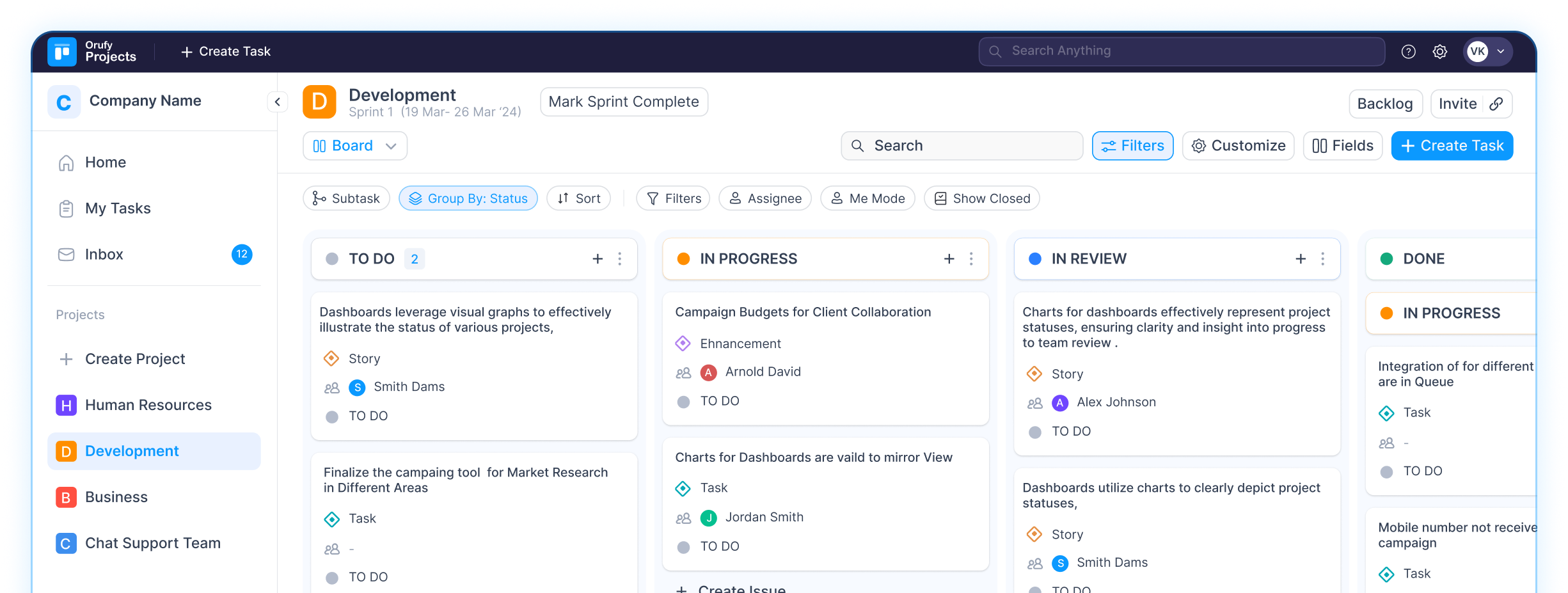
Real-time tracking across projects
Track progress across all projects from a single dashboard.
Customise workflows according to your process
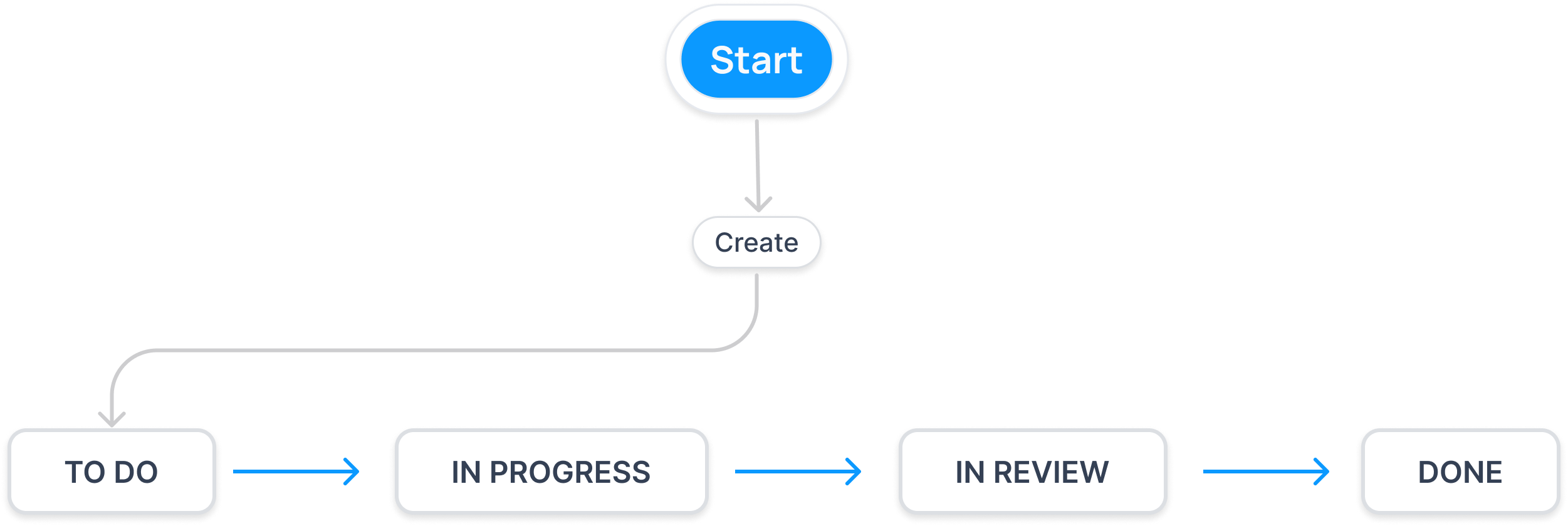
Create workflows that match how your team works.
Keep files, updates and discussions all in one place
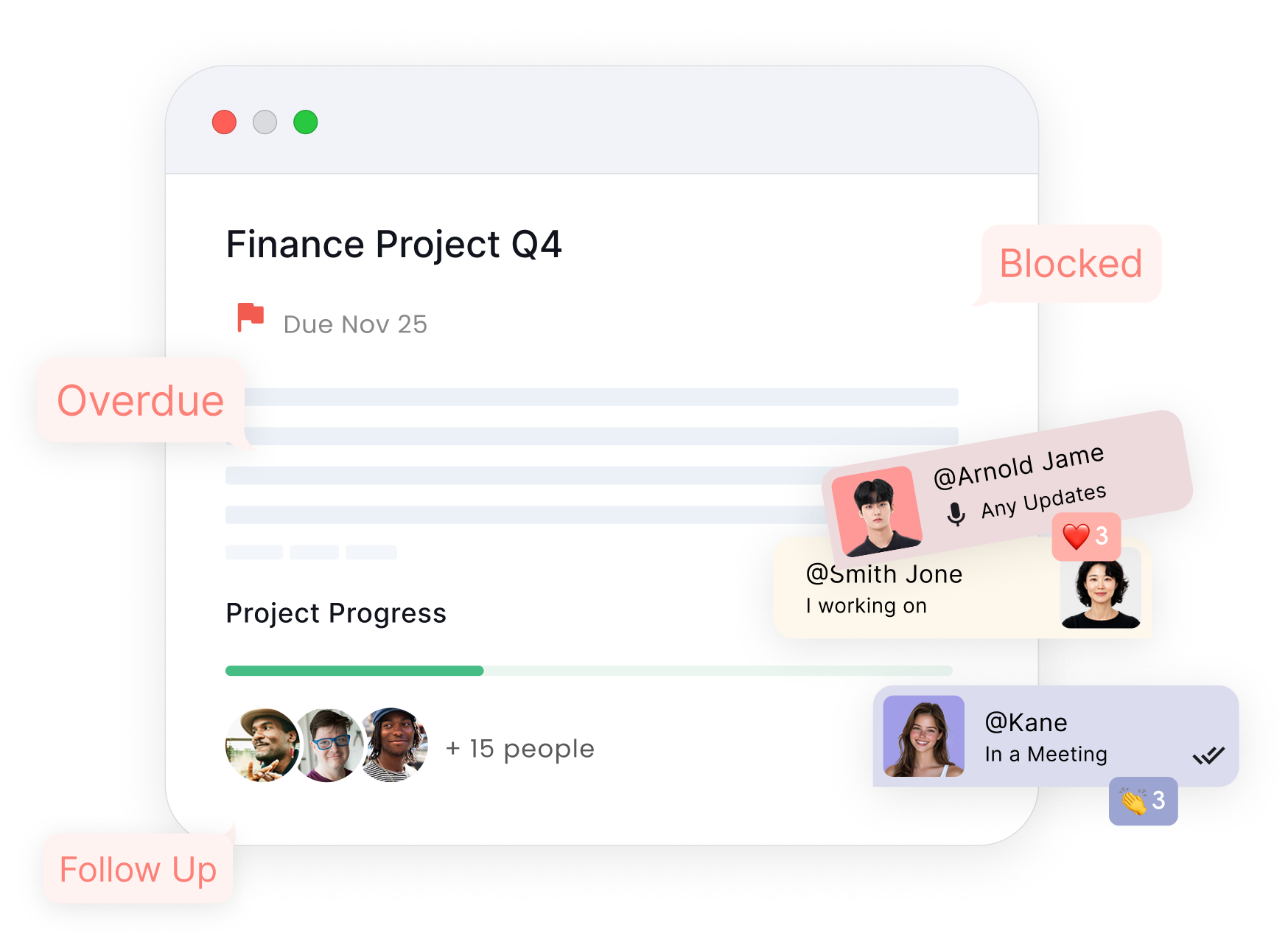
Access files, descriptions, comments, and updates right where the task is created.
Plan sprints that help you commit to results
Plan sprints based on what your team will actually deliver.
Everything You Need In One Place
Manage tasks, timelines, and collaboration in one project management platform build for growing teams.

Plan
Break work into organized tasks, set priorities, and structure your project using Boards, Lists, Calendars & Timelines.

Execute
Assign tasks, update statuses, manage sprints, apply workflows, and ensure work keeps moving smoothly.

Collaborate
Discuss work inside tasks, share files, add comments, tag teammates, and track every update in one place.

Deliver
Track progress through dashboards, resolve blockers, monitor workloads, and deliver projects on time with confidence.
Smart Features for Modern Teams
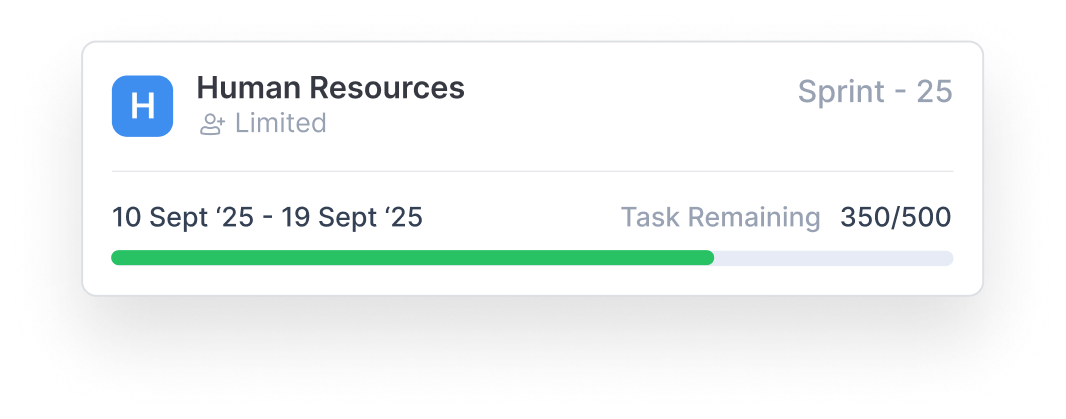
Sprint Planning
Plan sprints easily with organised tasks, clear tracking, and team alignment.
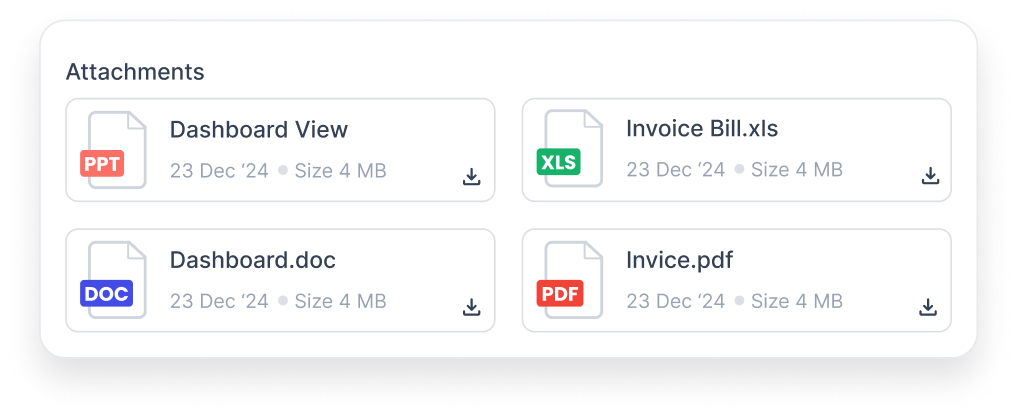
File Attachments
Keep all project files organised, accessible, and stored in one place.
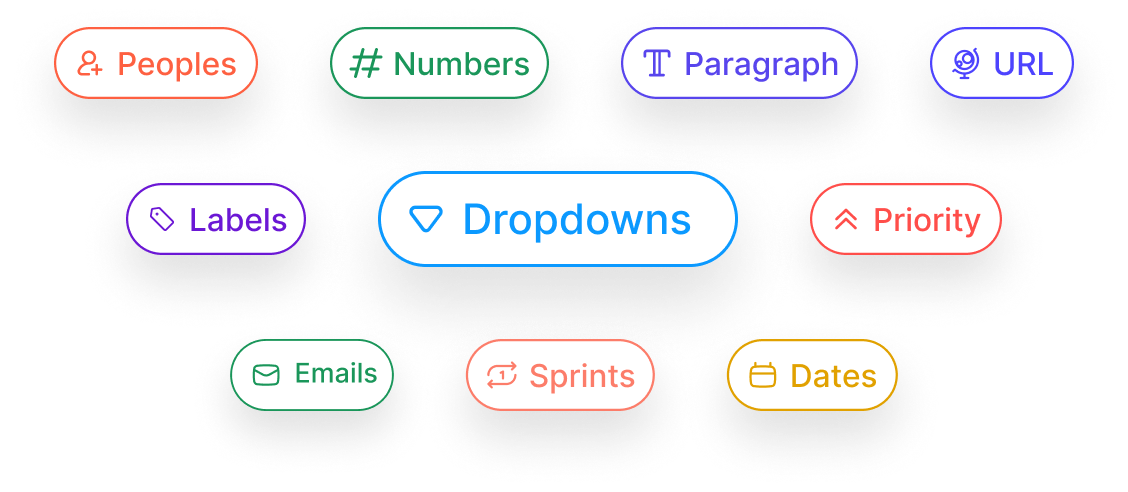
Custom Fields
Create task types like Task, Bug, or Feature to match your workflow.
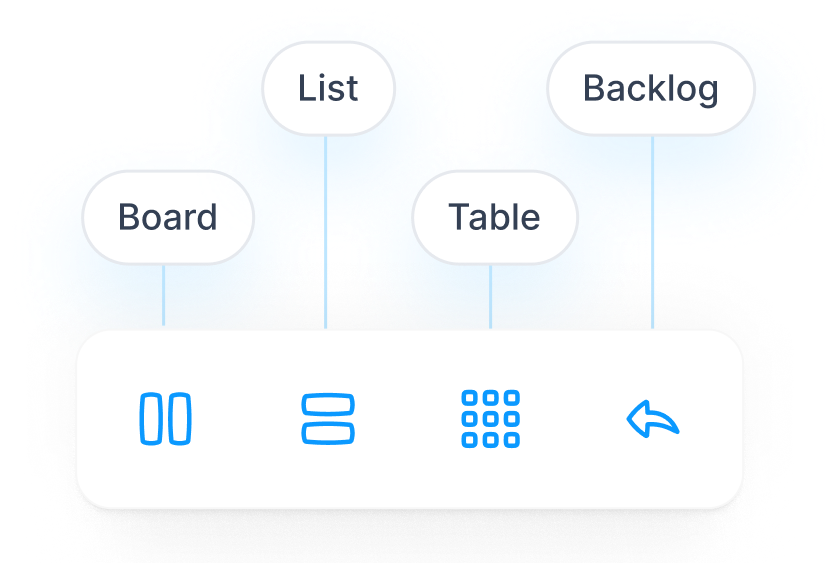
Multiple views
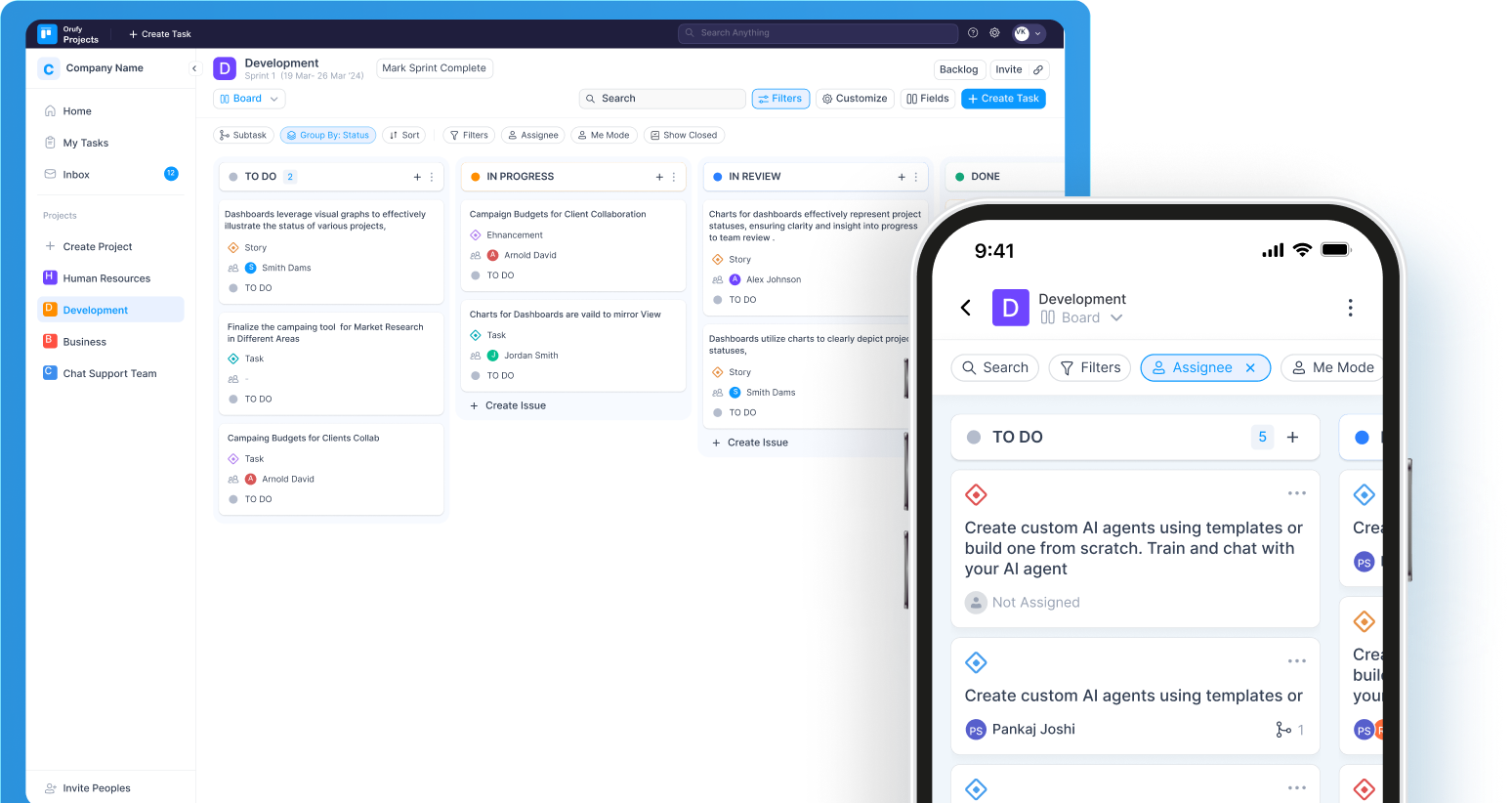
Switch between Board, List, Table, and Backlog to view work your way.
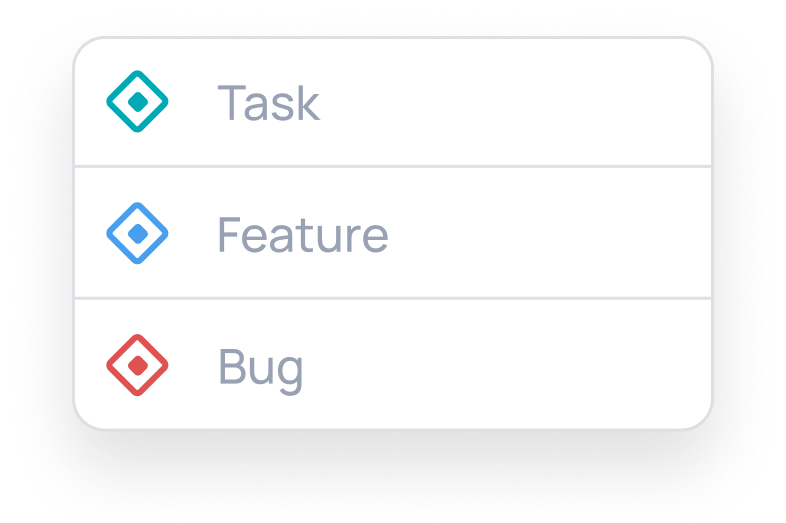
Custom Task Types
Create task types like Task, Bug, or Feature to match your workflow.
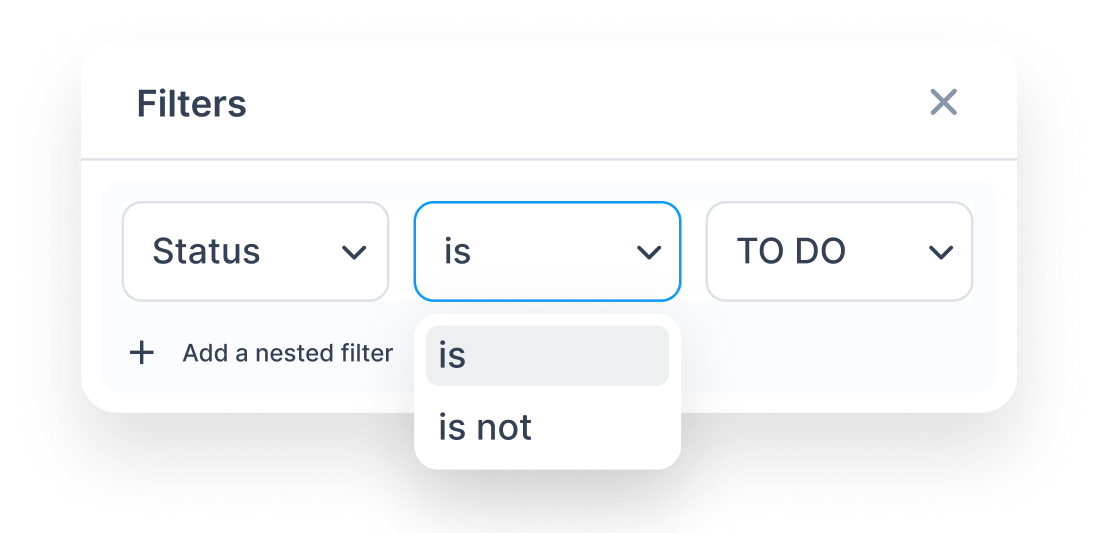
Advance Filter
Use conditions and nested rules to quickly filter and find what you need.
Works for Every Team - From Startups to Scale Ups
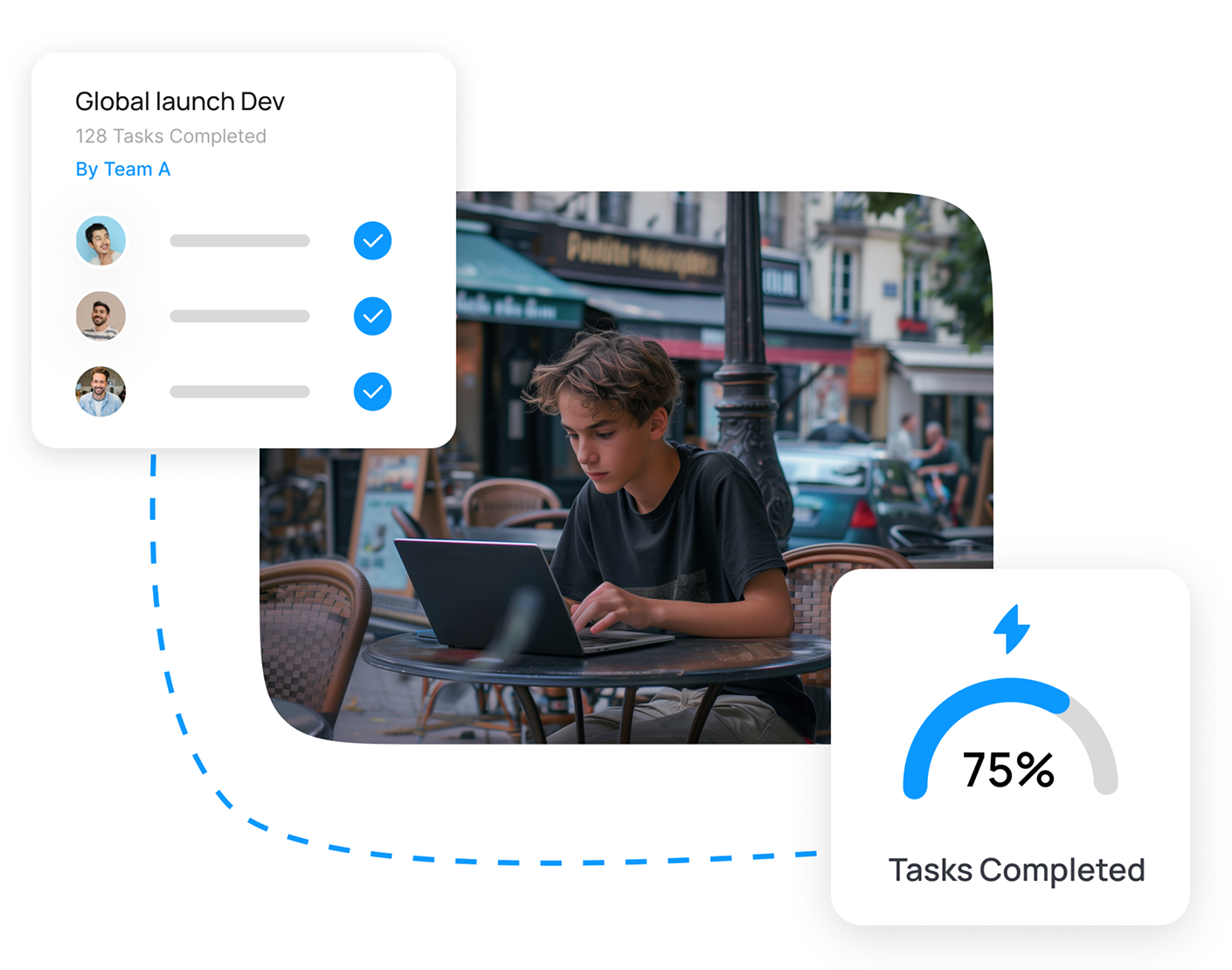
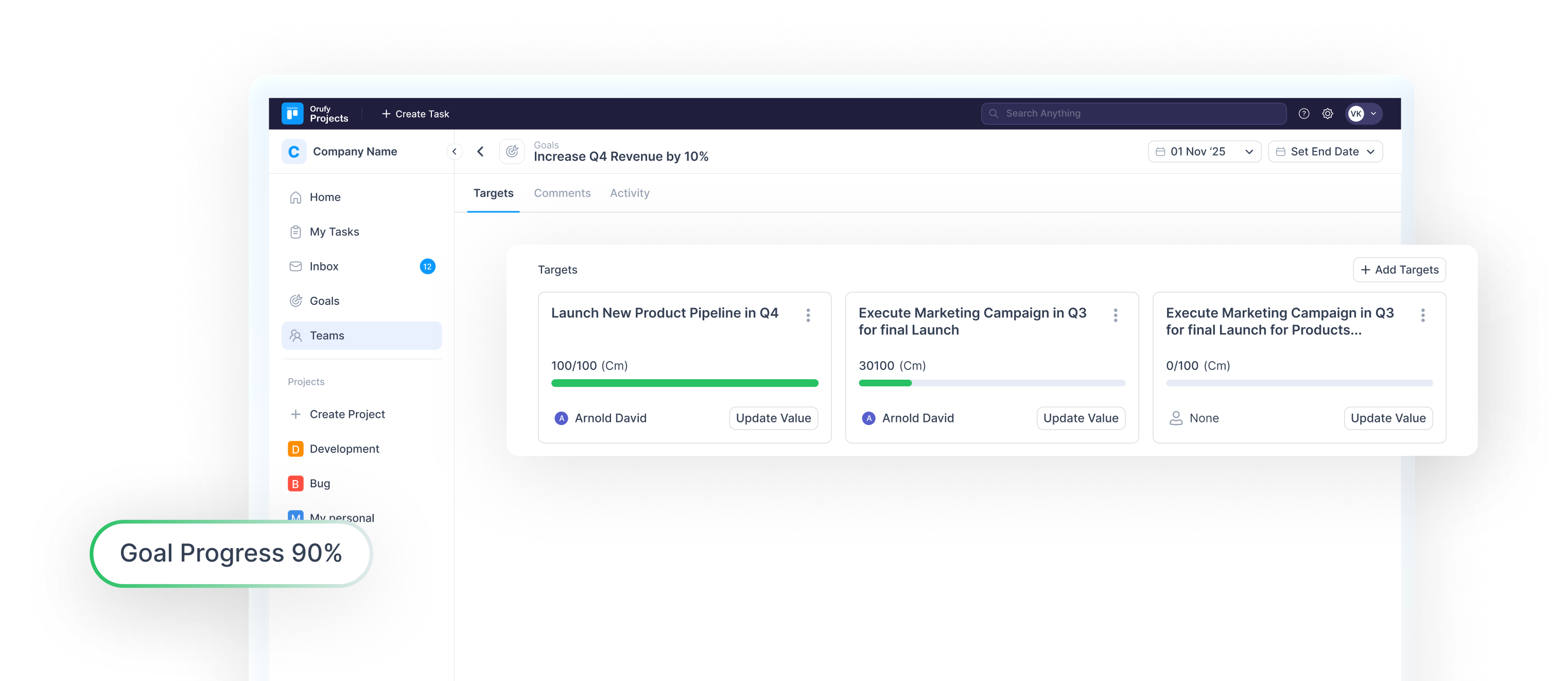
Set Goals. Align Better. Achieve Faster.
One Central Workspace
Effective Task Management
Instant Team Alignment
Track Everything
Seamless Collaboration
Let AI Take Care of the Busywork
From writing summaries to generating descriptions and finding tasks—AI handle repetitive work, making project management smoother.
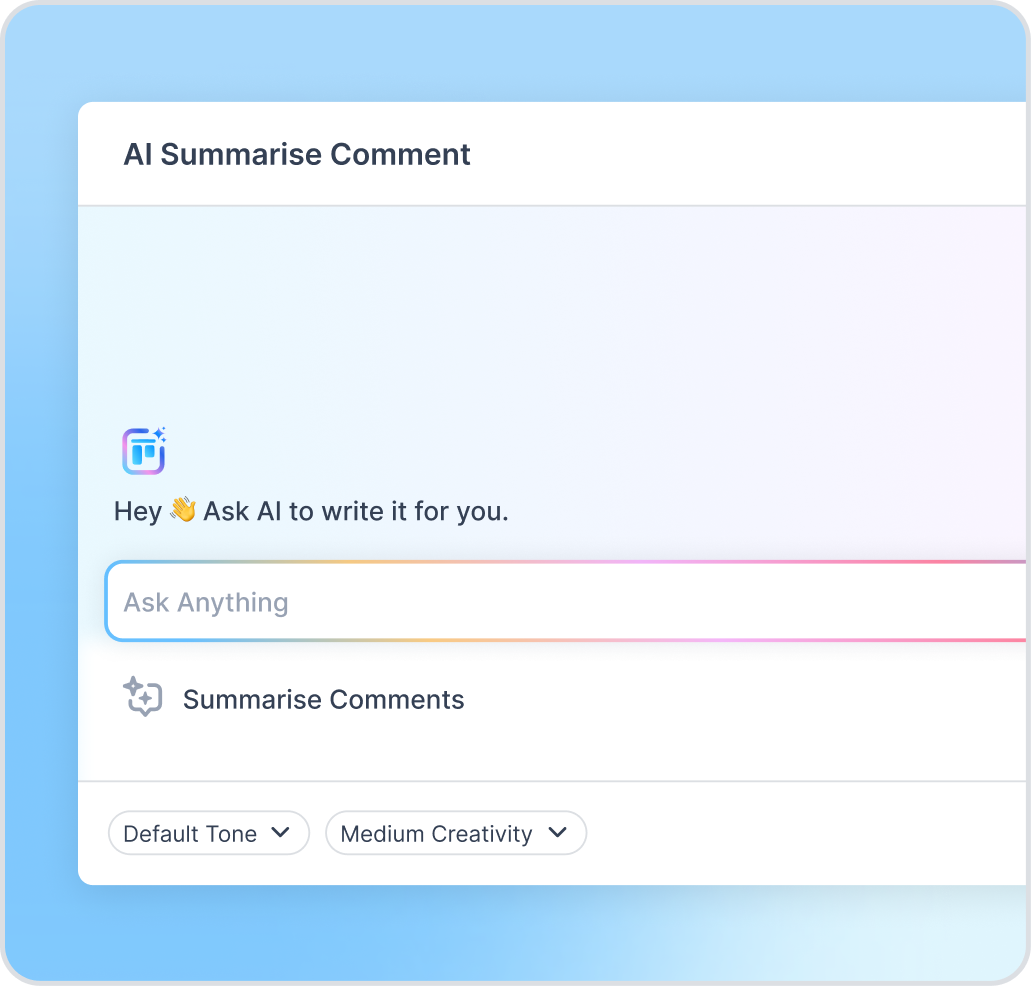
AI - Summary
Instantly summarise long comments or updates into clear, concise points. Stay on top of discussions without reading lengthy threads and ensure quick decision-making.
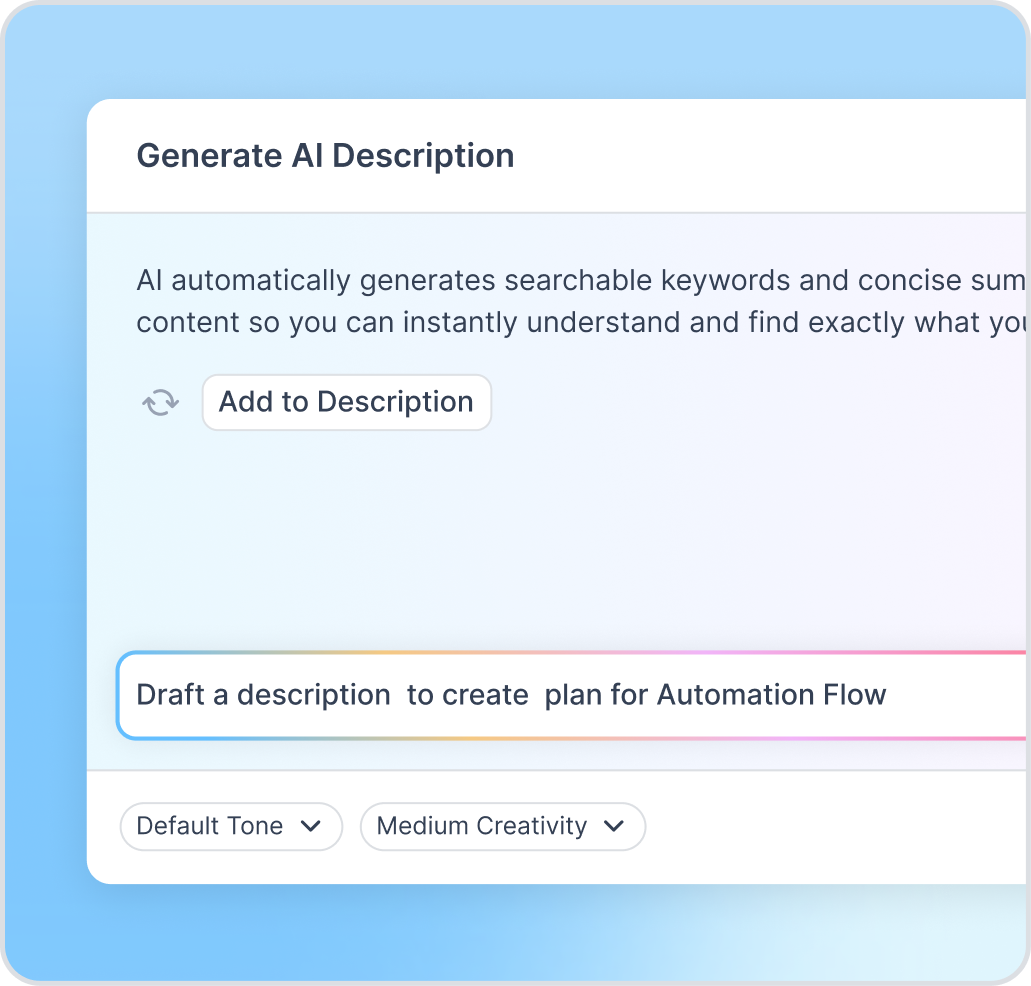
AI - Description
Generate clear, structured task descriptions in seconds. AI turns your rough inputs into polished, searchable content that keeps your projects organised.
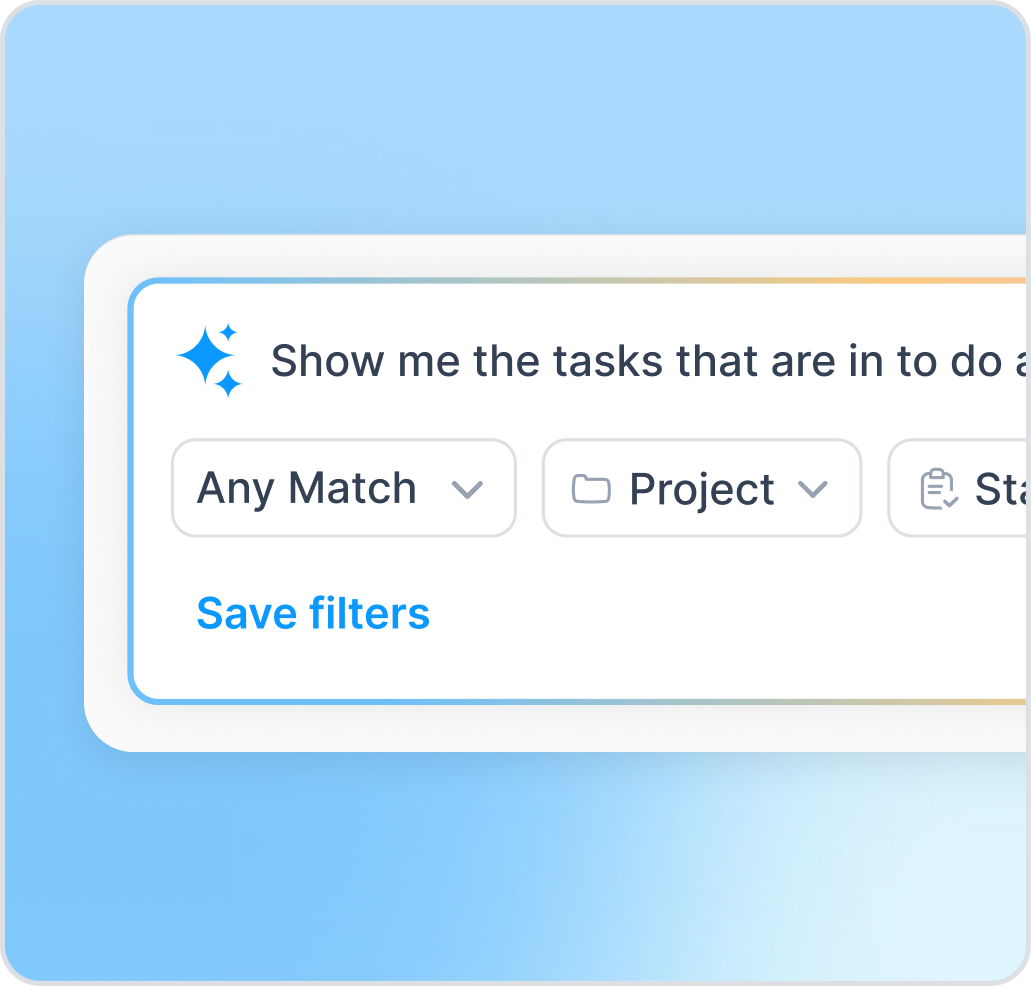
AI - Filters
Find exactly what you need using natural-language filters—type your request and AI turns it into precise conditions.
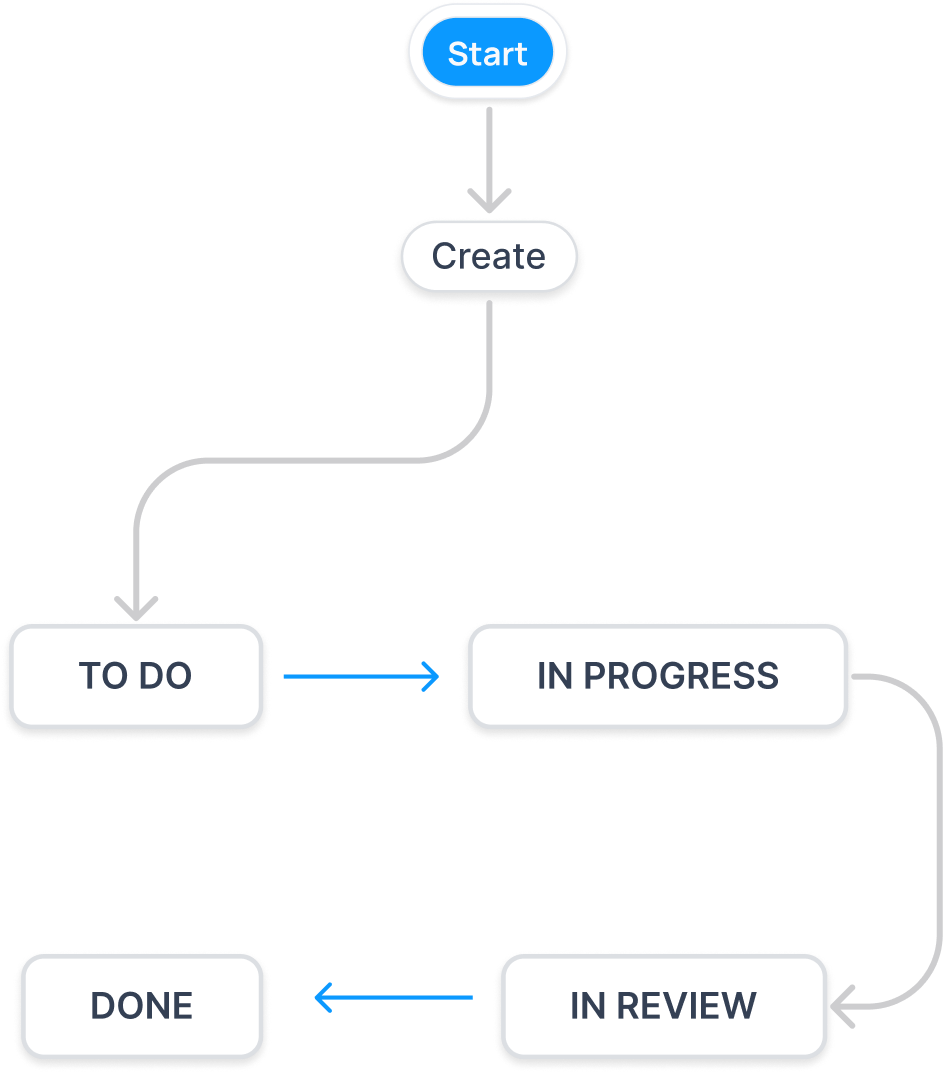
Smart Workflows. Powerful Results.
Build workflows that simplify project management and keep teams aligned.
Why Teams Choose US
Build for Teams. Trusted by Results.
Frequently Asked Questions
Everything your are curious about.
What is Orufy Projects?
What features do free accounts have access to?
Who can use Orufy Projects?
Can I create multiple projects?
Can I customize fields and workflows?
Does it support team collaboration?
Can I track task progress across projects?
Does Orufy Projects support agile workflows?
Can I upgrade my plan later?
How do I get started with Orufy Projects?