Due Date
November, 2025
The Due Date feature will make it easier to control the tasks that the user has to do more accurately and conveniently. Users are able to set a certain deadline and a definite time for every task, which guarantees well-defined deadlines. The feature also gives visual indications to better understand: when the due date and time are over, the date is also in red, indicating that the task is already behind schedule; when the deadline is close, the date is in yellow, as well as when the task is done, it automatically changes to green.
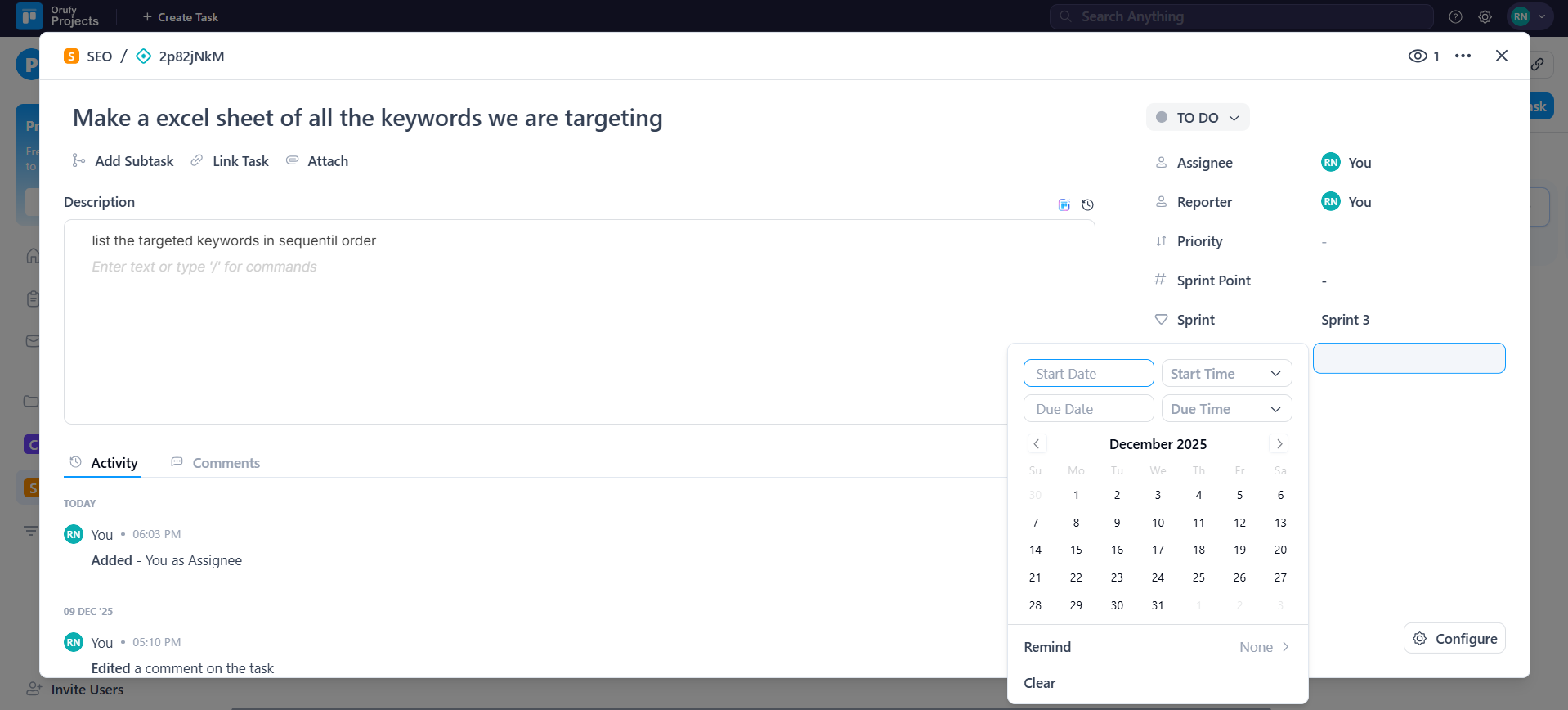
There is a Clear option, where a user can immediately delete the due date and start date as required. This can make it flexible and thus a timely alert to handle the task efficiently.
-
Consistent deadline tracking improves accuracy for future projects.
-
Clear visibility of the deadlines reduces burden and uncertainty.
-
Prescient alerts reduce the chances of skipping the tasks.
-
Teams can view the deadlines and adjust the tasks accordingly.
-
Before alerts signal to prevent work from piling up close to the due dates.