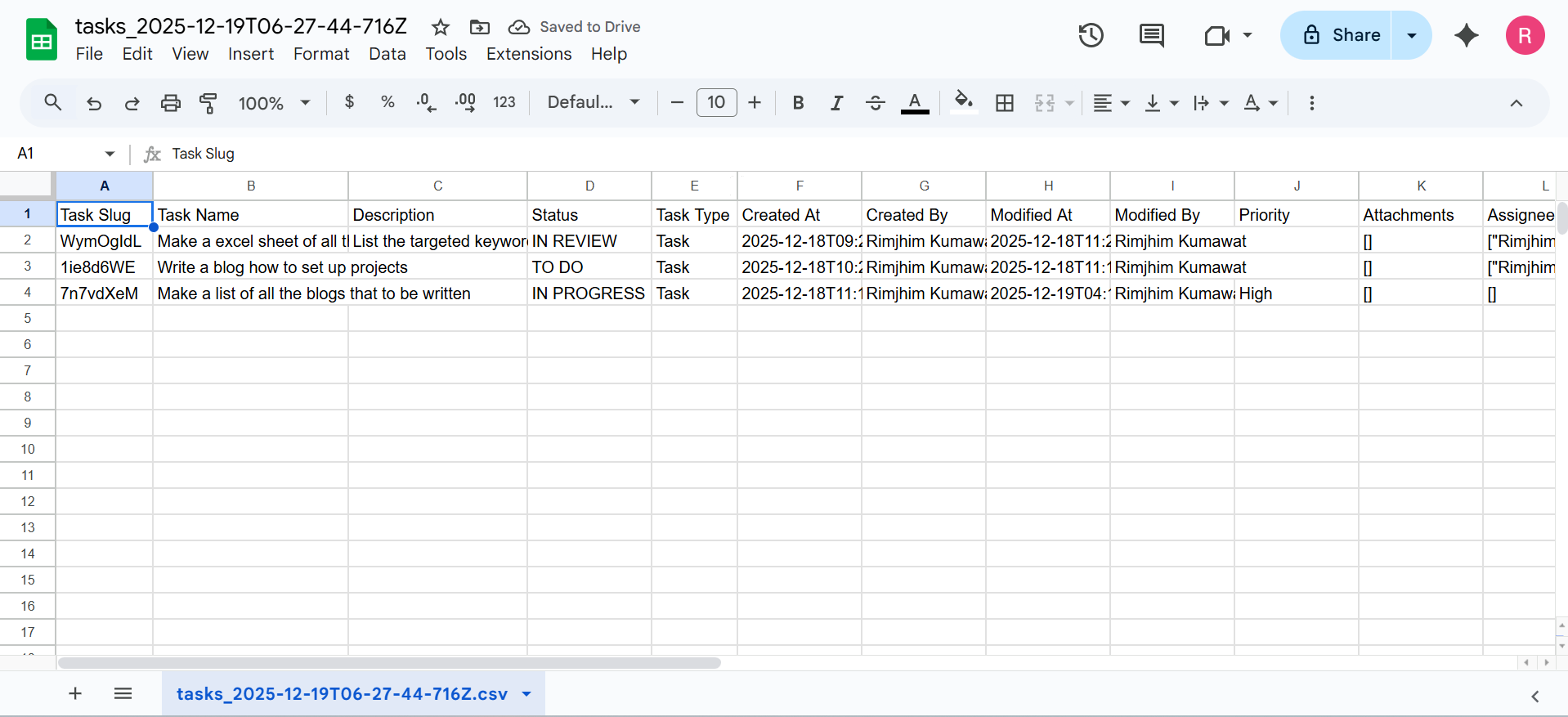
You can export all the tasks from an existing project at once. This makes it easier to view, manage, and analyze tasks using spreadsheet tools.
How to Export Tasks from a Project
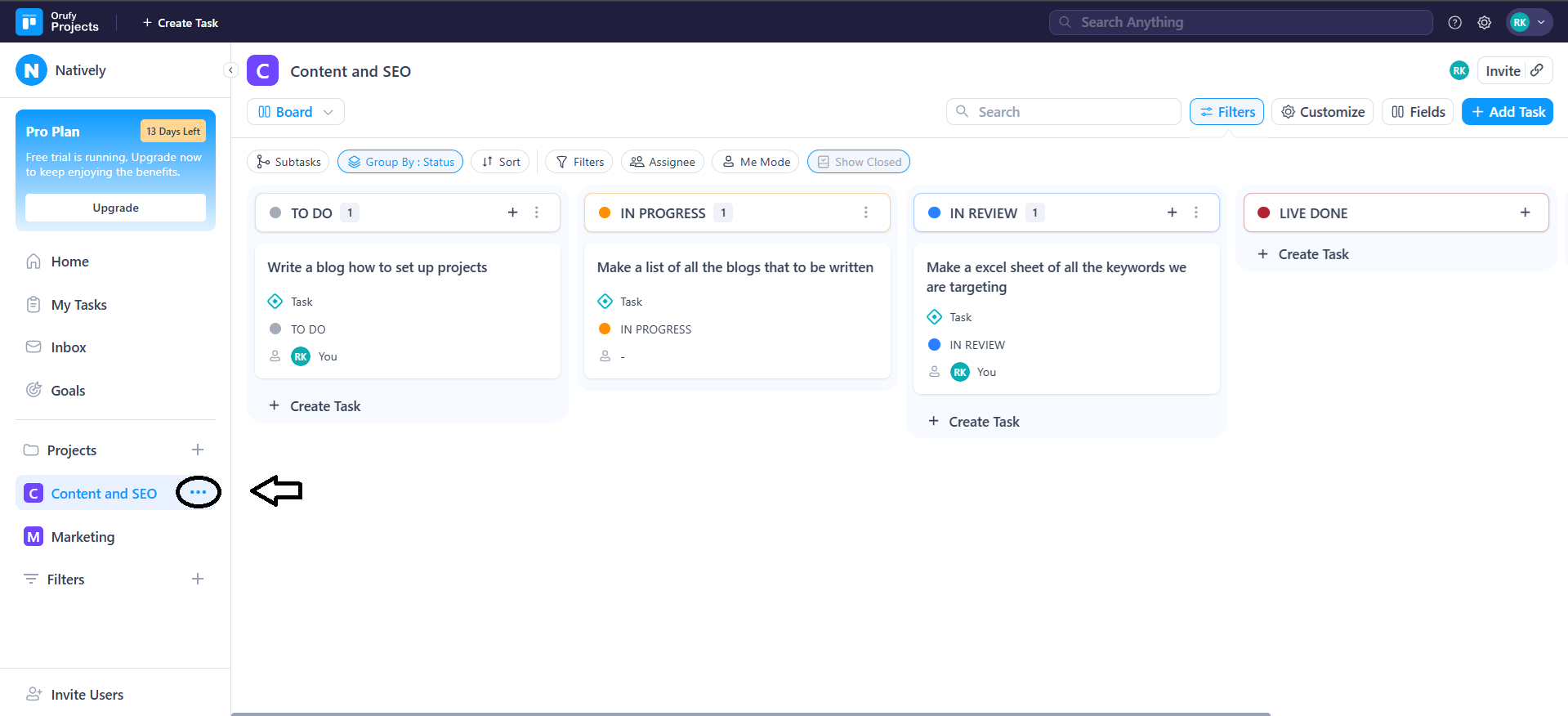
- Go to More Options of the project whose tasks you want to export.
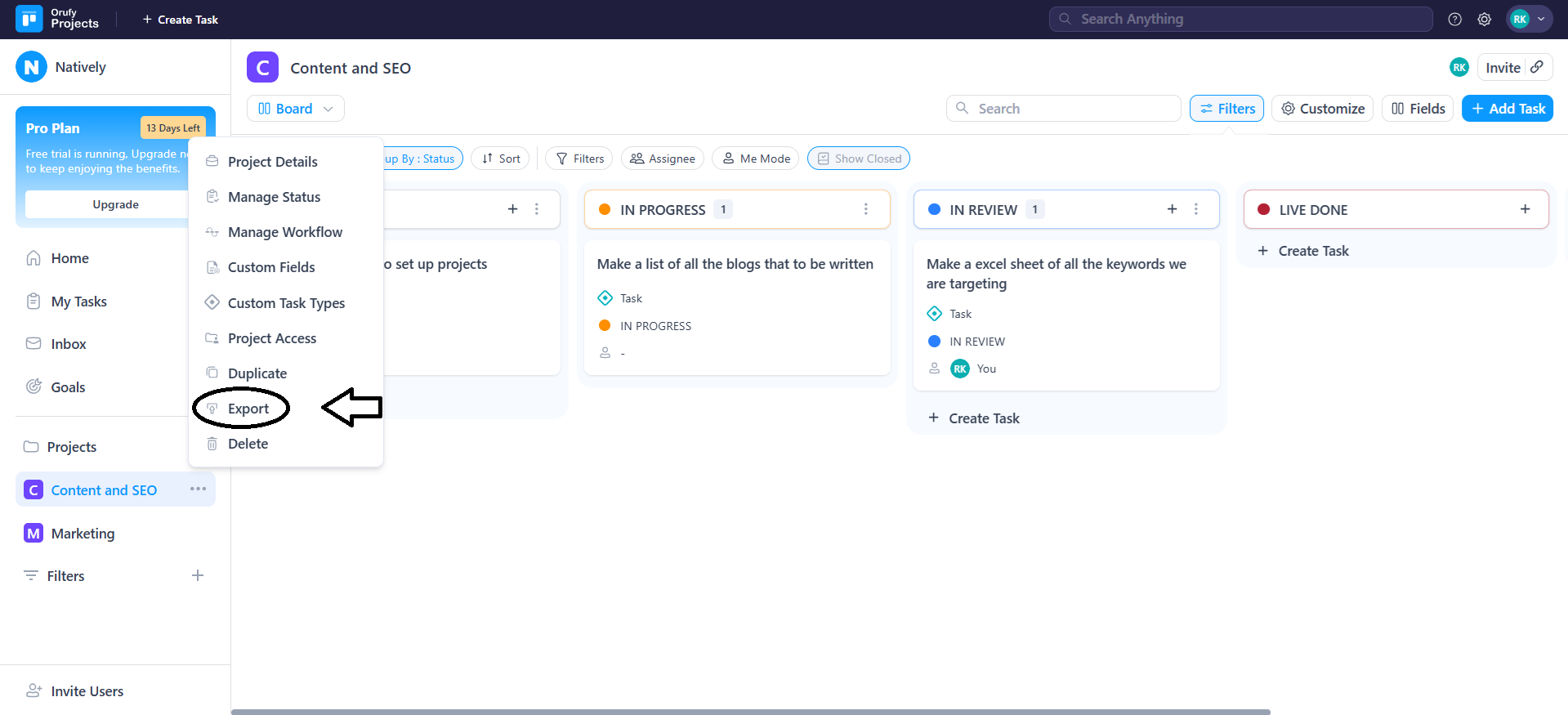
- In the drop-down menu, select Export.
-
As you click on Export, all the tasks from that project will be exported automatically.
-
A CSV file containing all the project tasks will be downloaded to your system.