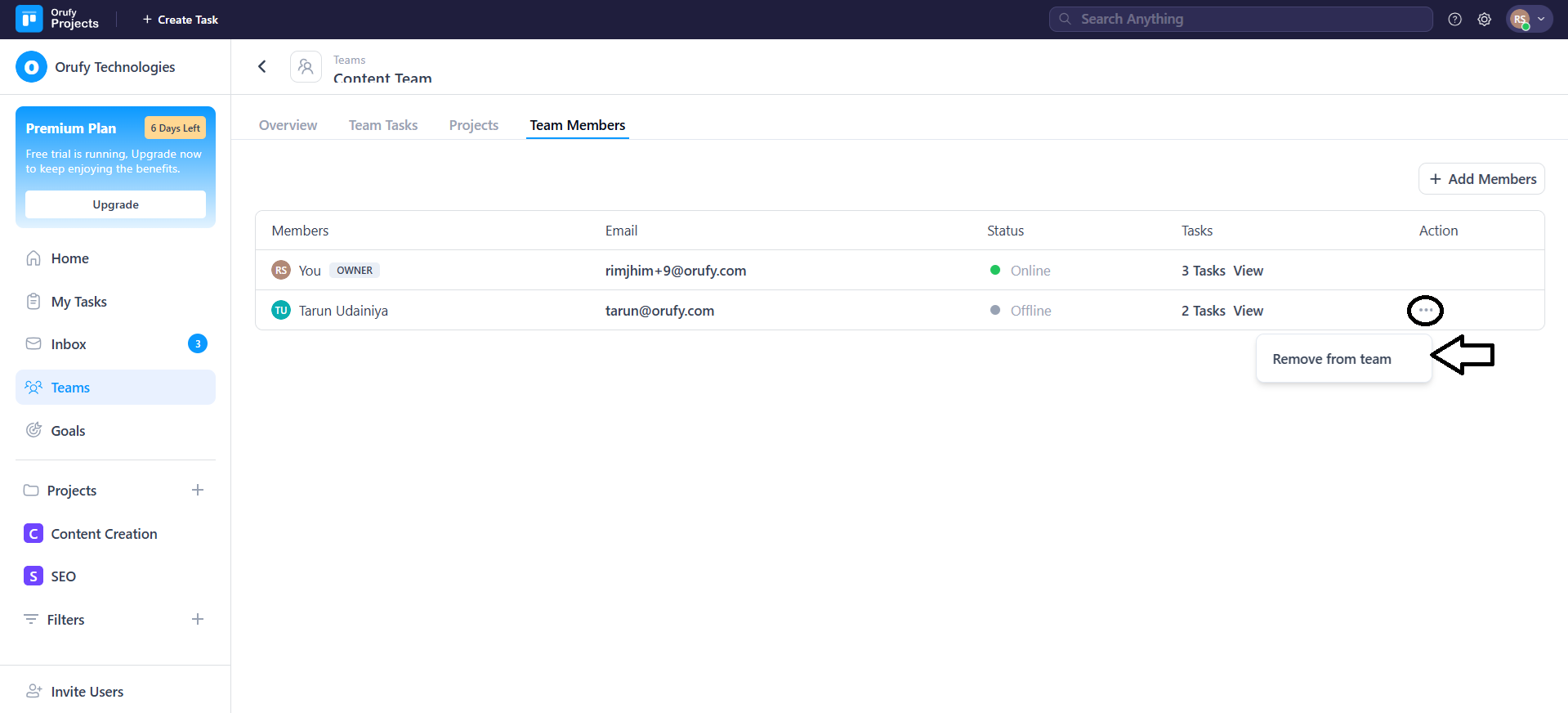
Team Members
This tab shows everyone who is part of the team. It helps manage and access their participation.
How to add a member to a team
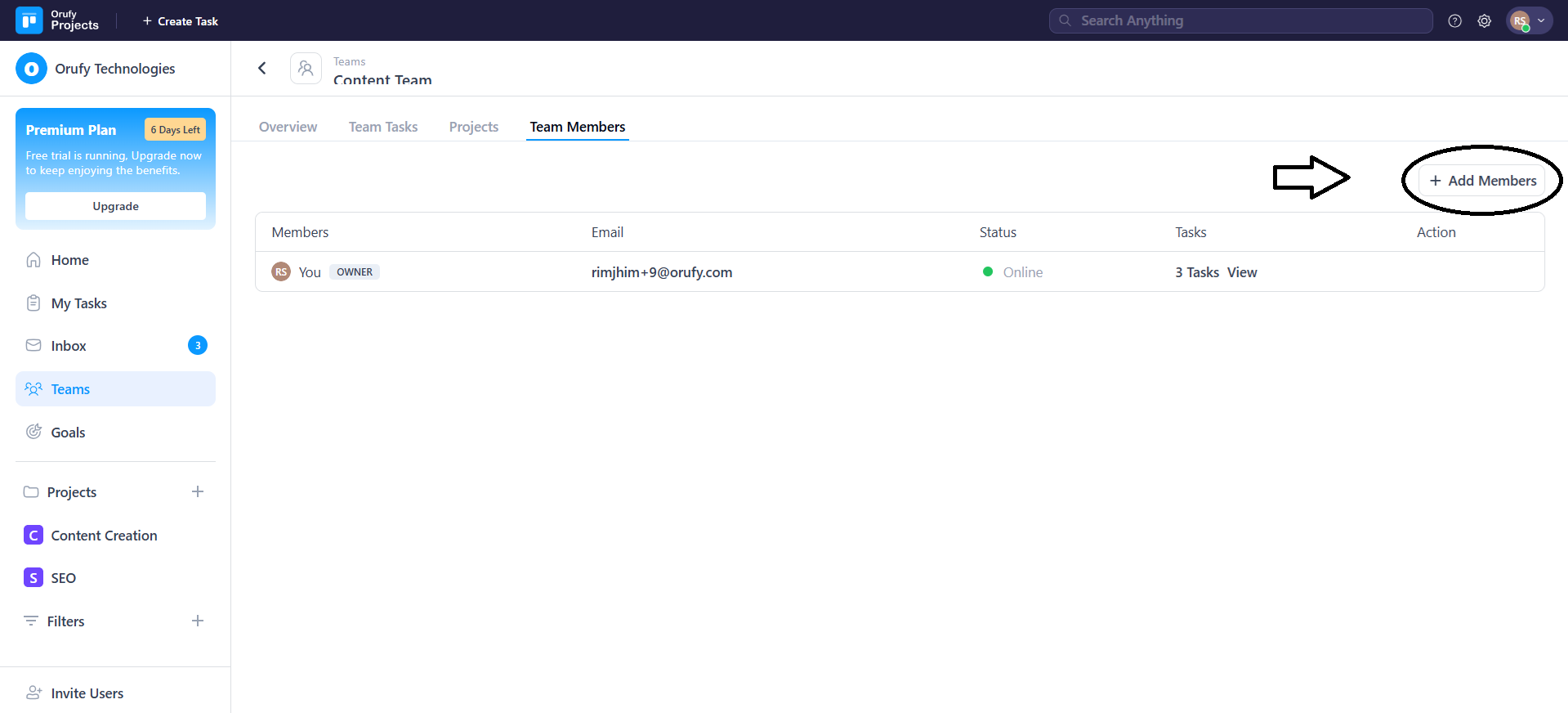
- Click on + Add Member.
- A drop-down of all the members across projects will appear.
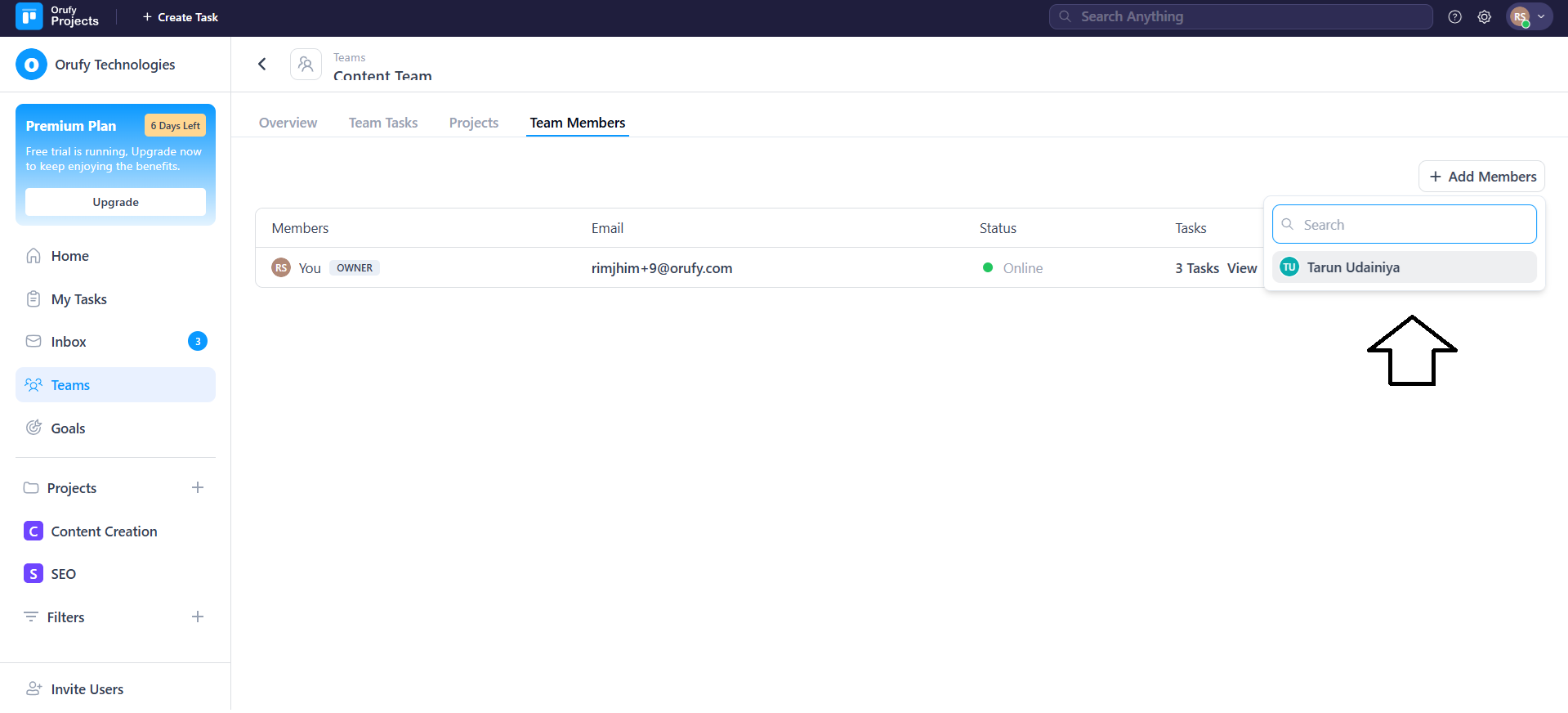
-
Select the member you want to add to that team.
-
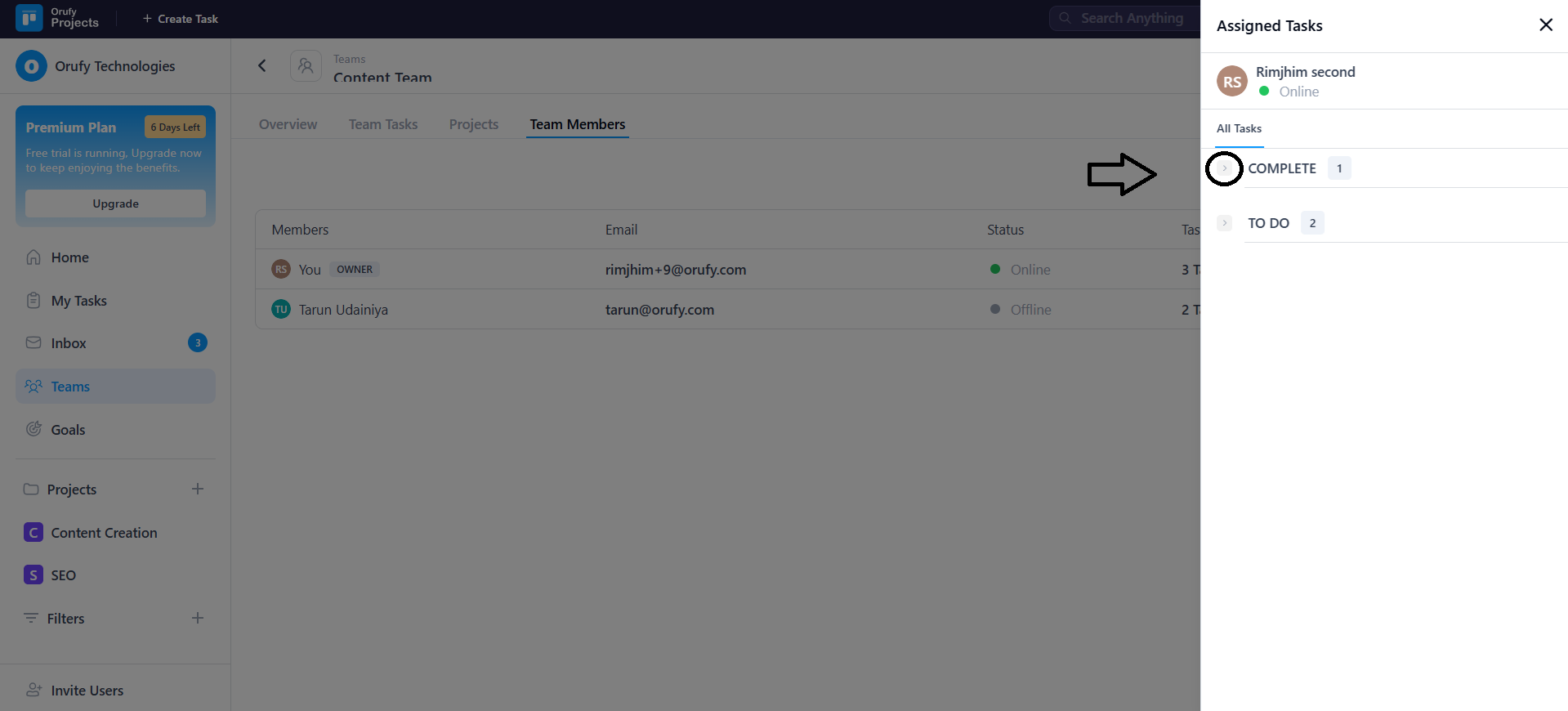
Clicking on View in the Tasks field, you can view all the accessible tasks assigned to a team member.
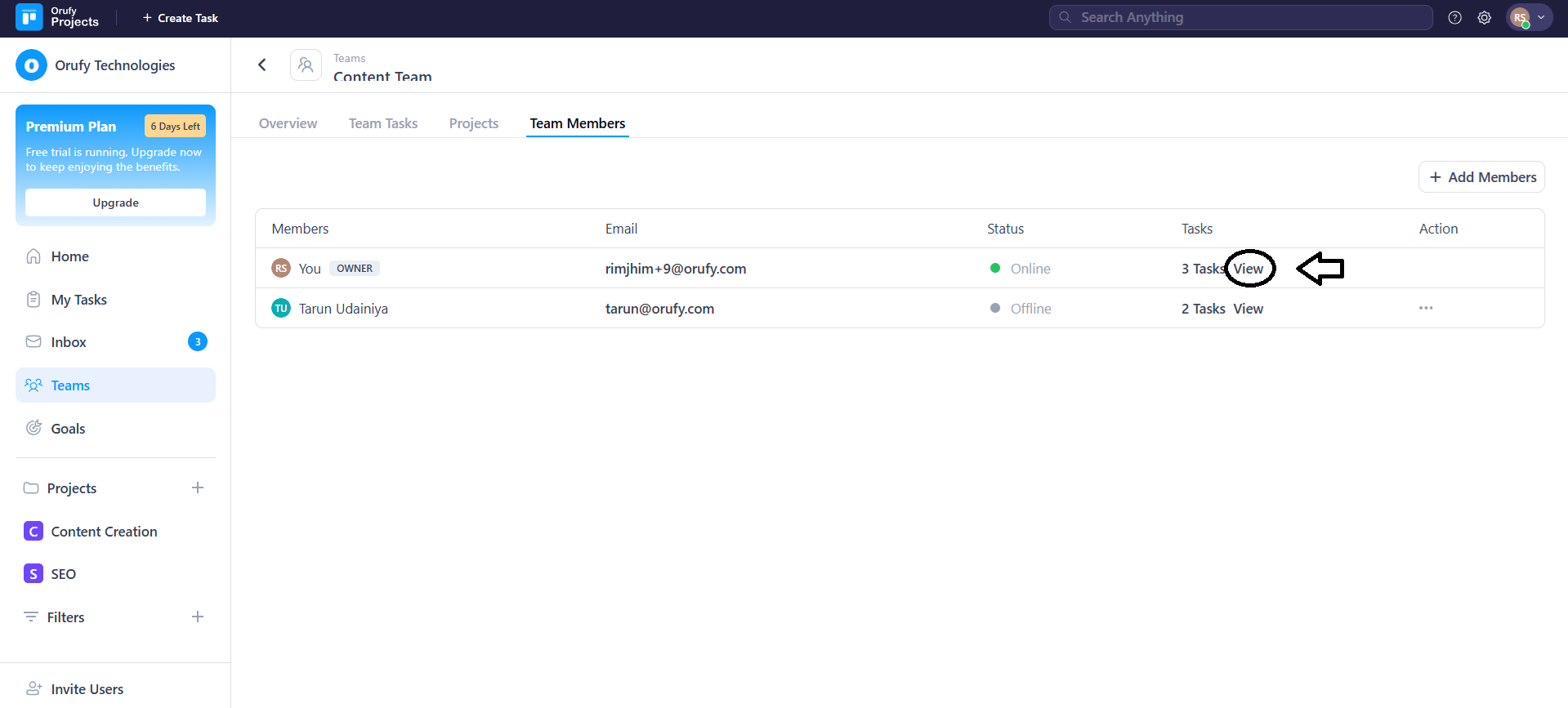
Click on the arrow to view the task.
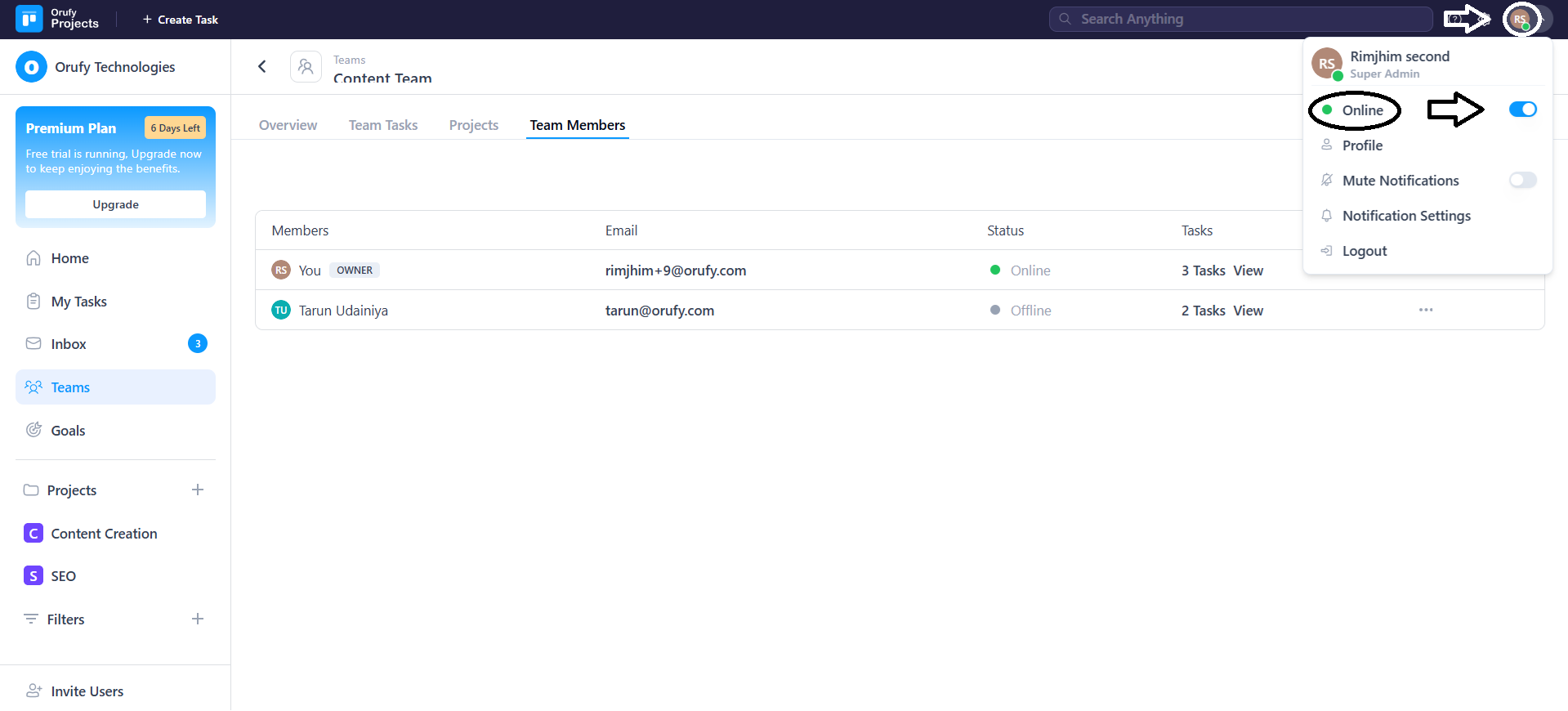
- Click on the Profile to control the status in a team. You can set the status to online or offline as per your work.
- You can remove a member from the team using More Options in the Action field.