Create a Goal
Follow the steps to create a goal and start tracking its progress.
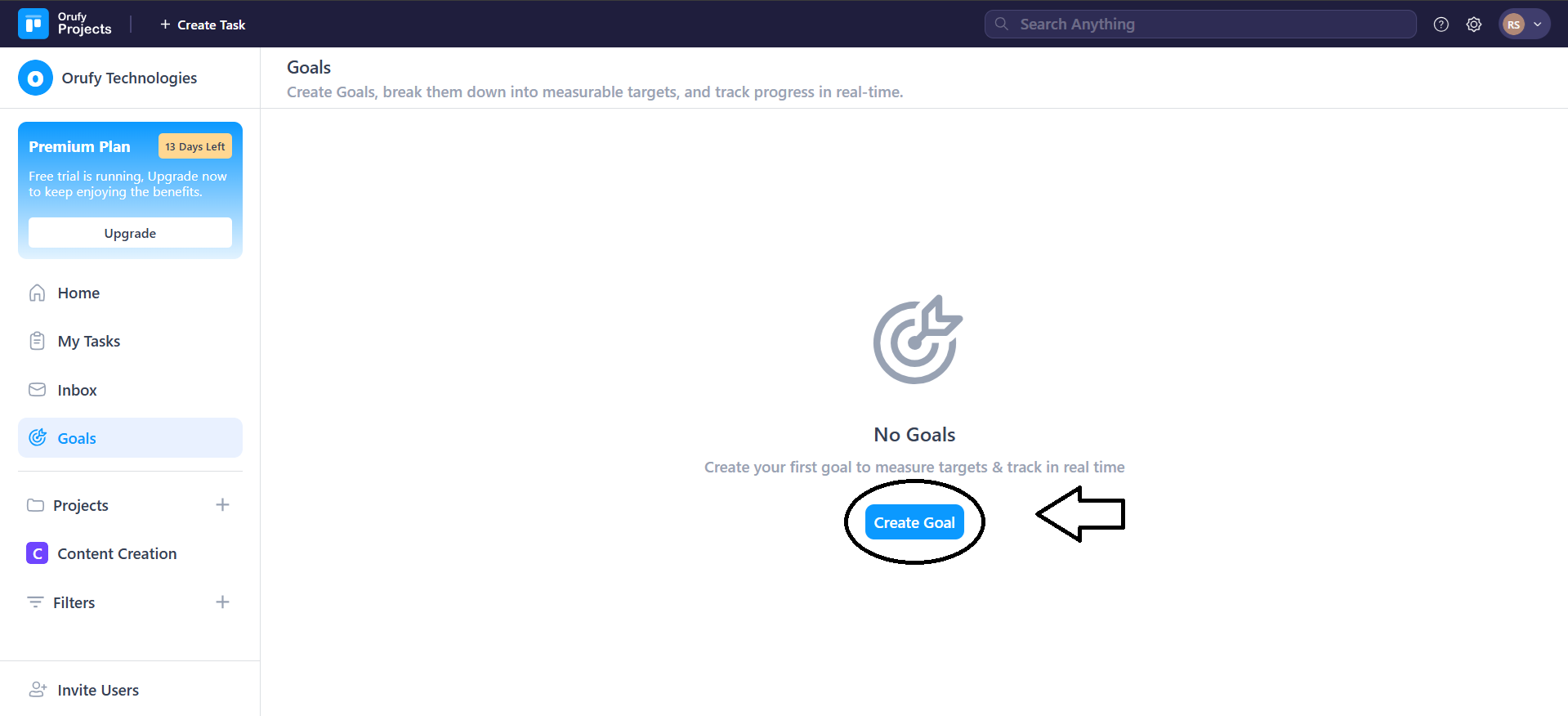
1. Click on Create Goal.
2. Enter Goal Details.
-
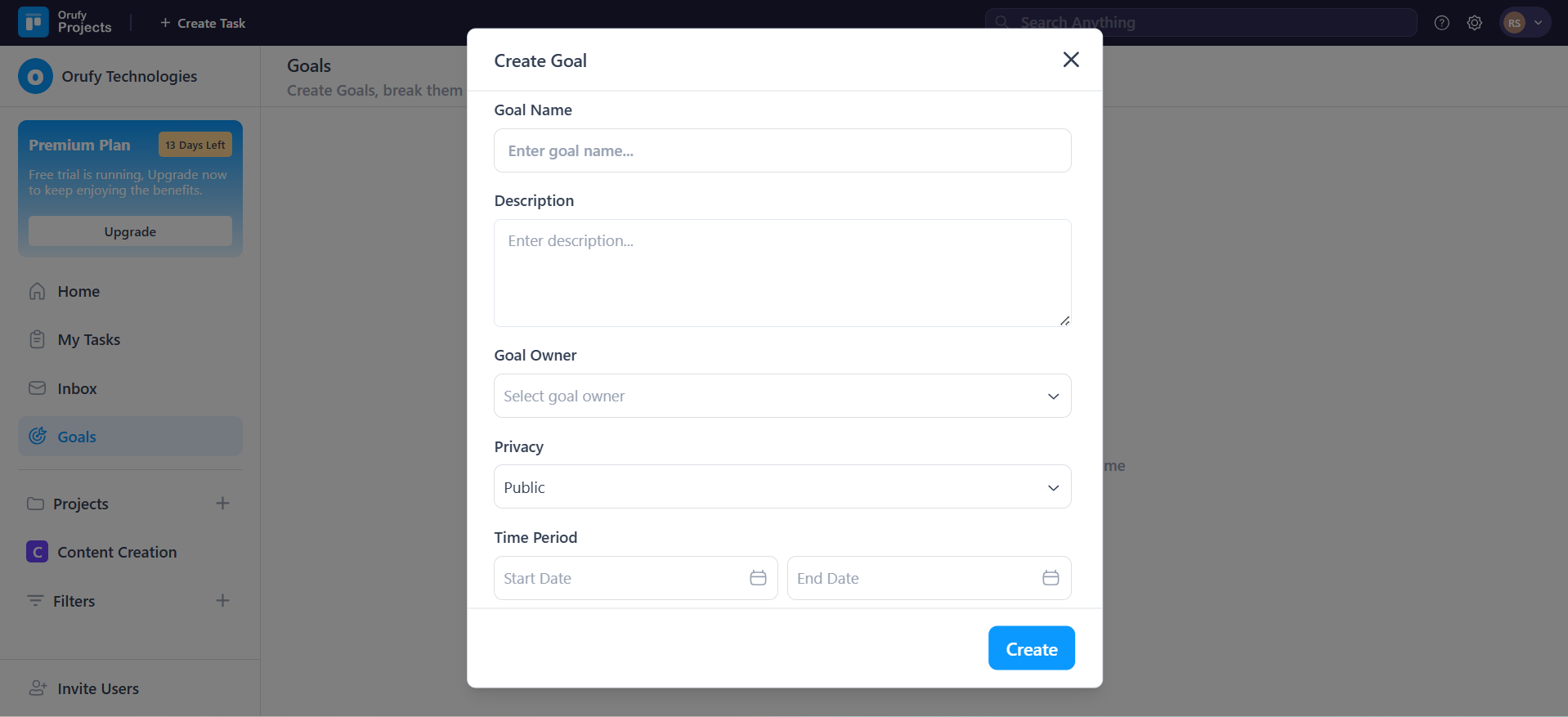
Goal Name: Enter the title of your goal.
-
Description: Enter the additional details about the goal.
-
Goal Owner: The person who created and is tracking the goal.
-
Privacy: It controls whether the goals will be visible.
- Public: The goal will be visible to everyone in the company.
- Private: The goal will be either visible to you or selected people.
-
Share with: (when selected privacy as private) You have to select the people from the drop-down to whom the goal will be visible or accessible.
-
Time Period: Select the start and end date of the goal.
-
You can edit the description of the Goal from the Edit icon.
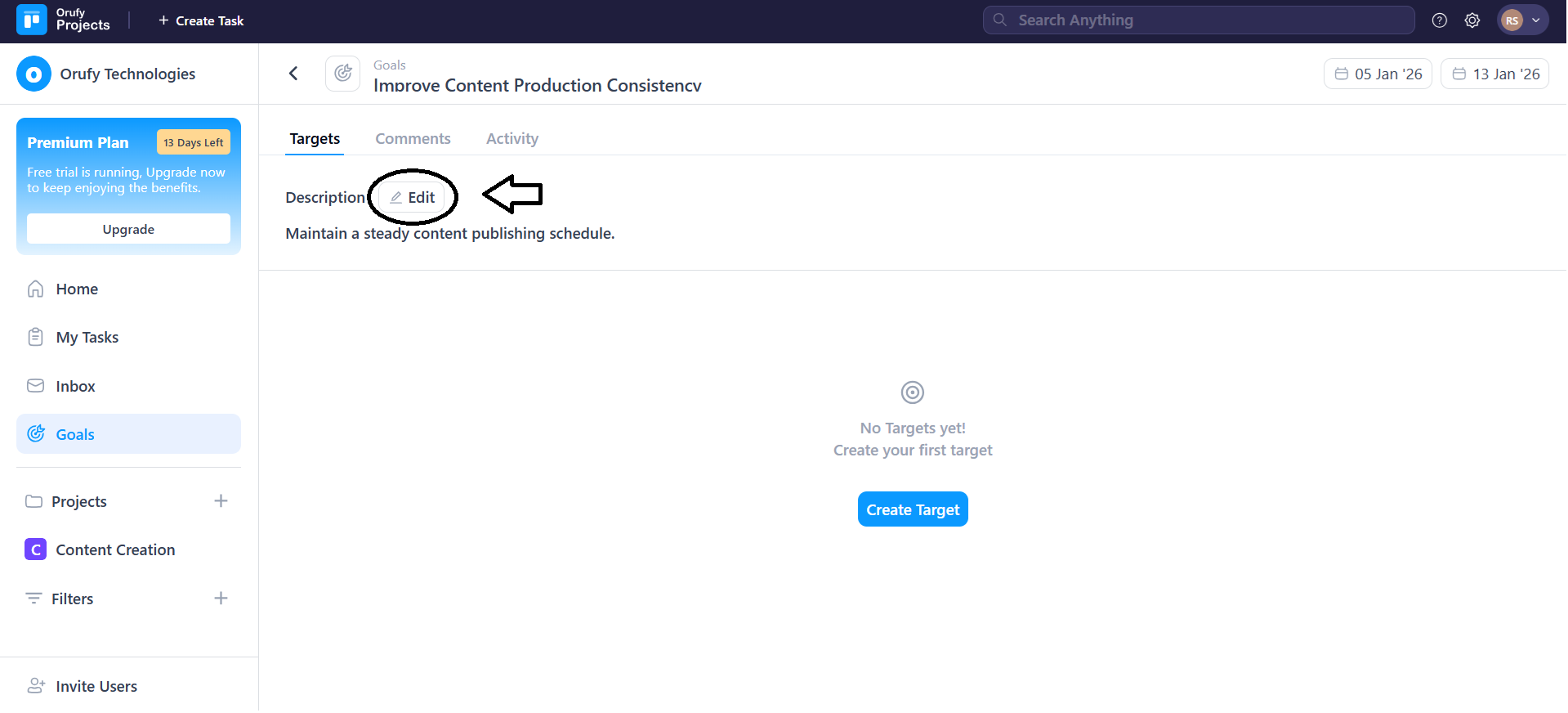
- You can also edit the start and end date of the goal by clicking on them.
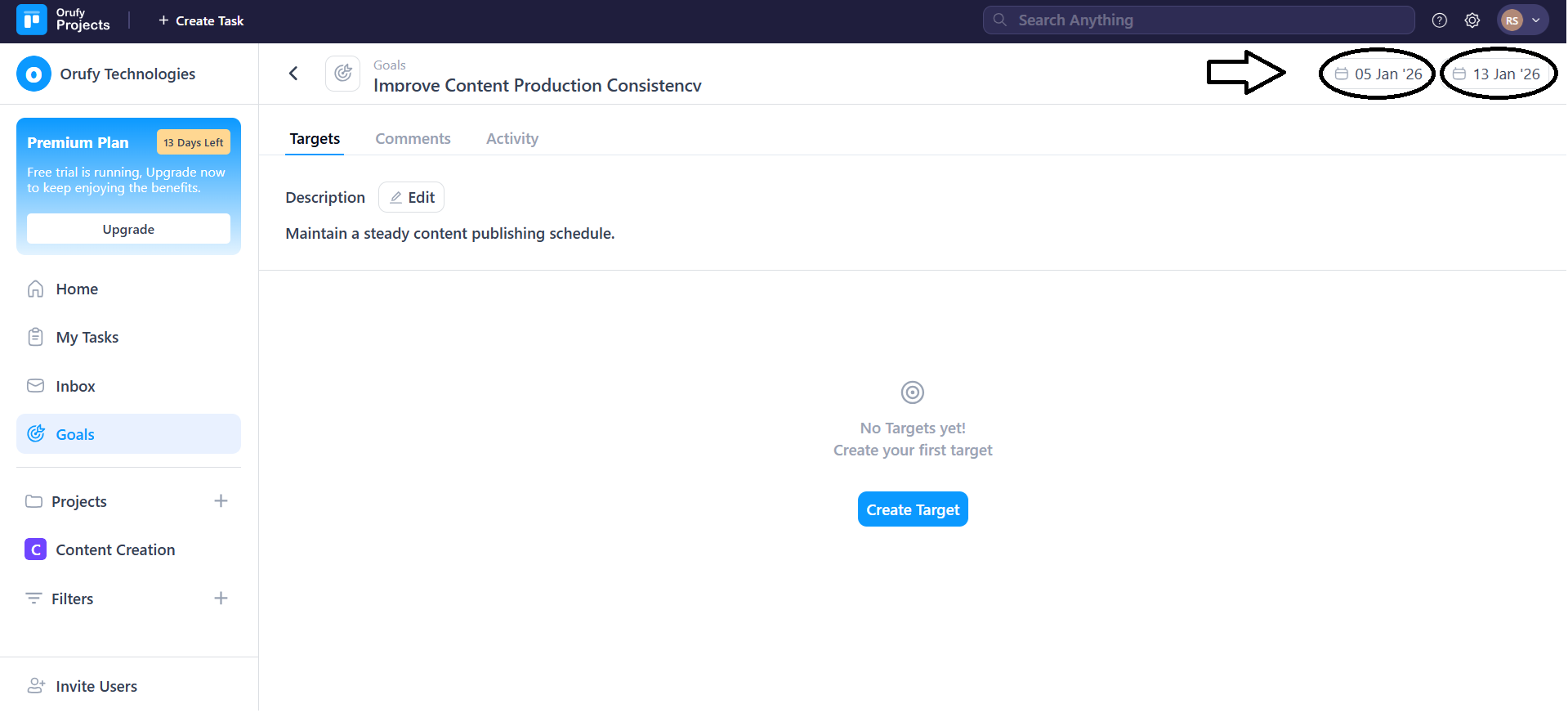
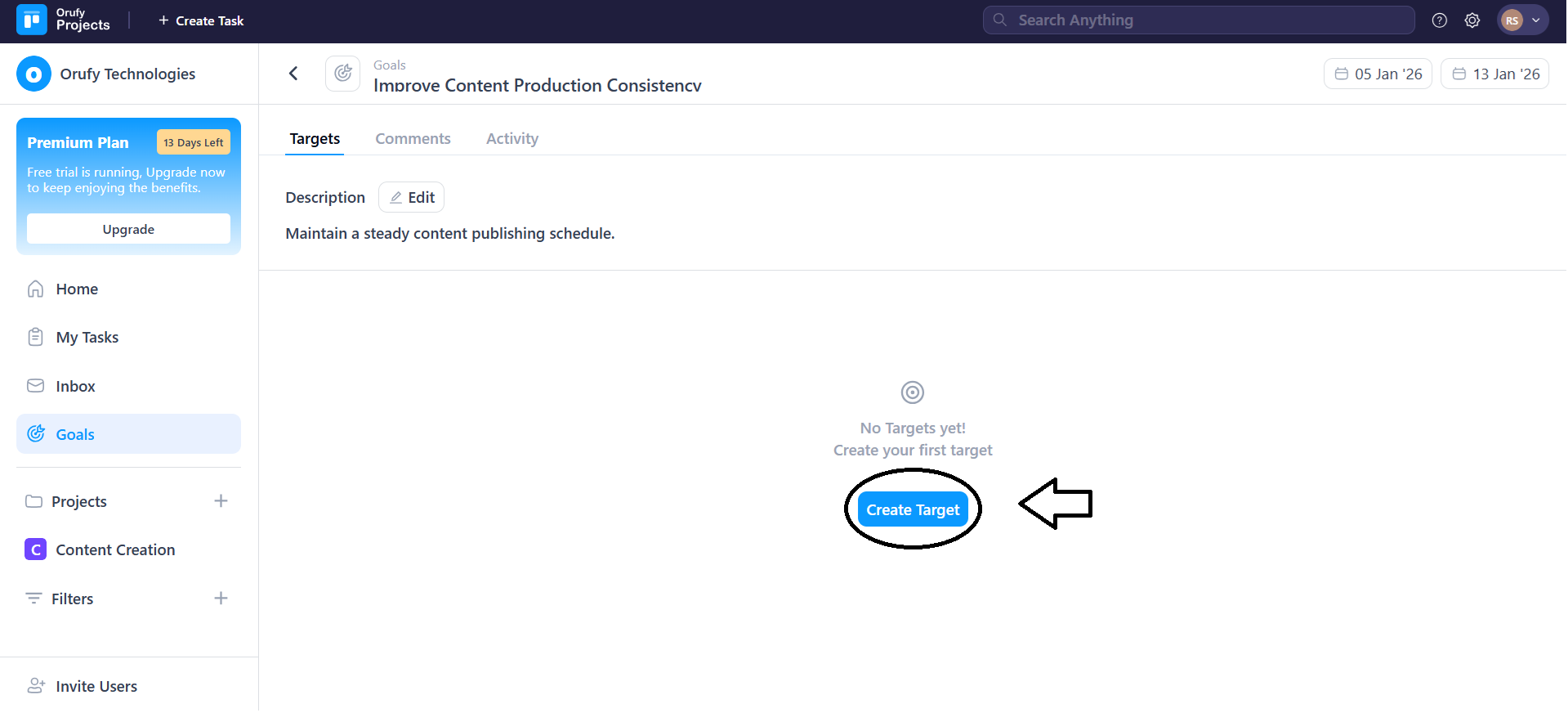
Click on Create Target to start creating targets for a goal.