
Overview
This tab provides a complete overview of the team.
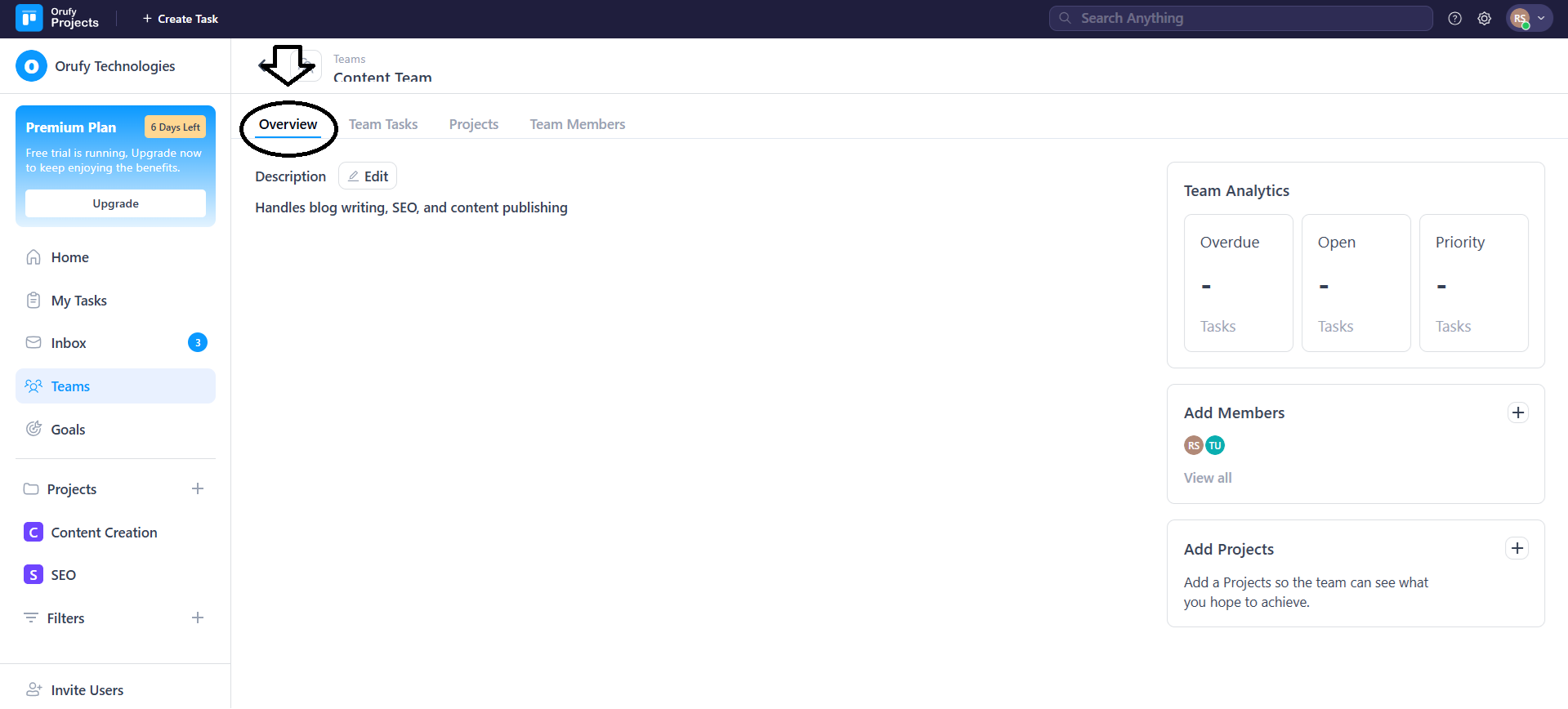
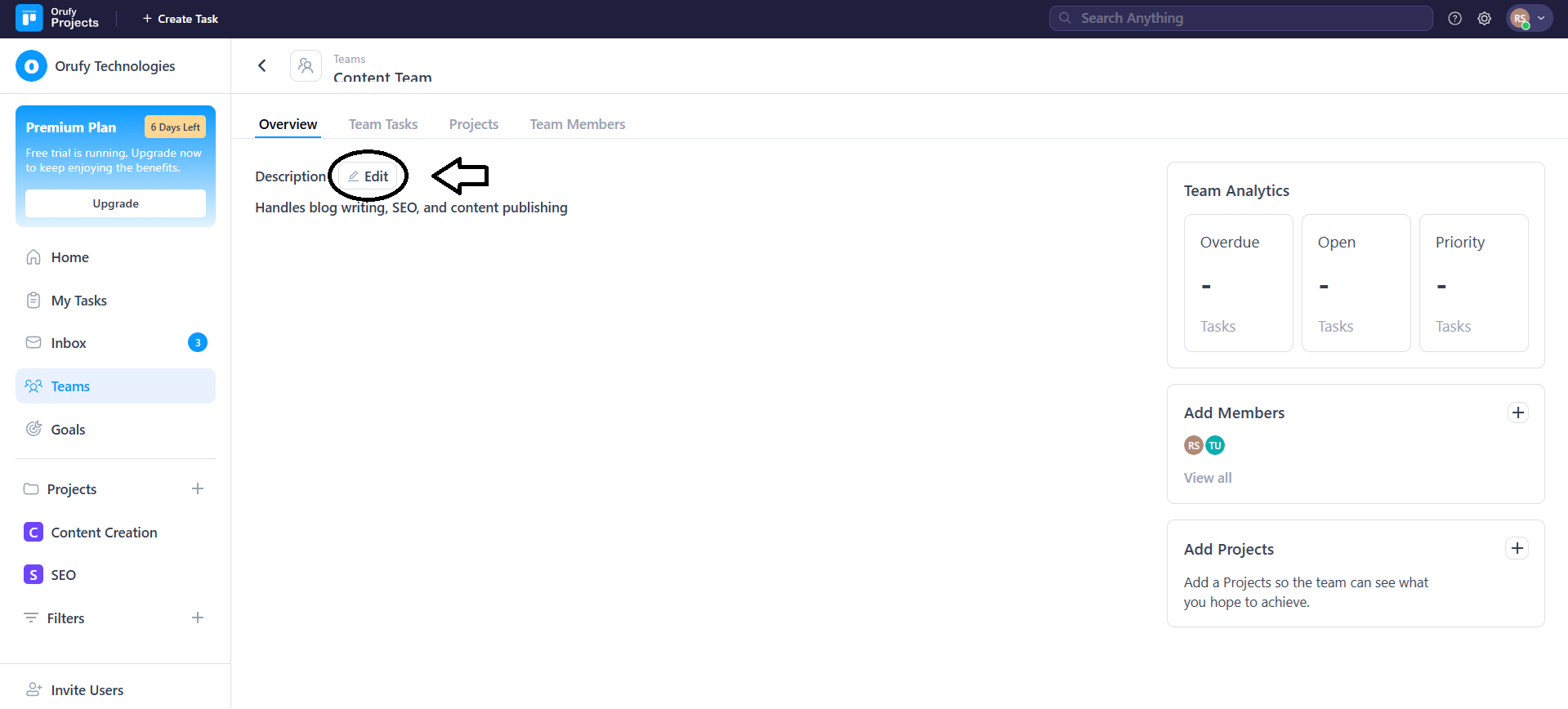
1. Description
The team owner and the person who has created the team can edit or update the description of the team from the edit icon.
2. Team Analytics
It shows the task insights for the team across all projects where the team is selected in the Team field.
-
Overdue Tasks: It will display the number of tasks that have passed their due dates.
-
Open Tasks: It will display the number of tasks that are currently in progress.
-
Priority Tasks: It displays the number of tasks that have a priority.
These analytics update automatically as task statuses change.
3. Add Members
It displays the preview of all the members in a team.
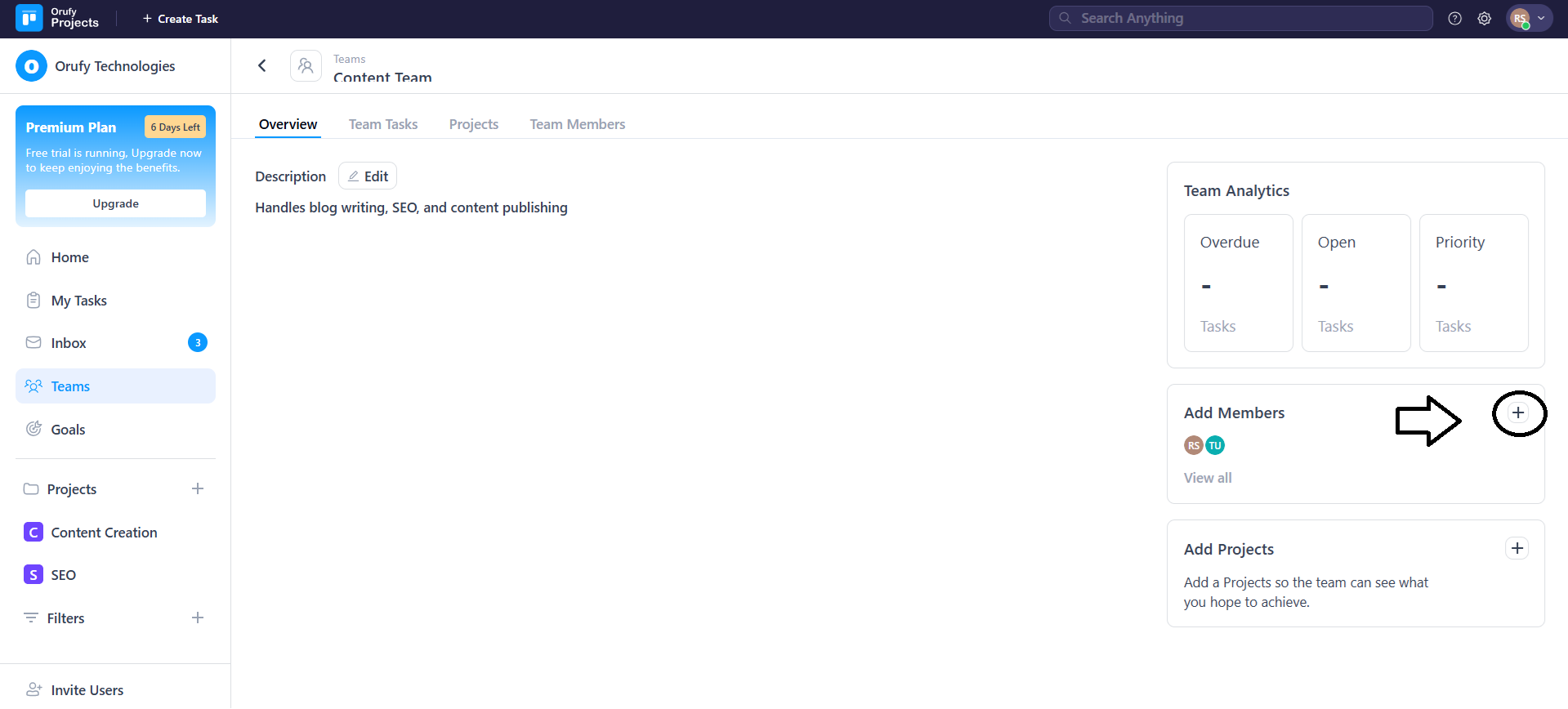
- You can add members to a team using the + icon.
- It allows you to view all the members in a team using View all.
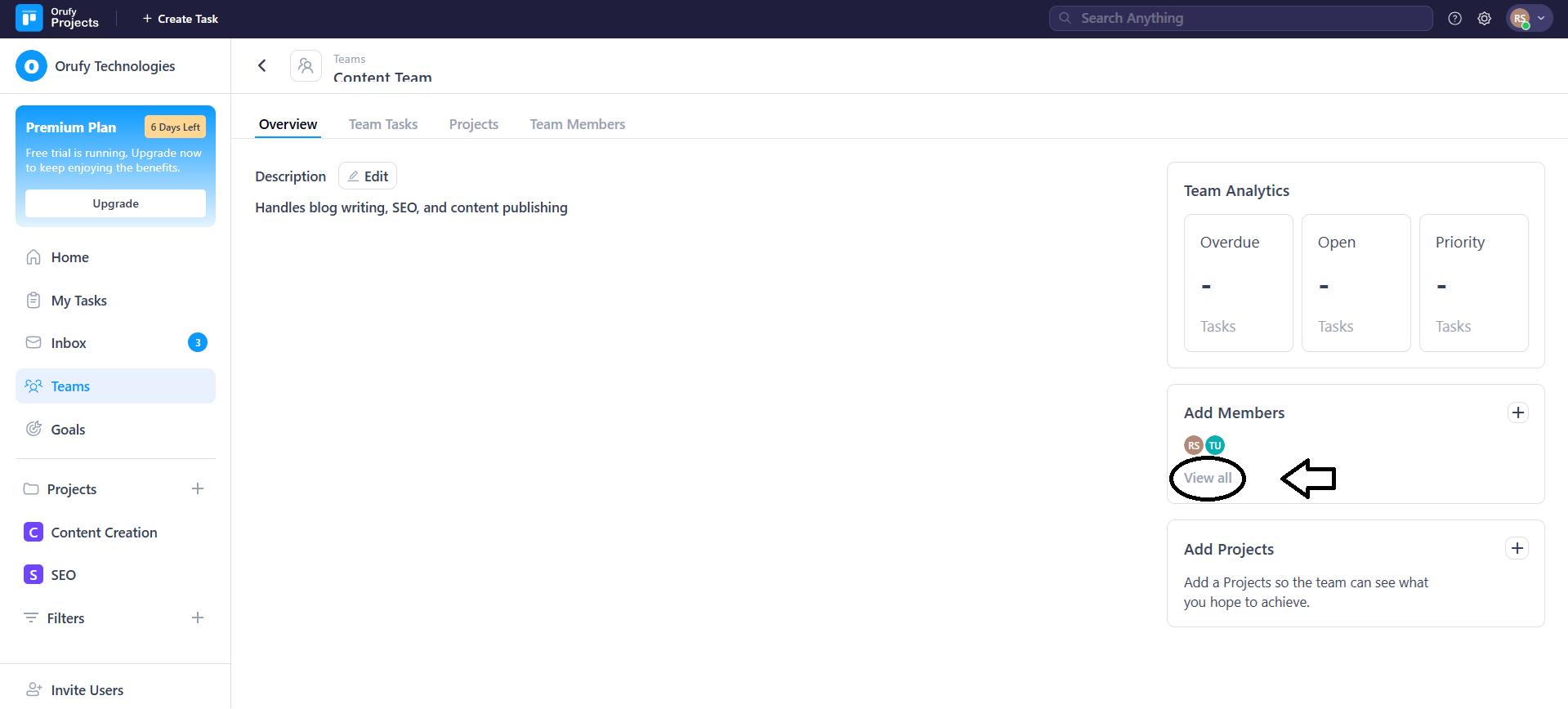
- As you click on View all, it will take you to the Team members section.
4. Add Projects
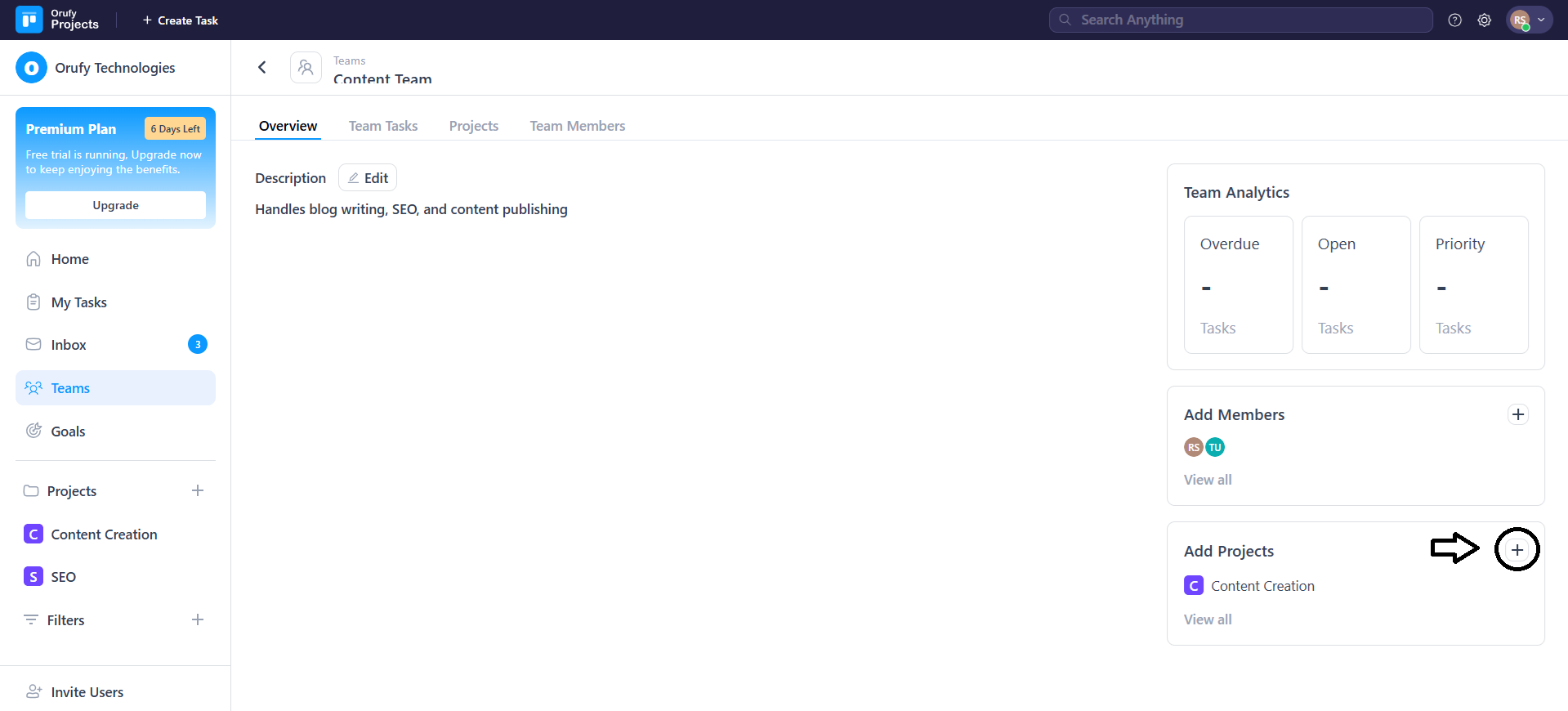
It shows all the projects linked to that team.
- You can add projects to a team using the + icon.
- It allows you to view all the projects linked to a team using View all.
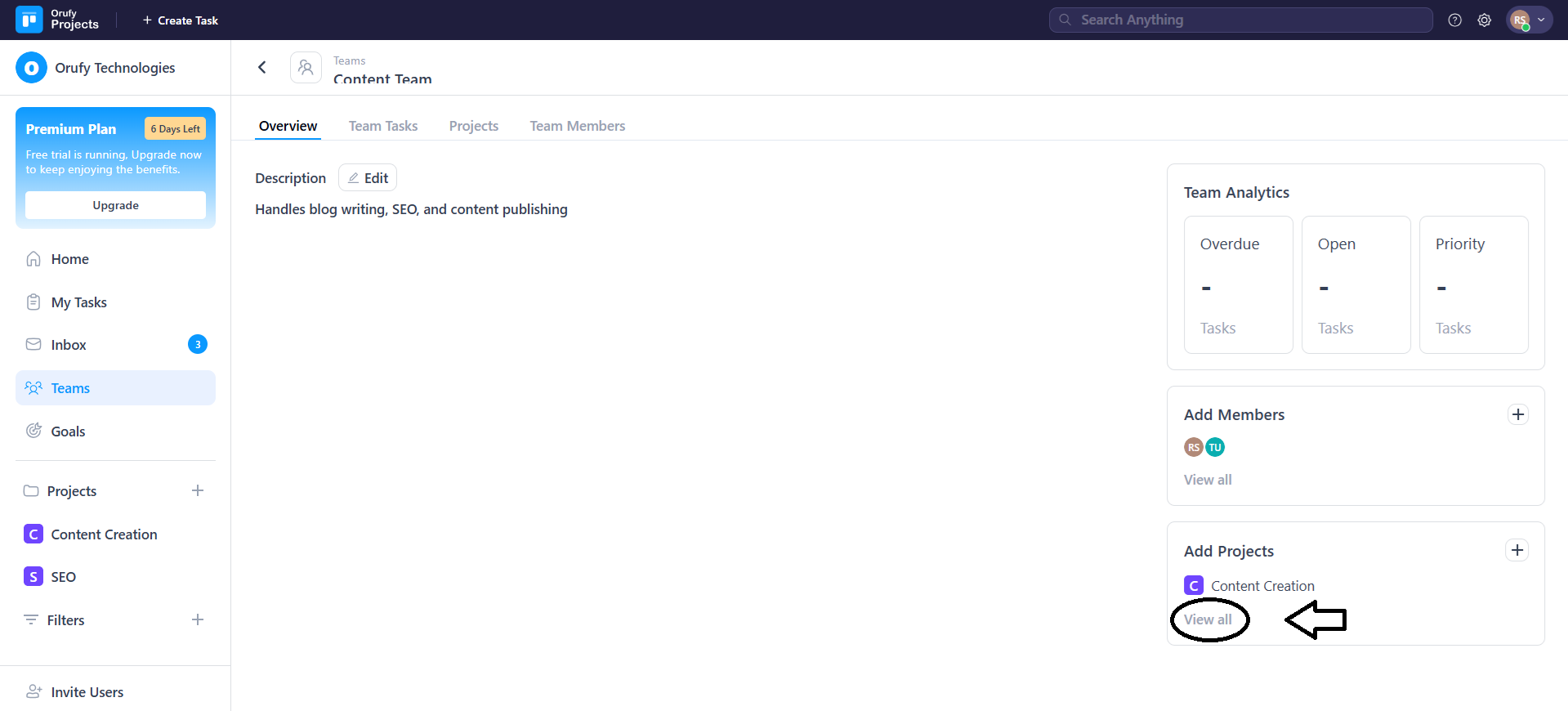
- As you click on View all, it will take you to the Projects section.


