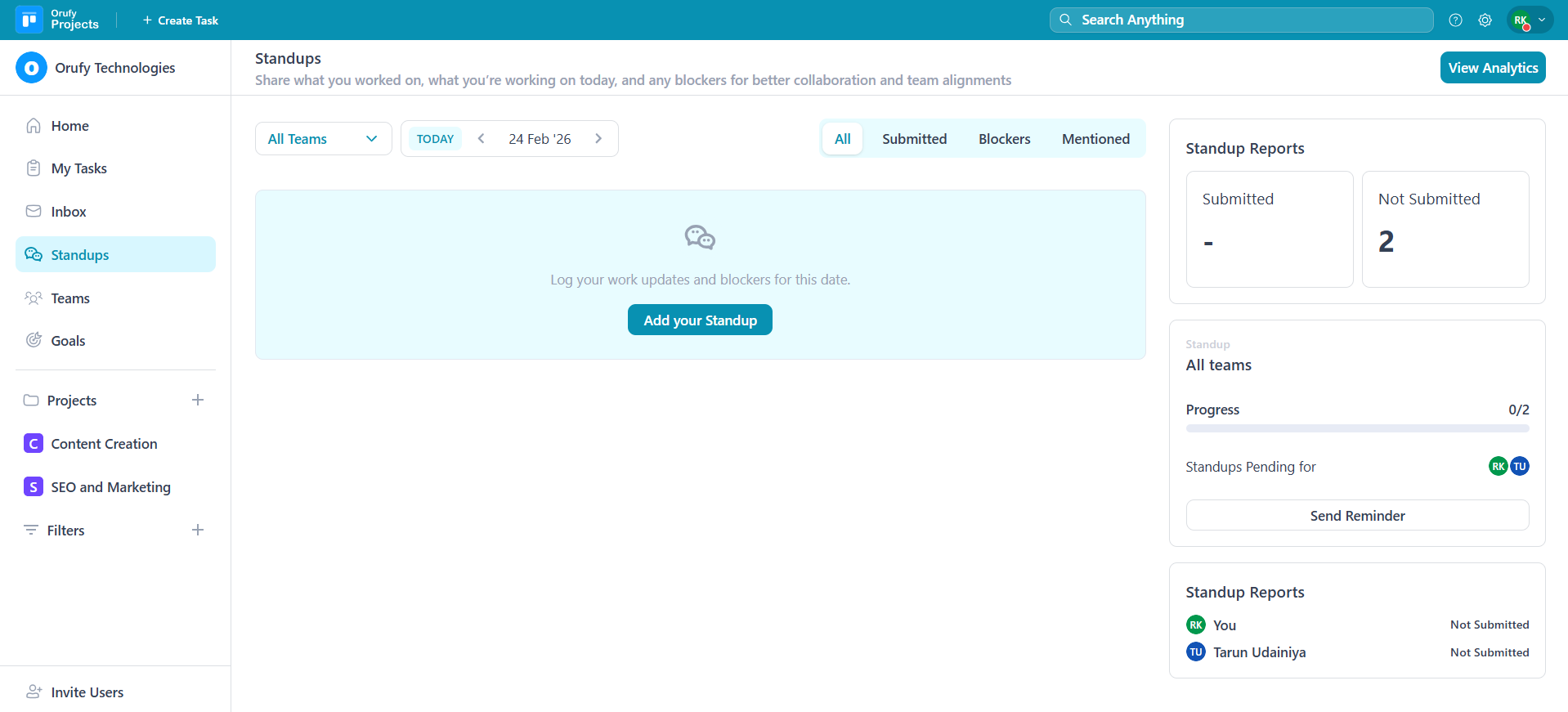
Below is the process for adding your standup:
1. Click on Add your Standup.
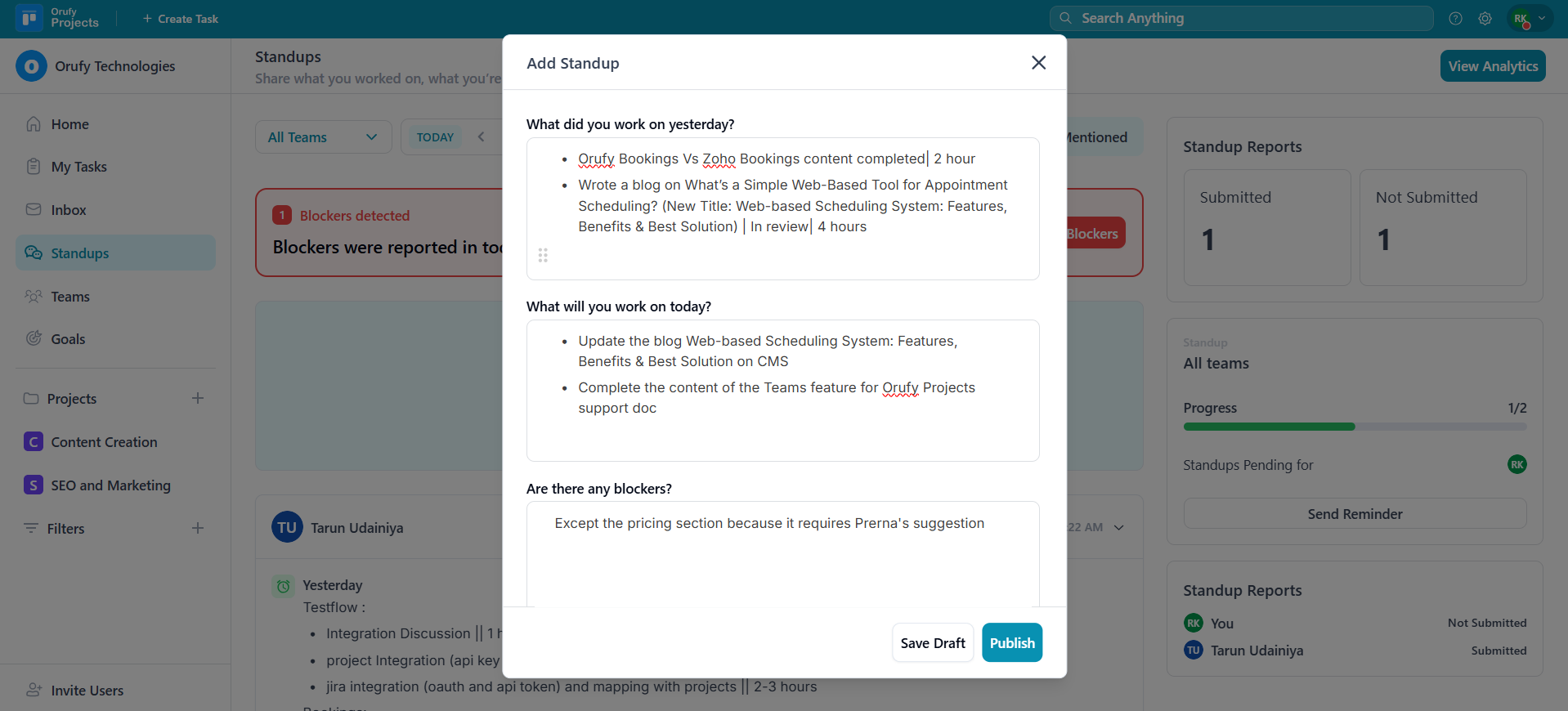
2. Write what you worked on yesterday, what you will work on today, and add blockers if any.
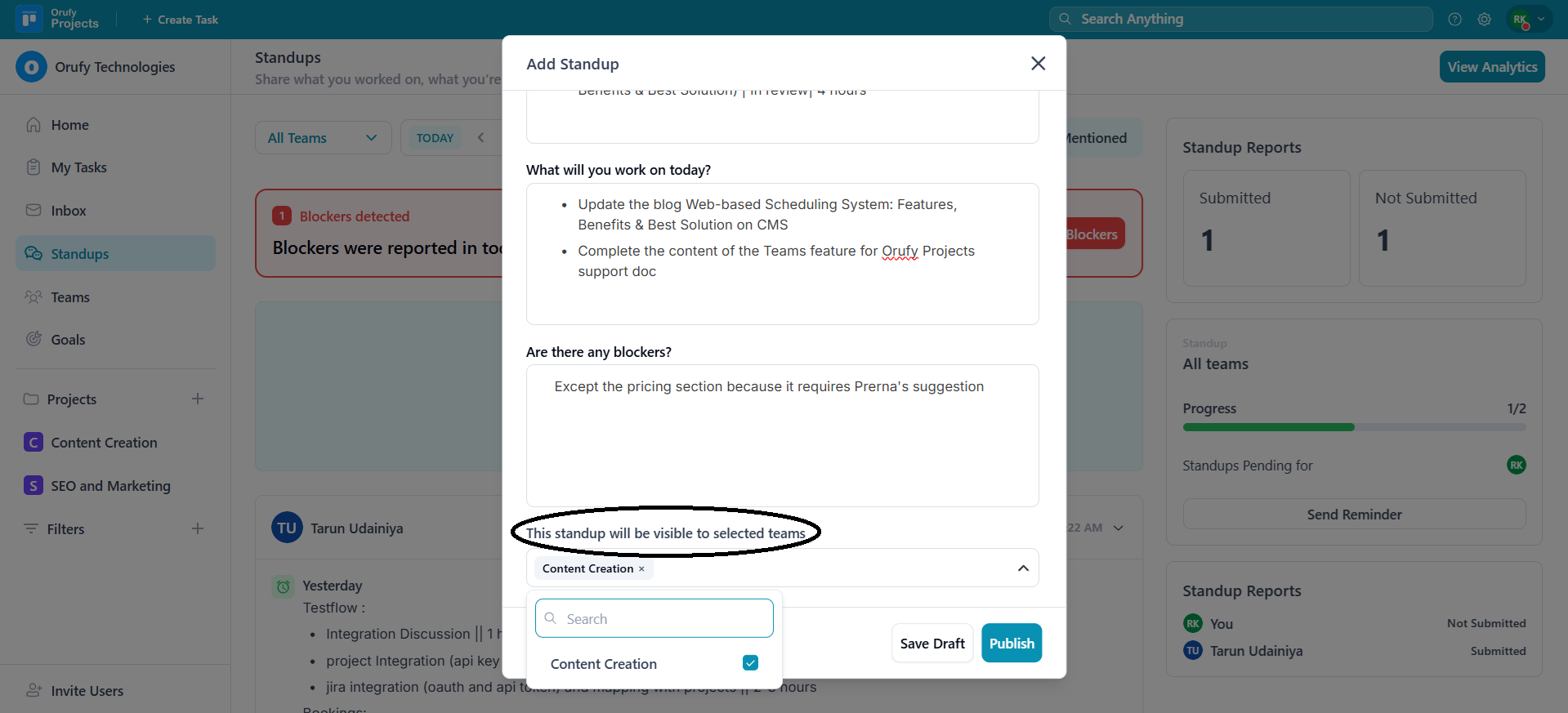
3. Select the teams you want to make your stand-up visible in. You will see only those teams in which you are a member.
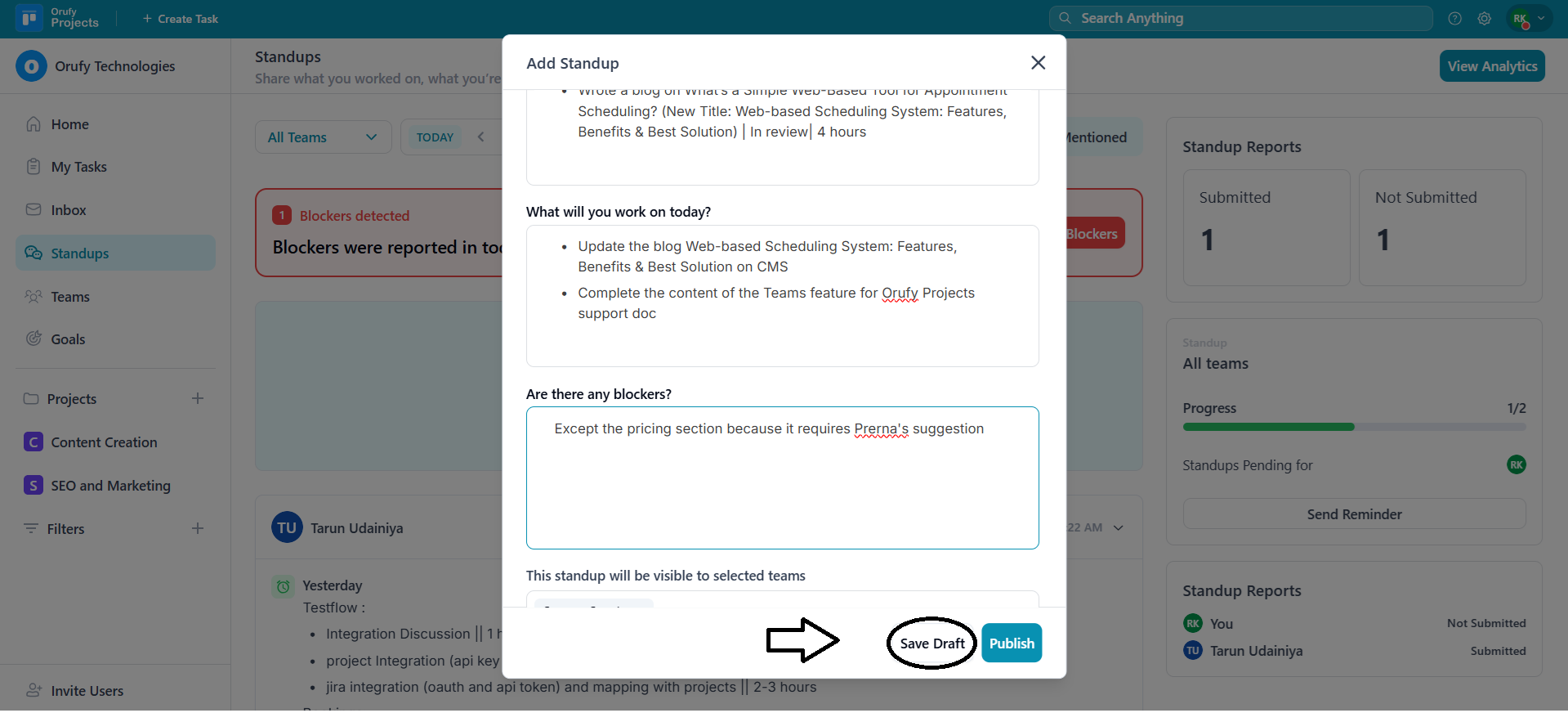
4. Click on Publish to make your stand-up visible.
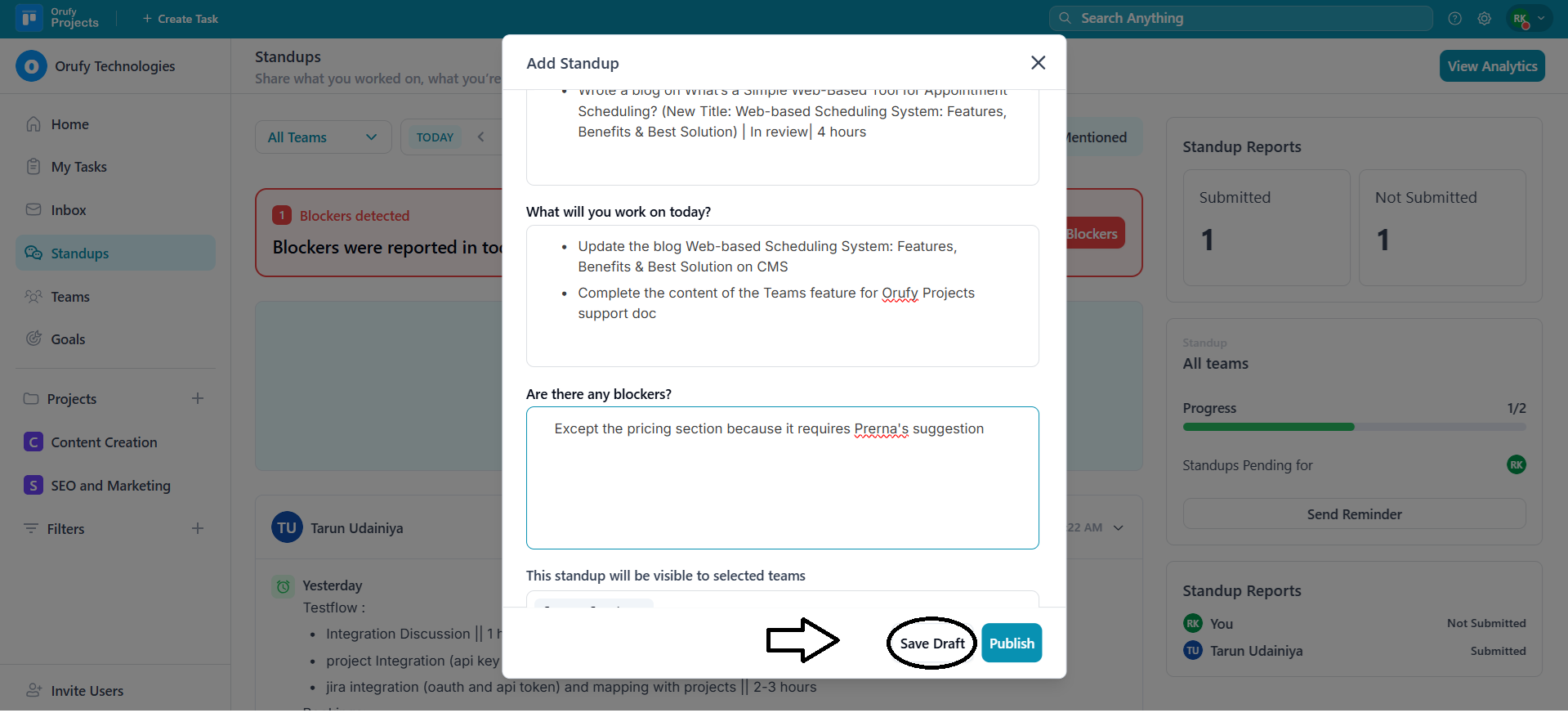
5. Or you can save the stand-up as a draft to publish it later using the Save draft button.
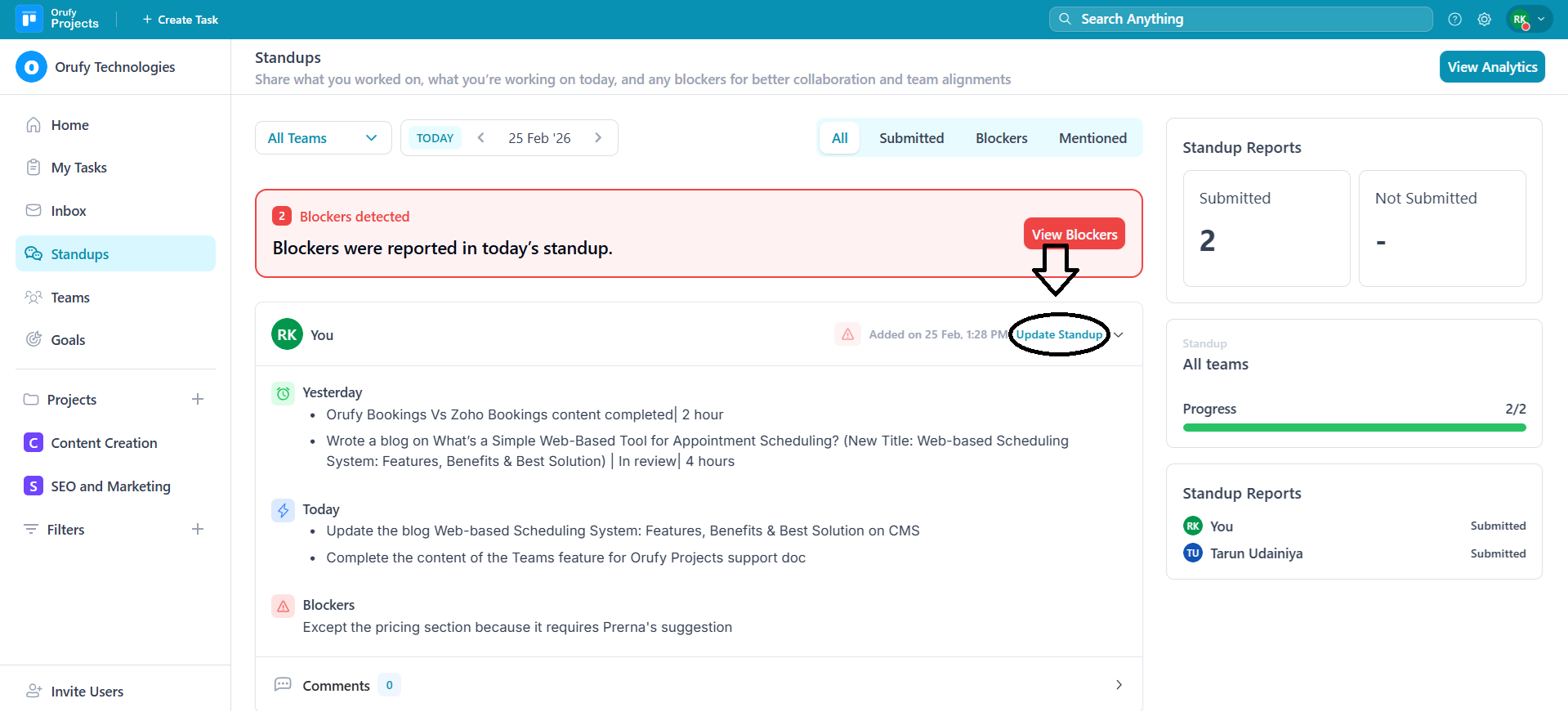
6. You can update your standup within two hours of publishing it using the Update Standup button.
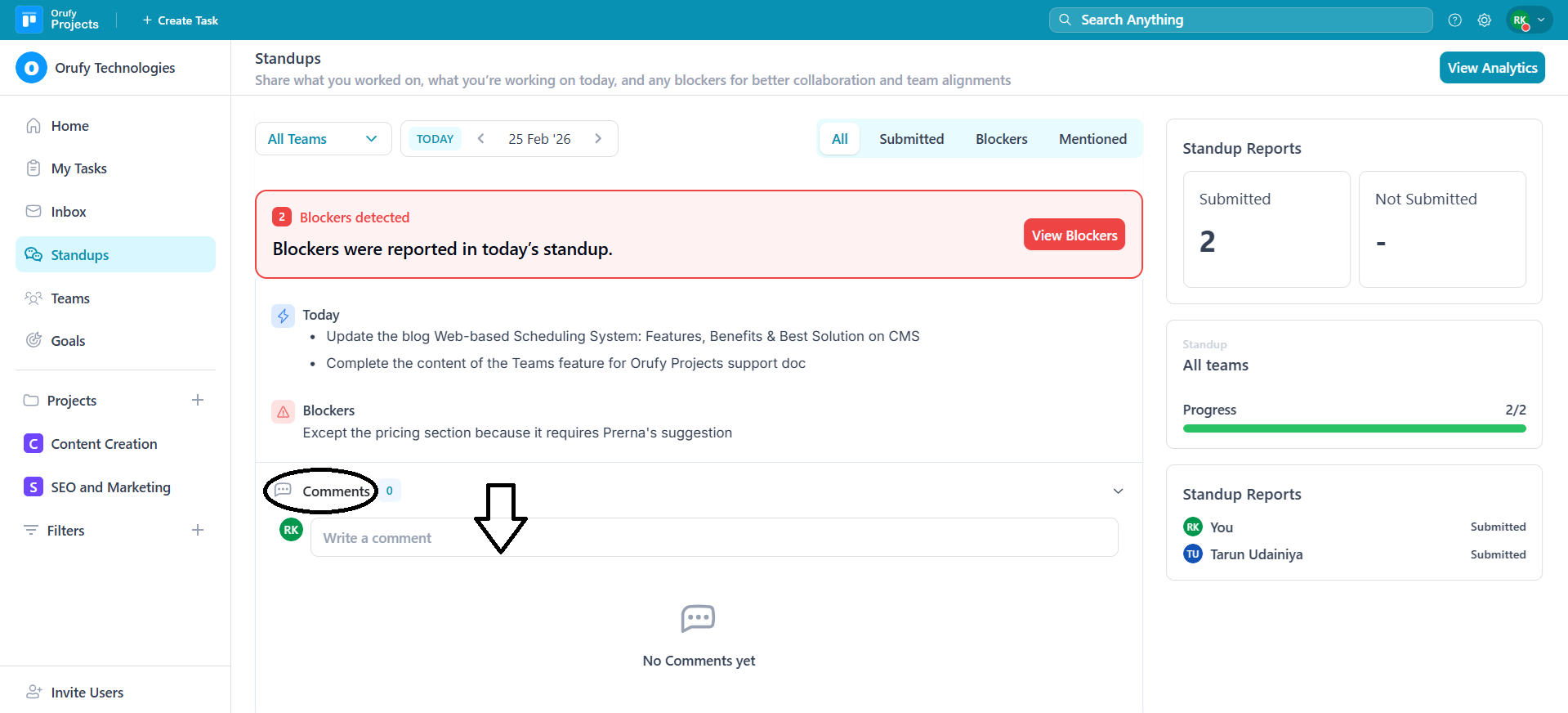
7. You can write a comment on all the visible stand-ups from the Comment section. It allows you to mention a team member in comments.