
Gmail
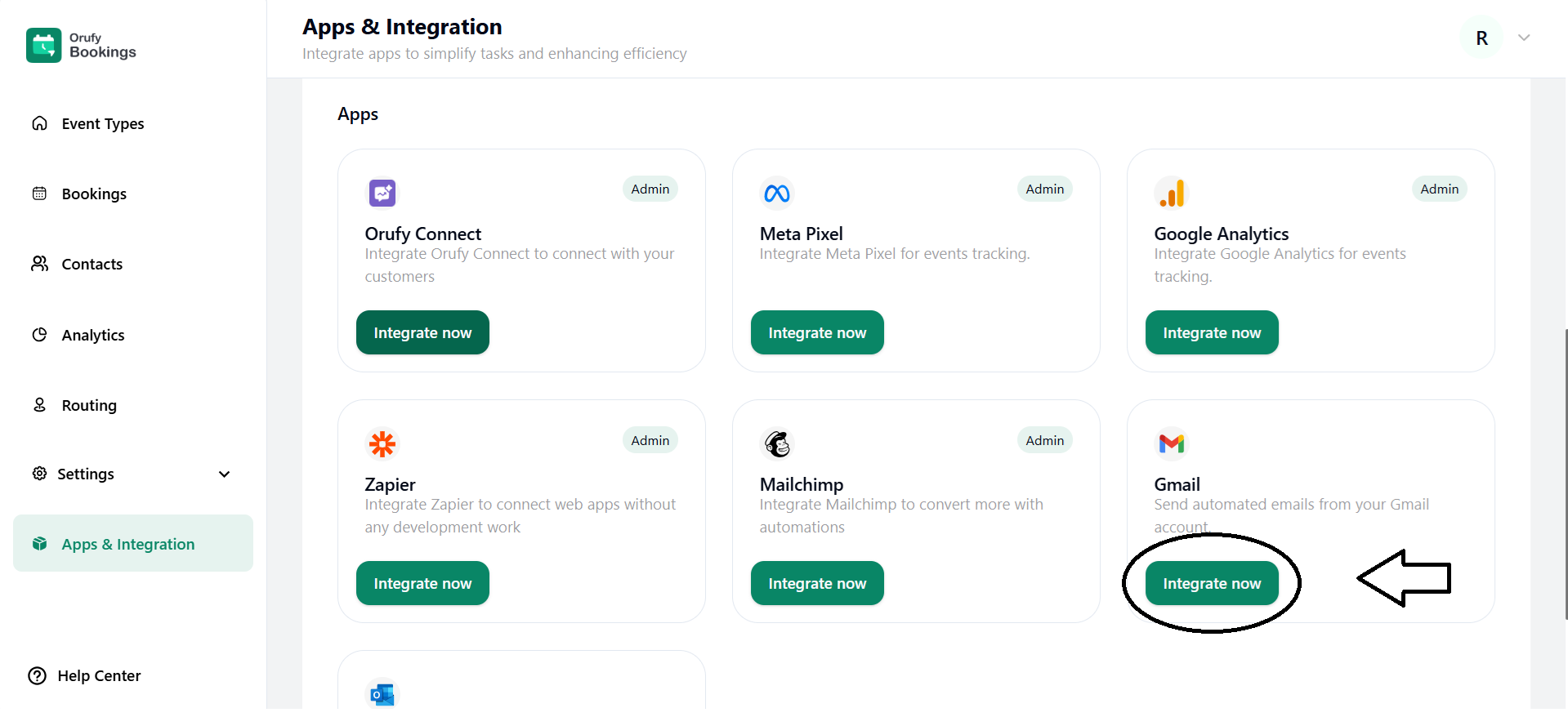
1. Click on Integrate Now.
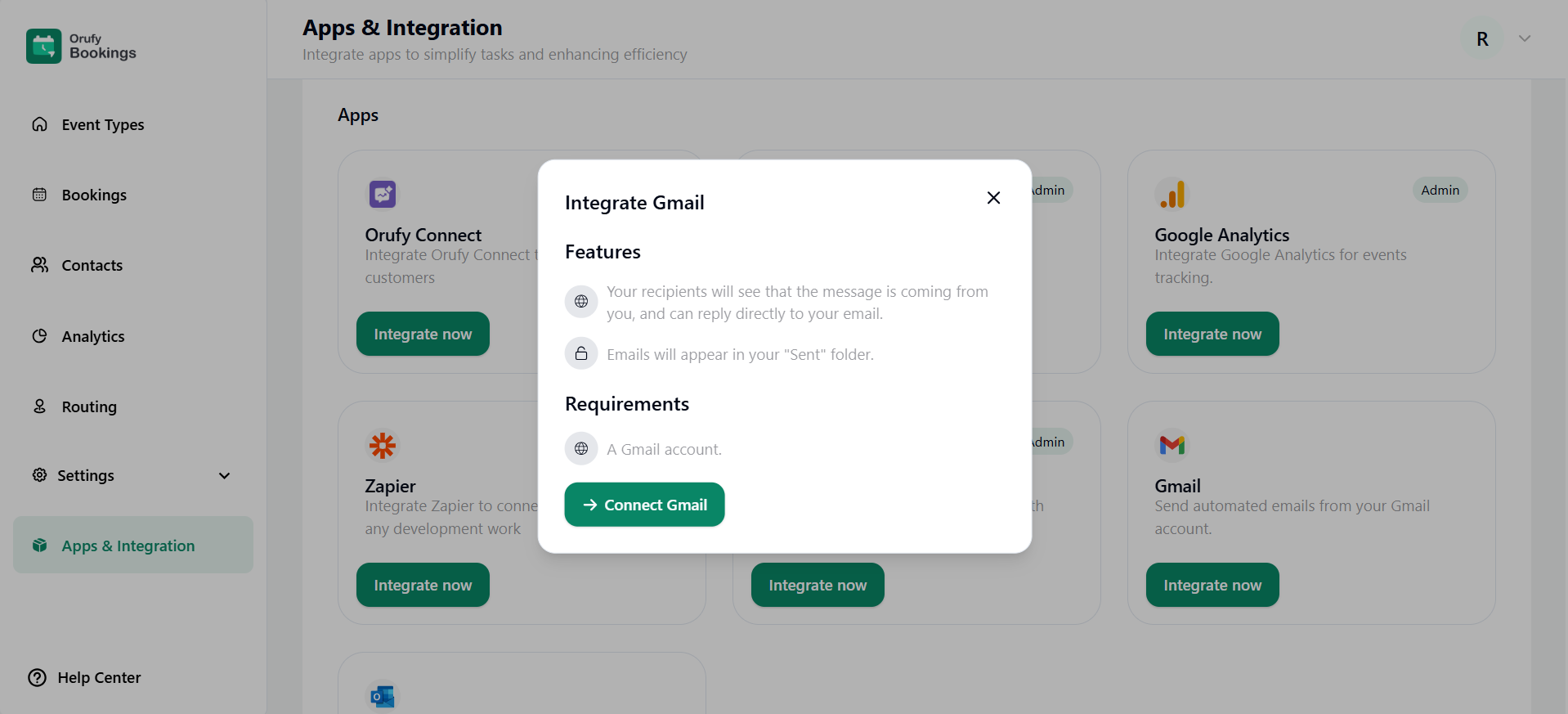
2. Read the features and requirements of Gmail.
3. Now, click on Connect Gmail.
4. Sign in with your Google Account.
5. You have to permit your Google Account to be connected with the Orufy Bookings.
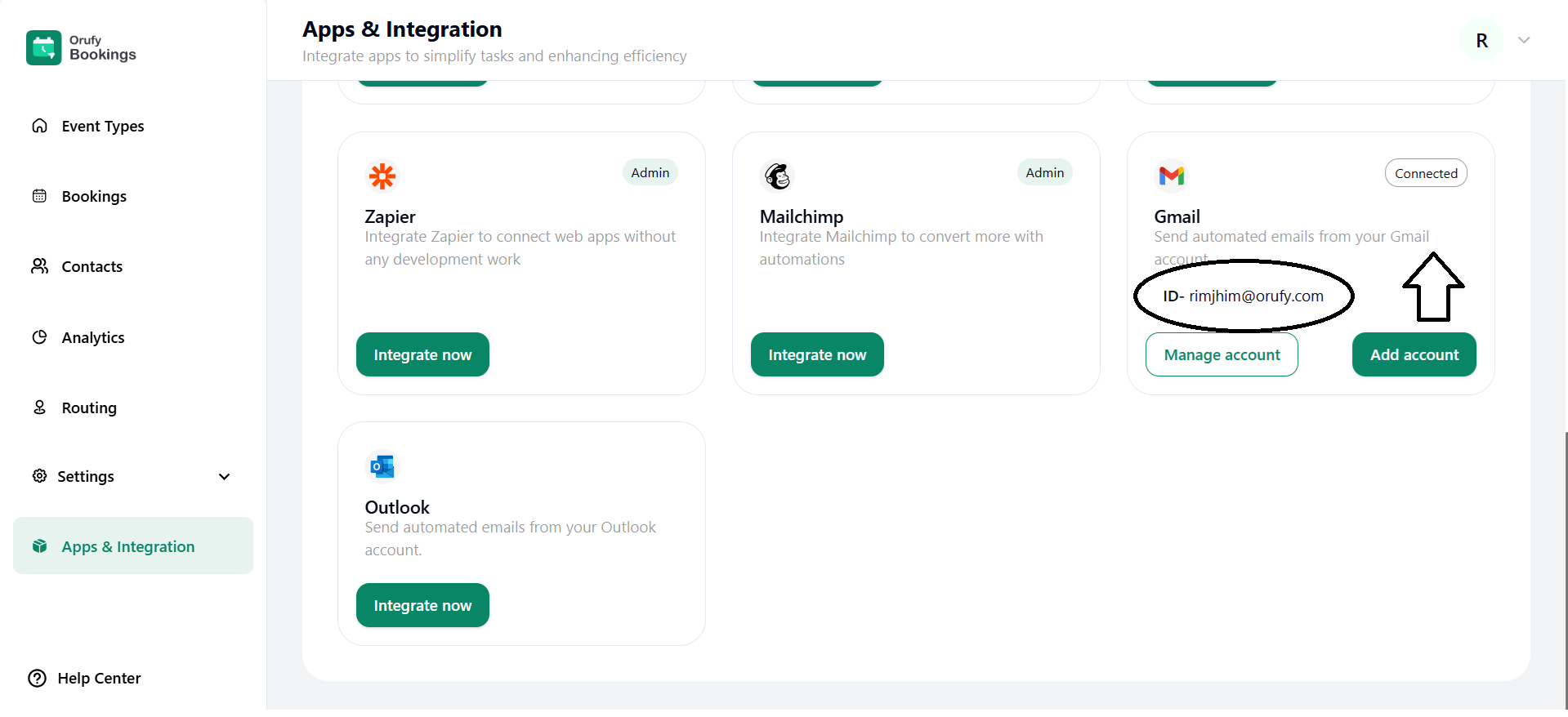
6. You can Manage your Account.
- Manage Account
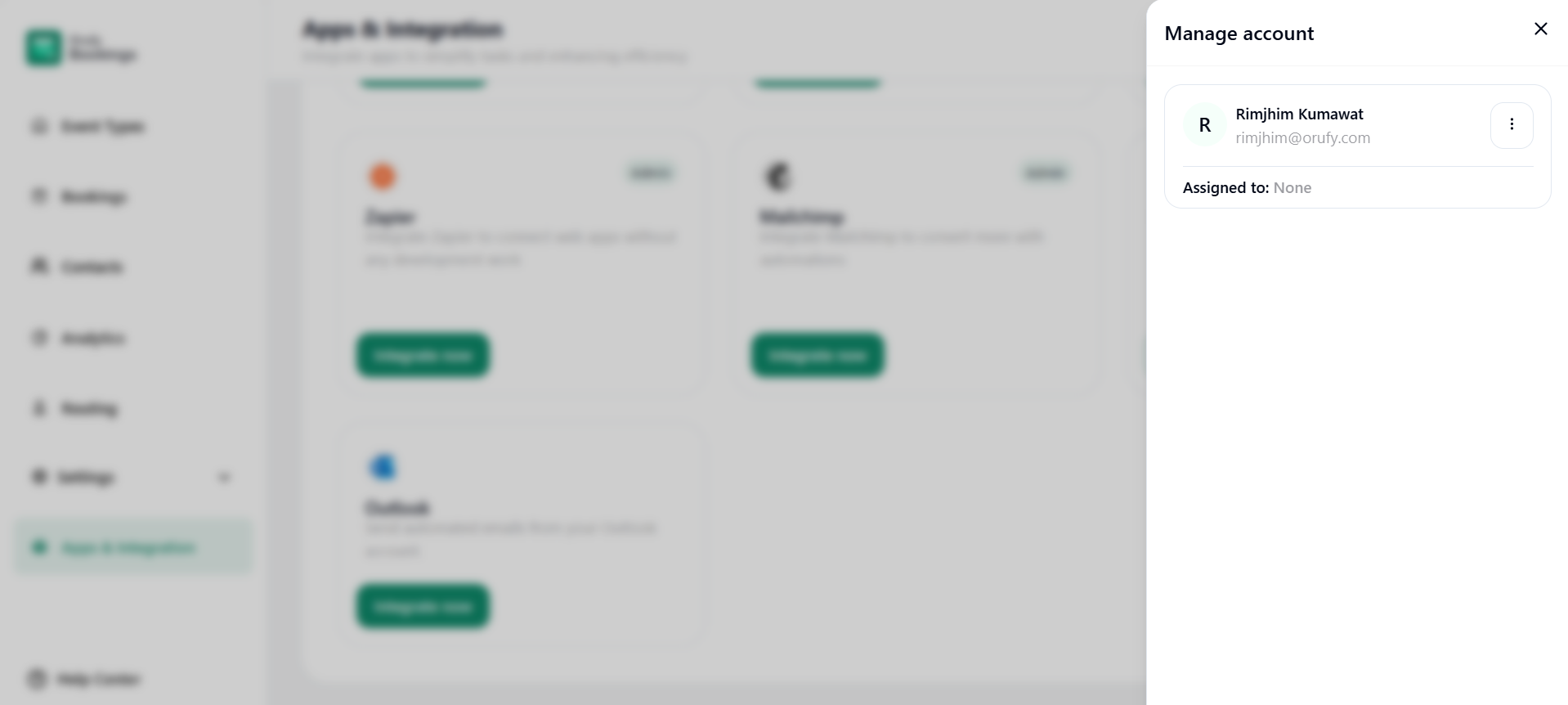
Click on More Options, and there will be two options:
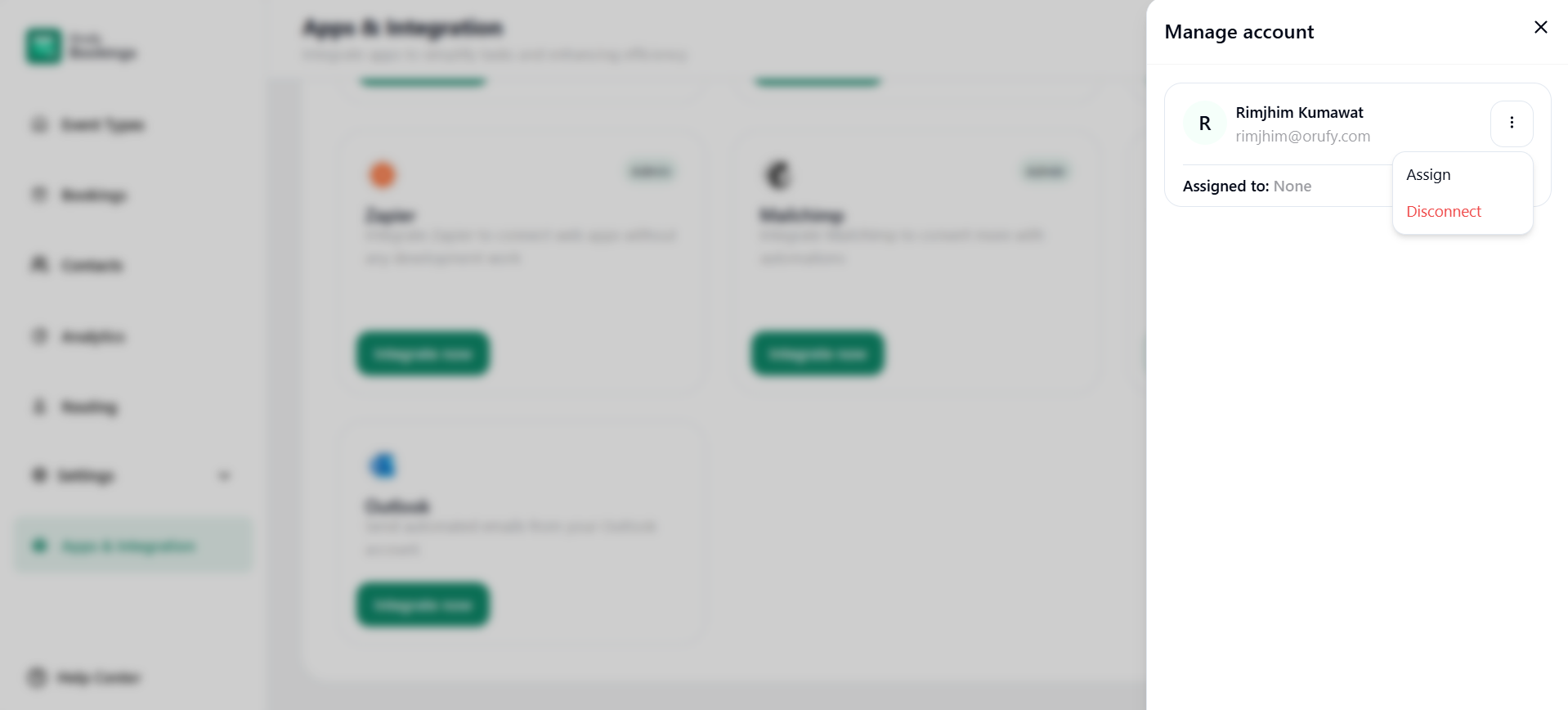
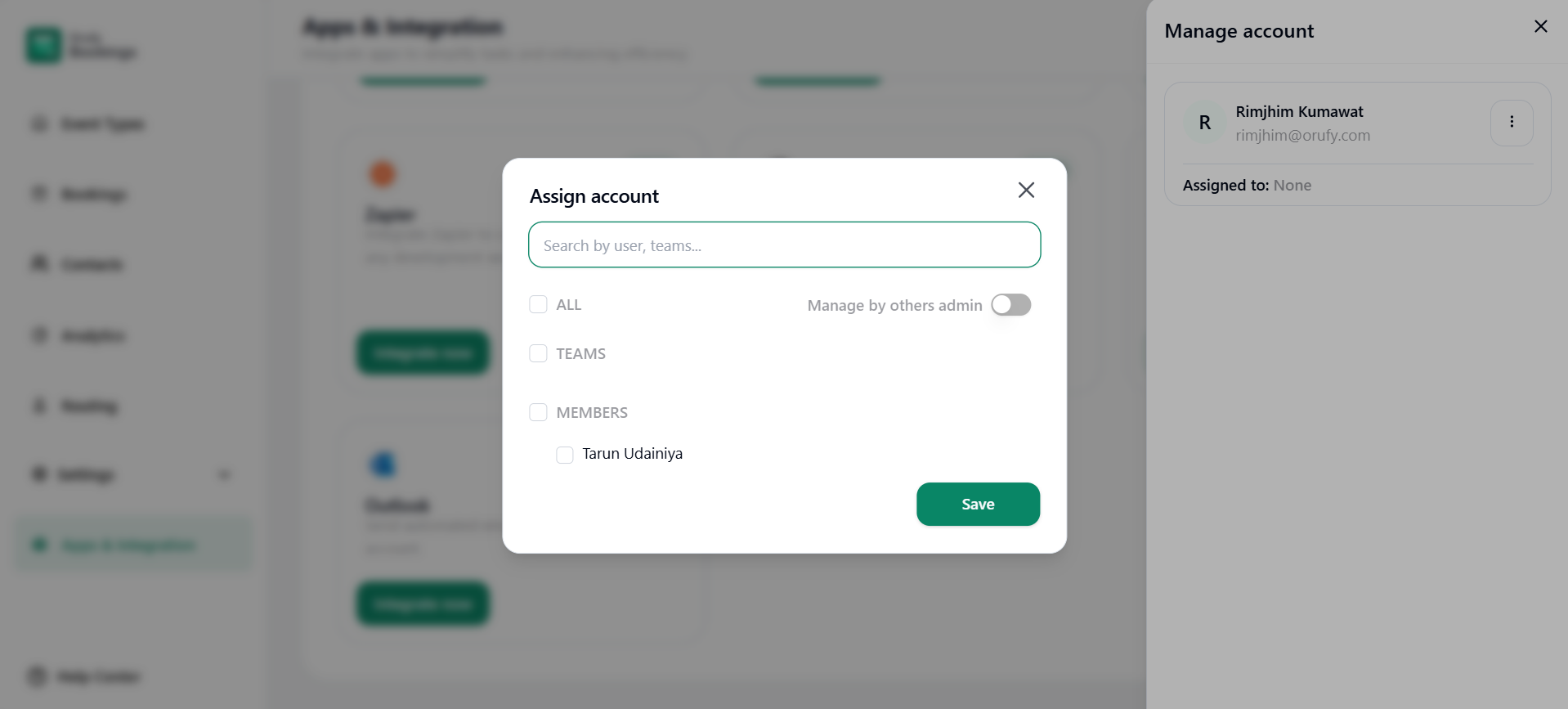
- Assign: You can assign this account to everyone, selected members, or you can toggle enable or disable for the other option managed by another Admin.
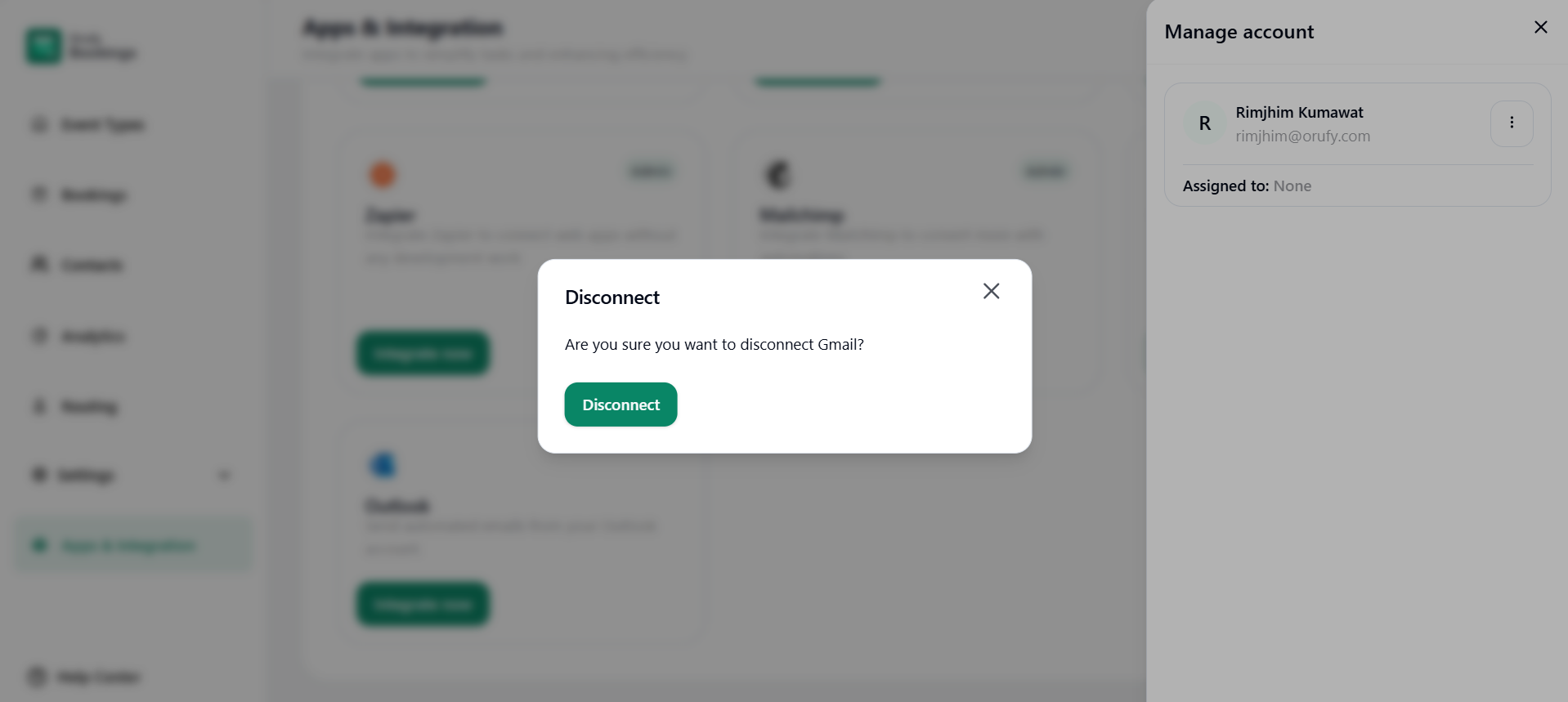
- Disconnect: You can disconnect your connected Google account from the bookings.
- Add Account
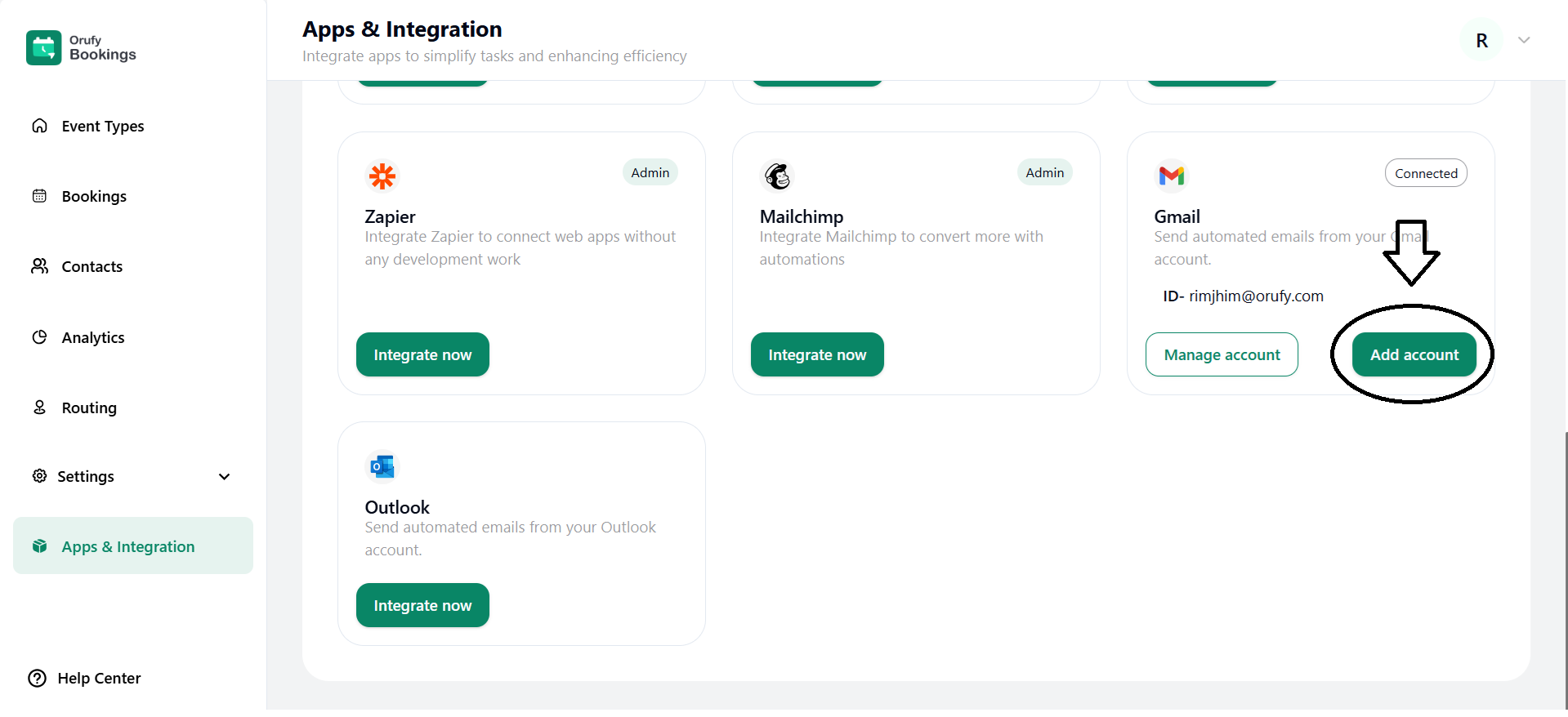
Here, you add more Google accounts to your bookings account.
Admin users can send customized emails directly to a particular attendee from Orufy Bookings.
It allows you to communicate essential details, follow-ups, and share booking links.


