
Orufy Connect
Orufy Connect Integration allows you to send automated WhatsApp notifications for Ourfy Bookings. It helps push notifications for booking confirmations, follow-ups, reminders, and updates directly on WhatsApp.
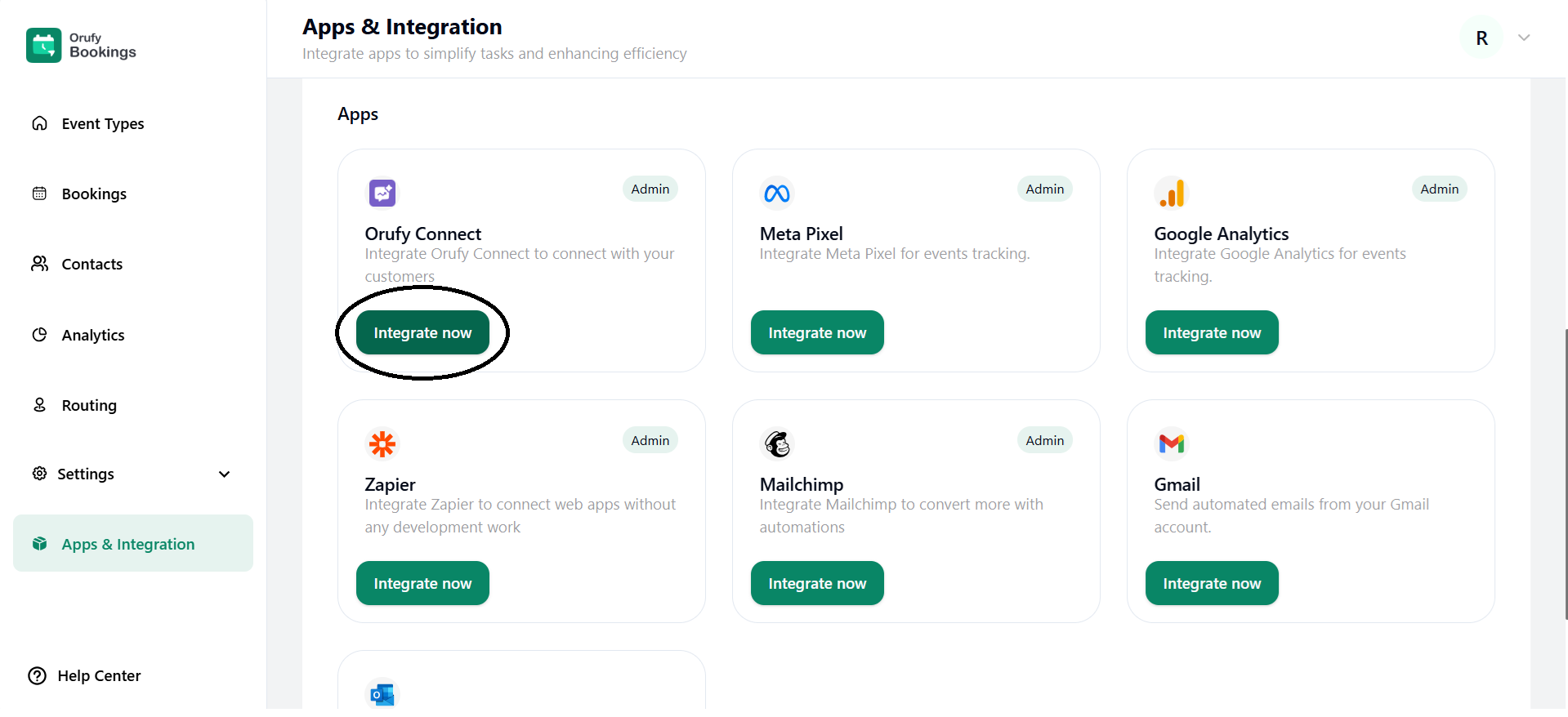
1. Click on Integrate Now.
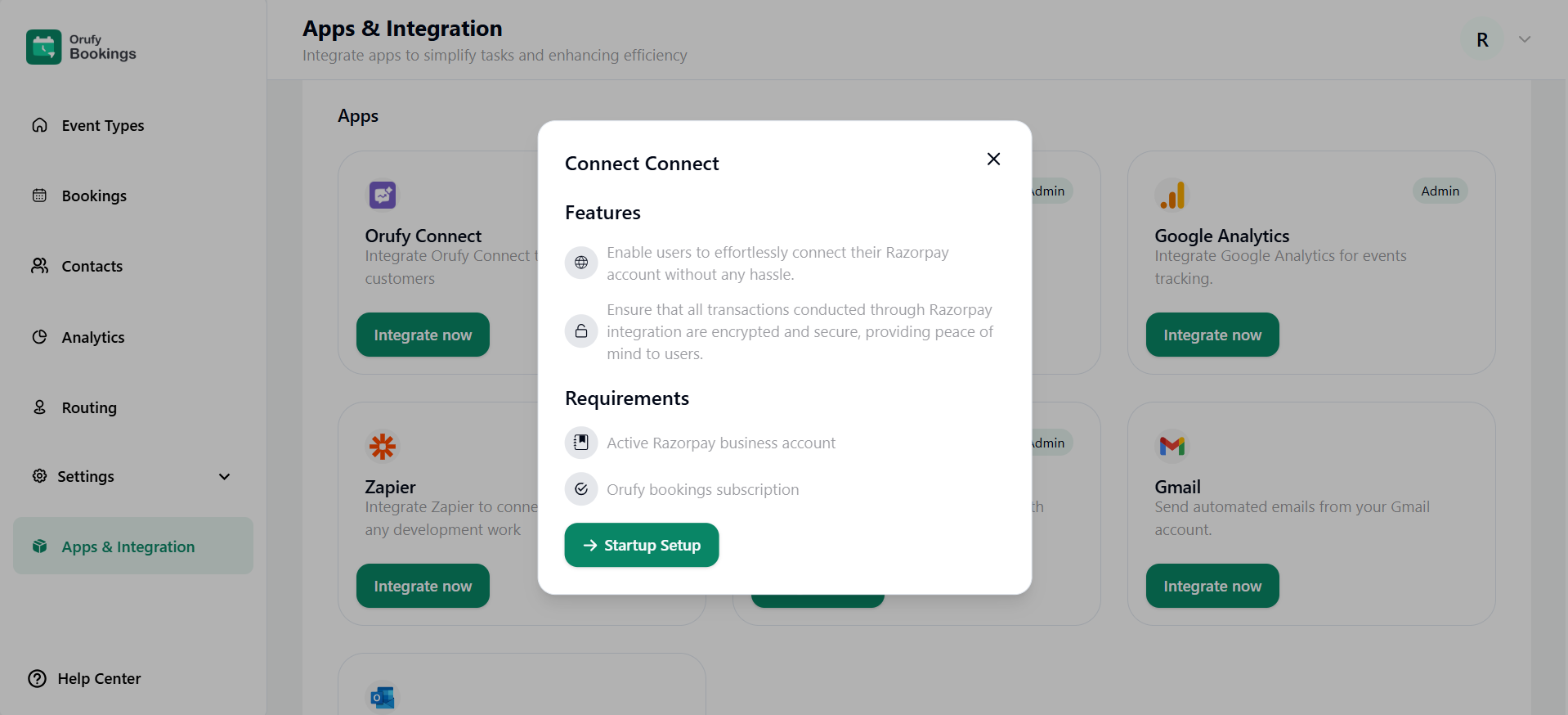
2. Read the features and requirements of Orufy Connect.
3. Now, click on Startup Setup.
4. Choose the integration; you have two ways:
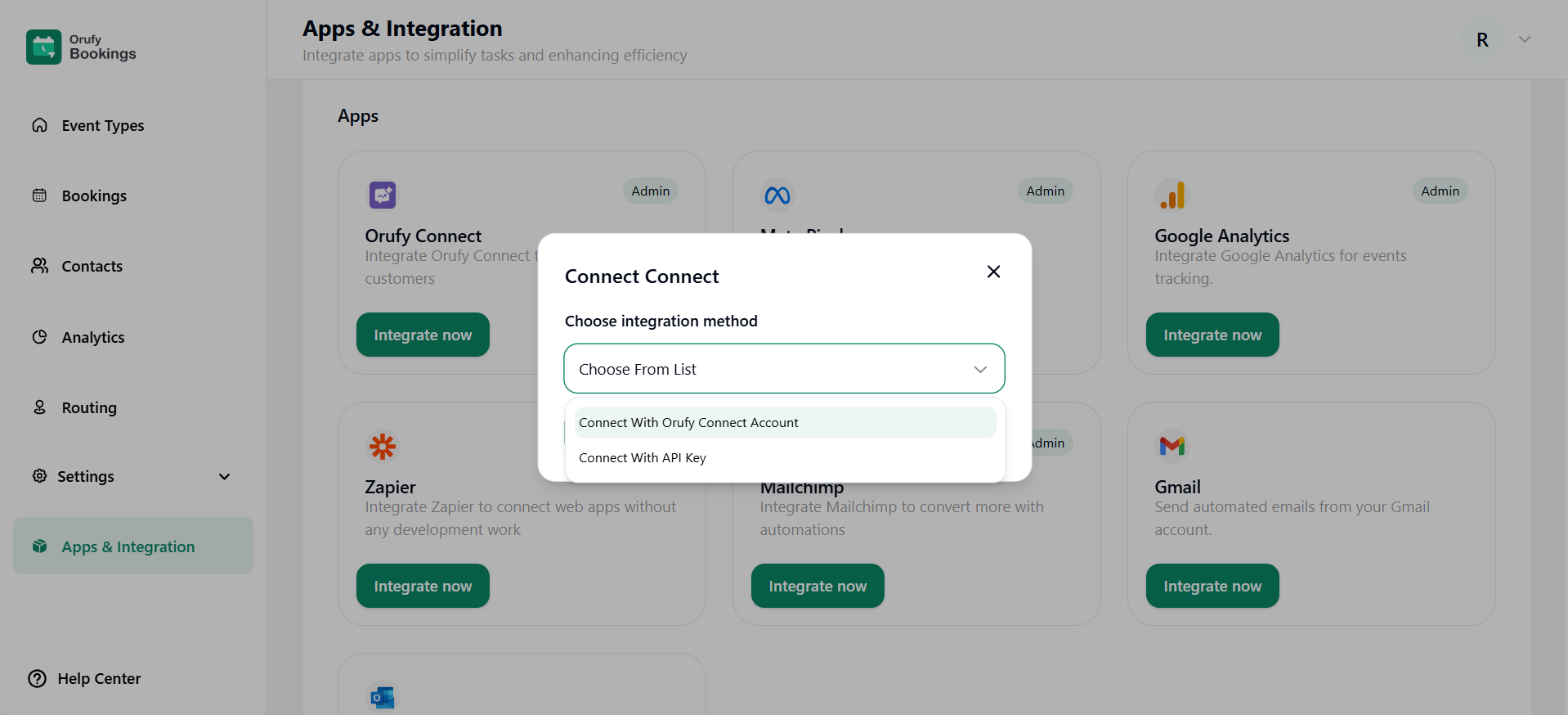
- Connect with the Orufy Connect Account
- You should have an account in the Orufy Connect for this integration method.
- You can select from the drop-down which account you want to connect.
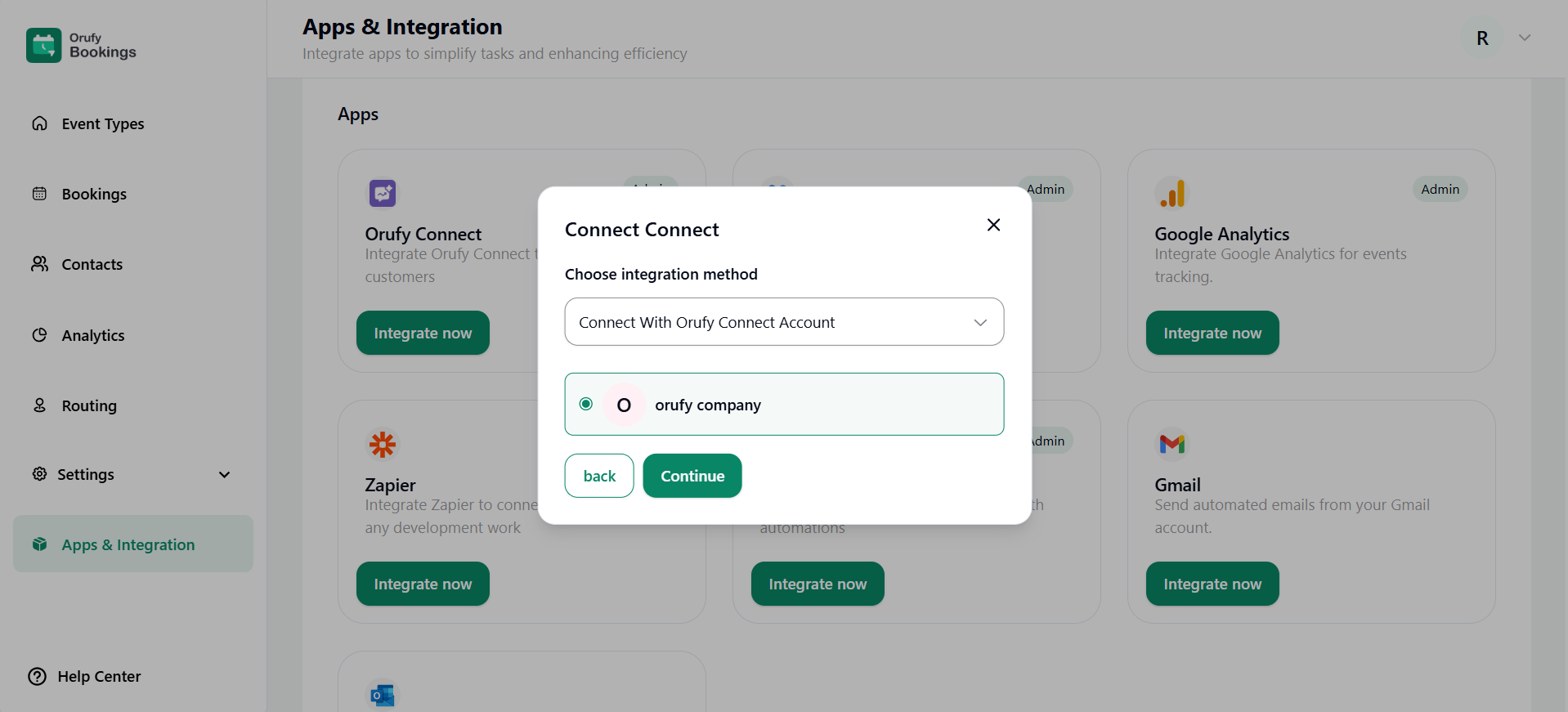
- Choose the WhatsApp project created within your account in Orufy Connect.
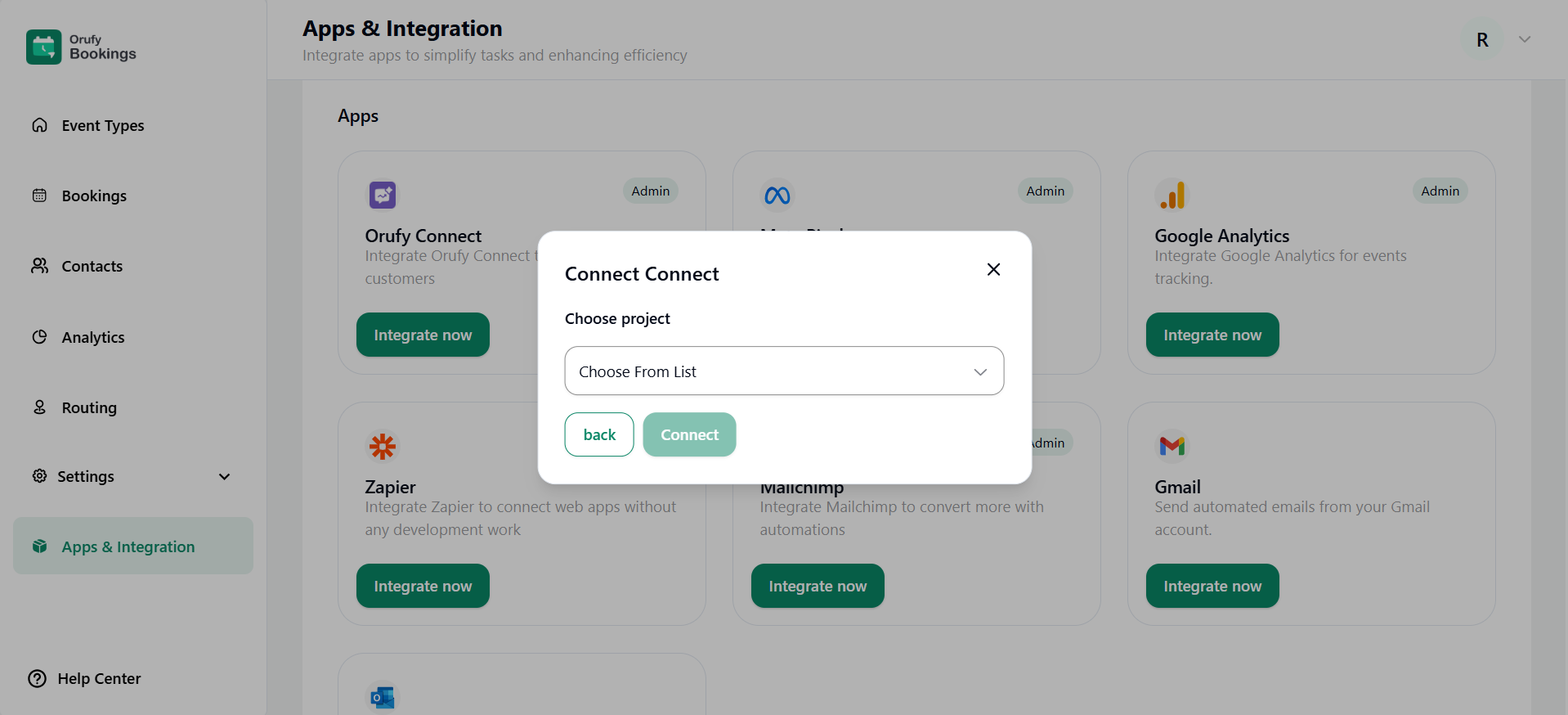
- Connect with API Key (Below Key and Secret, you have to generate it from the Orufy Connect)
How to Generate an API Key in Ourfy Connect. View the Documentation (opens in a new tab).
- Enter API Key
- Enter API Secret
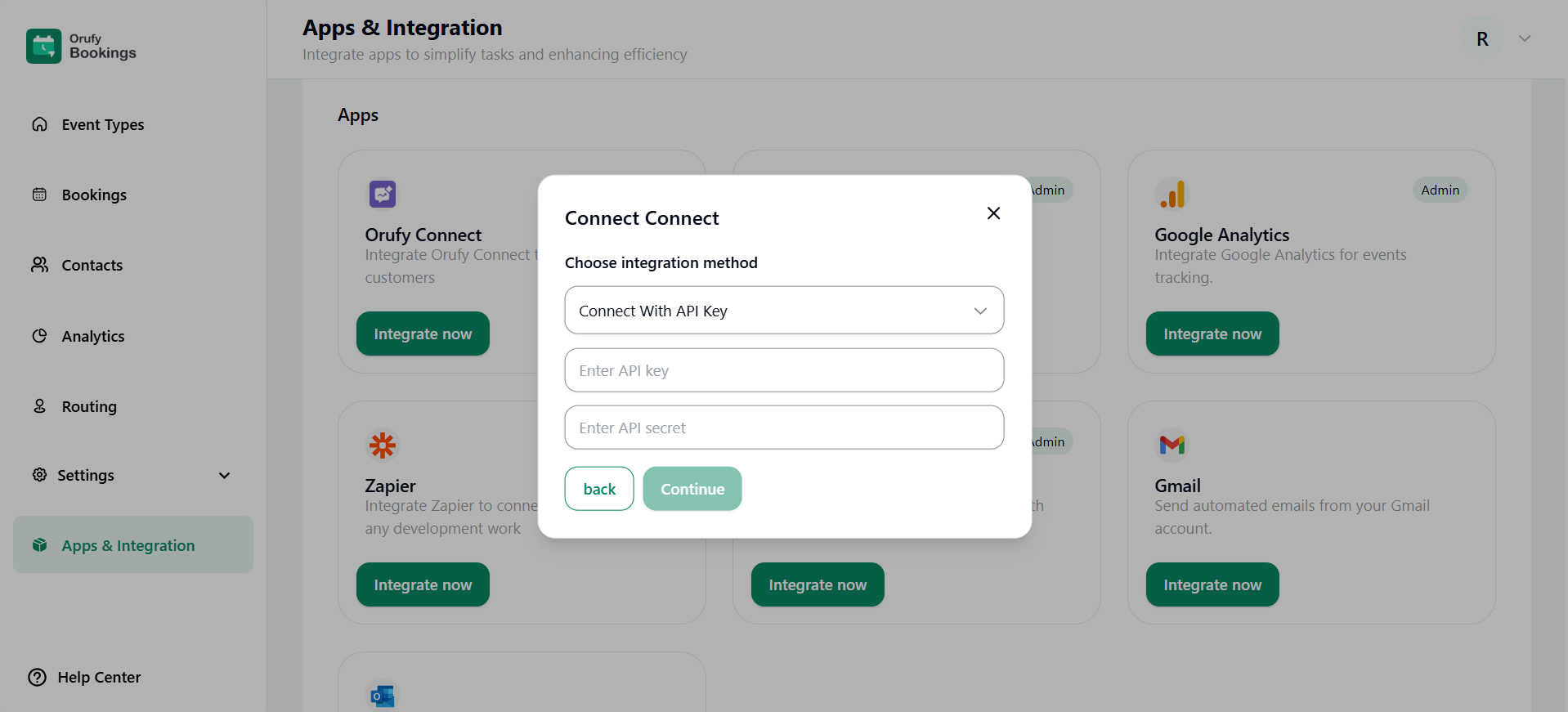
- Choose the WhatsApp project created within your account in Orufy Connect.
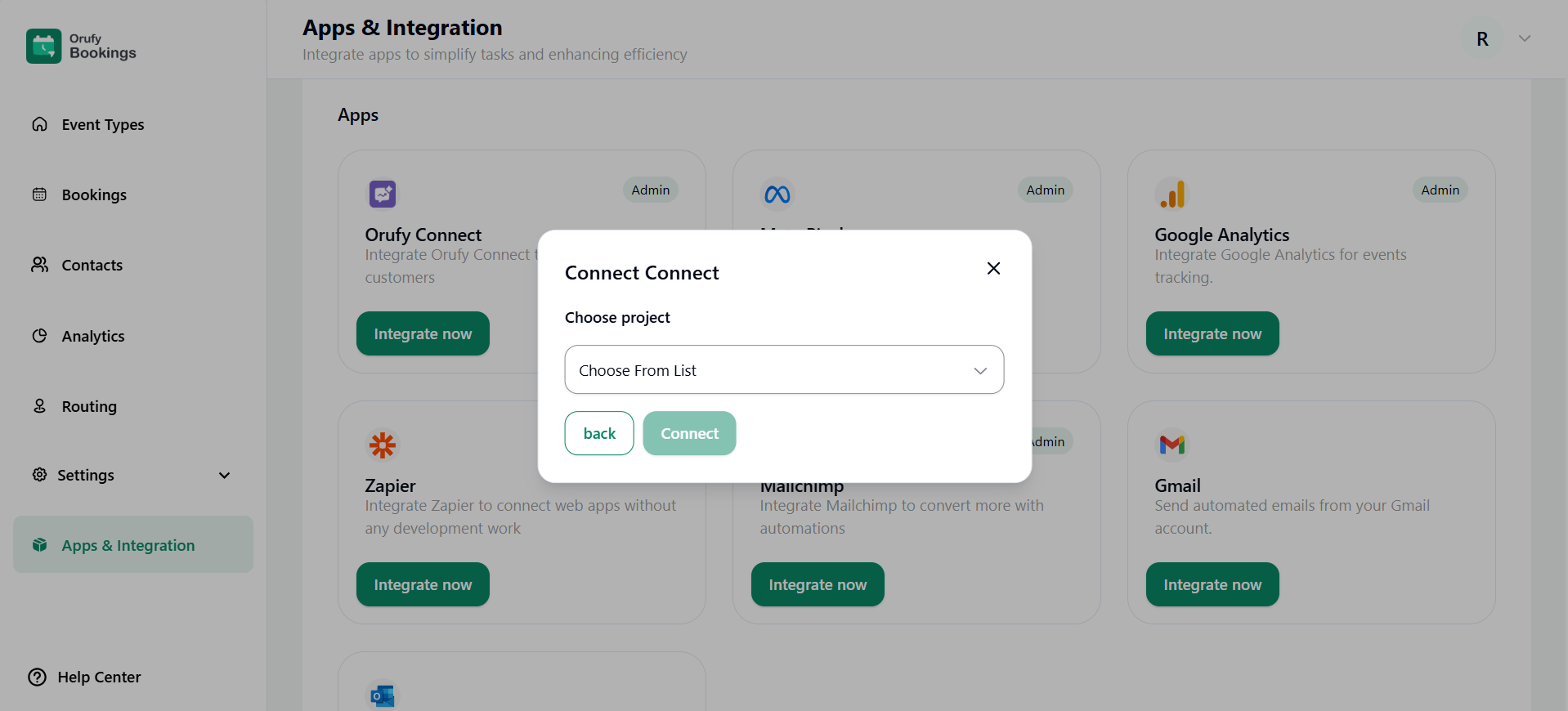
5. Click on Connect.


