Additional Settings
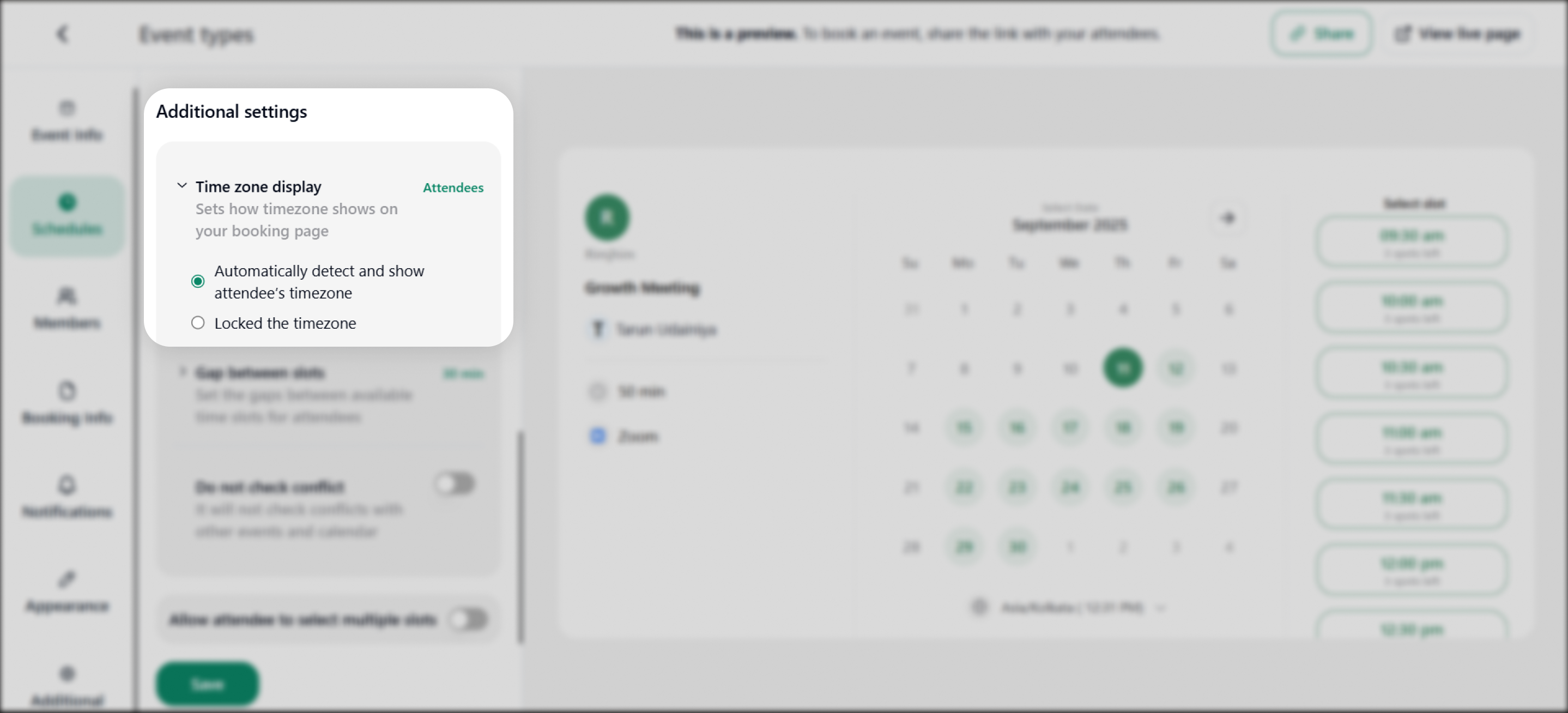
1. Time Zone Display: Allows you to set the time zone on the make bookings page.
- Automatically detect and show attendees' time zone
- Locked the timezone
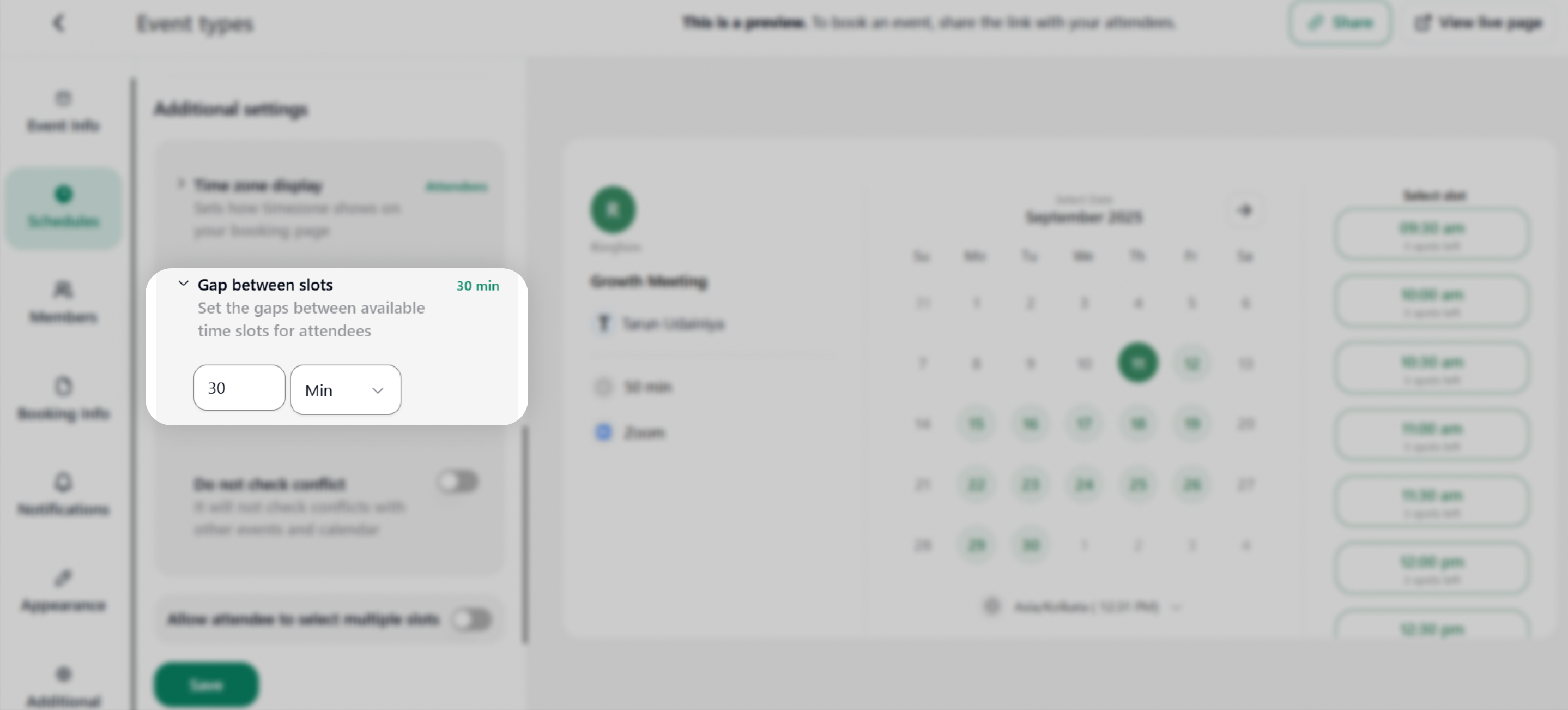
2. Gap Between Slots: Set the time gap between the available time slots for attendees.
3. Do not Check Conflict: You have to enable/ disable this feature. This refers to not checking the conflicts with other events and calendars.
4. Show Booked Slots: You can toggle this option as enabled or disabled to show booked time slots on the booking page for attendees.
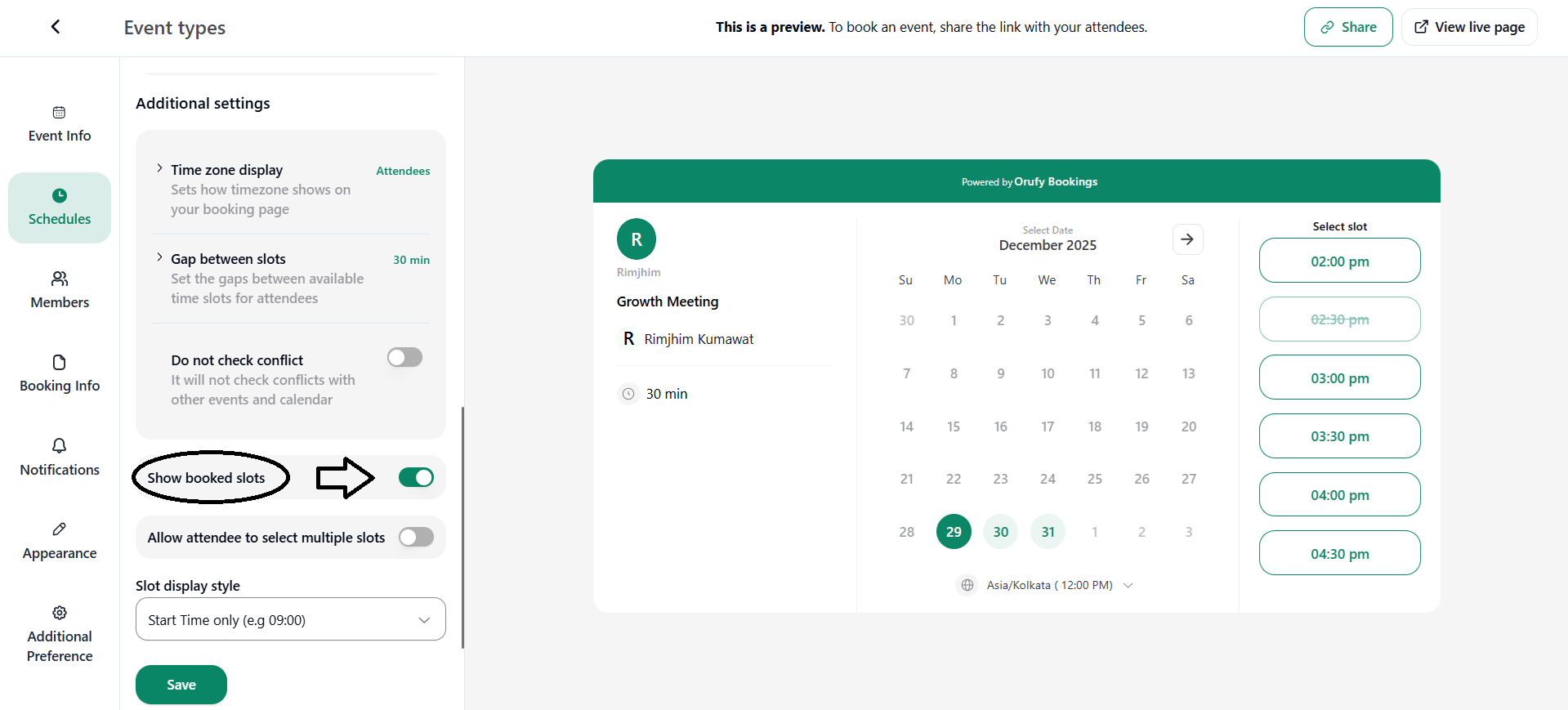
If enabled, all the time slots for the selected date are displayed on the booking page. The slots that are already booked are shown in a disabled or faded state.
If disabled, only the available time slots are shown on the booking page for attendees.
5. Allow attendee to select multiple slots: This features let attendees book multiple slots in an event. You can enable or disable this feature.
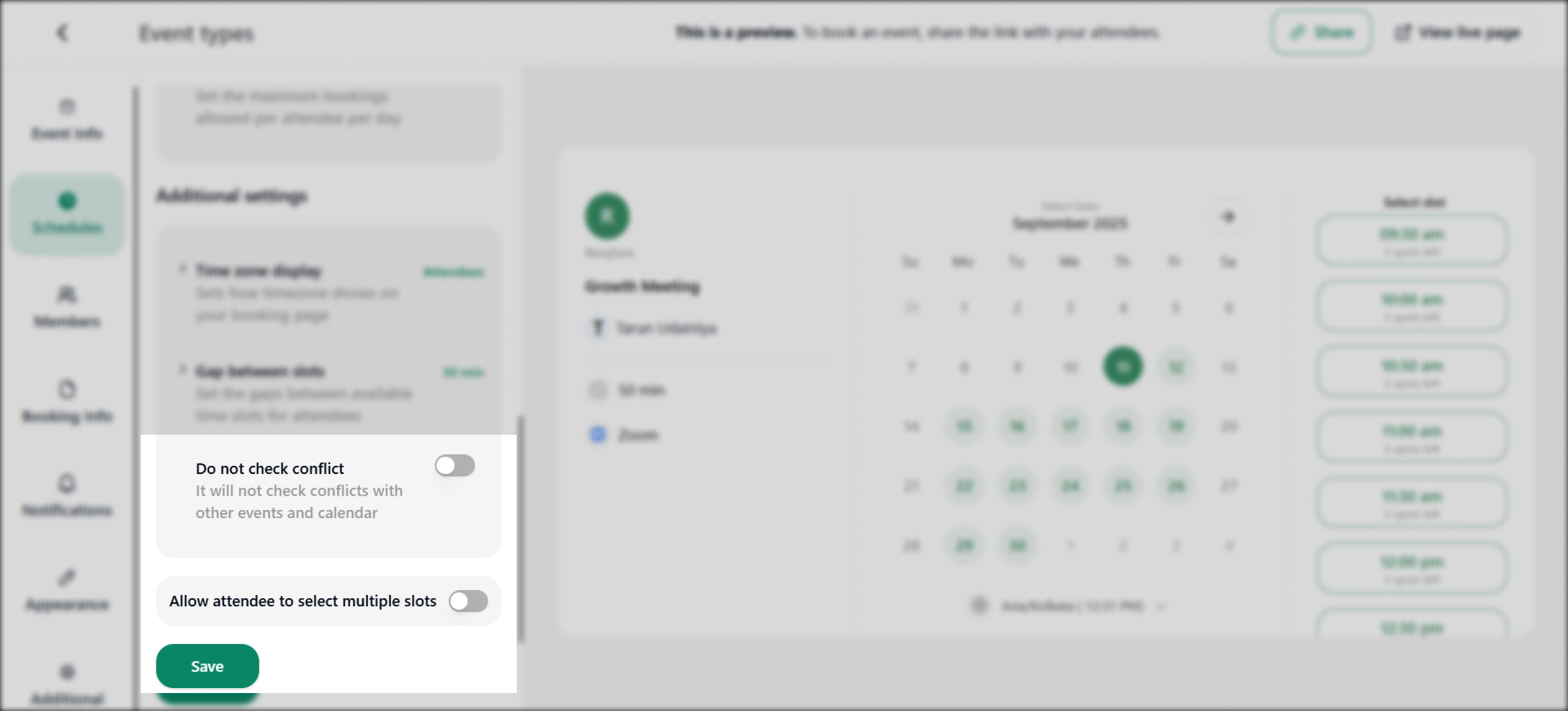
You can set the maximum limit for the attendee for booking multiple slots at a time from the Set Limit + button.
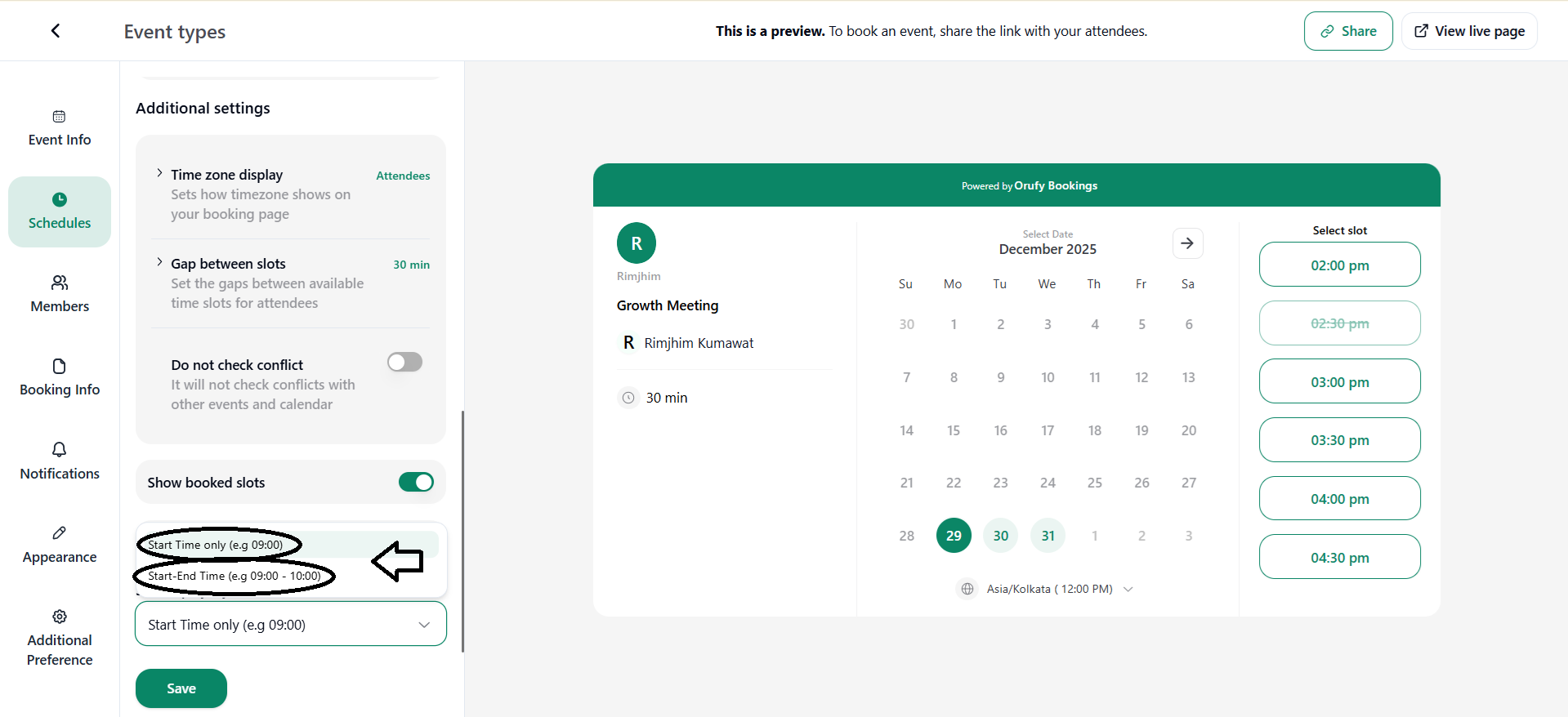
6. Slot Display Style: It controls how time slots appear on the booking page.
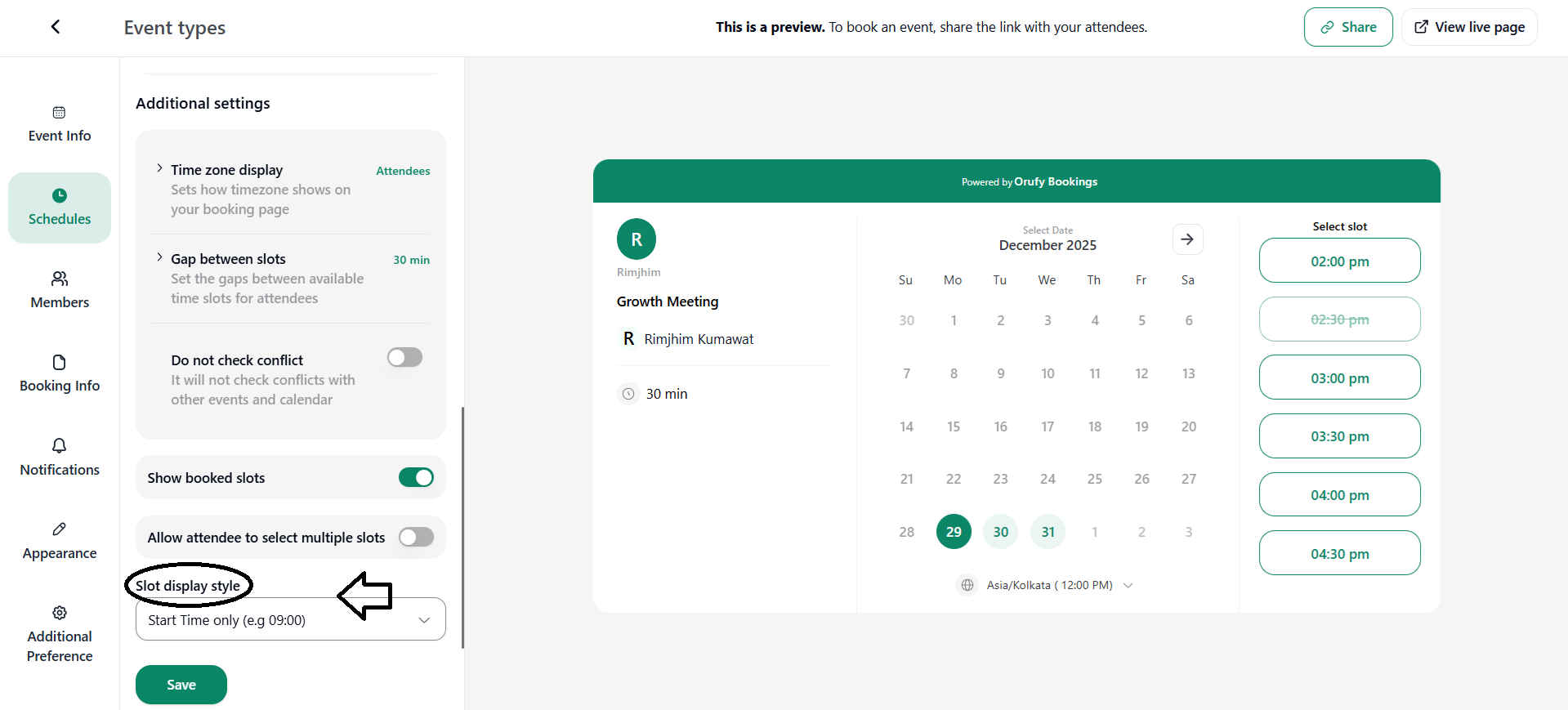
You can choose Start Time only to show just the beginning time of the event, or Start and End Time to show the full duration of the event.