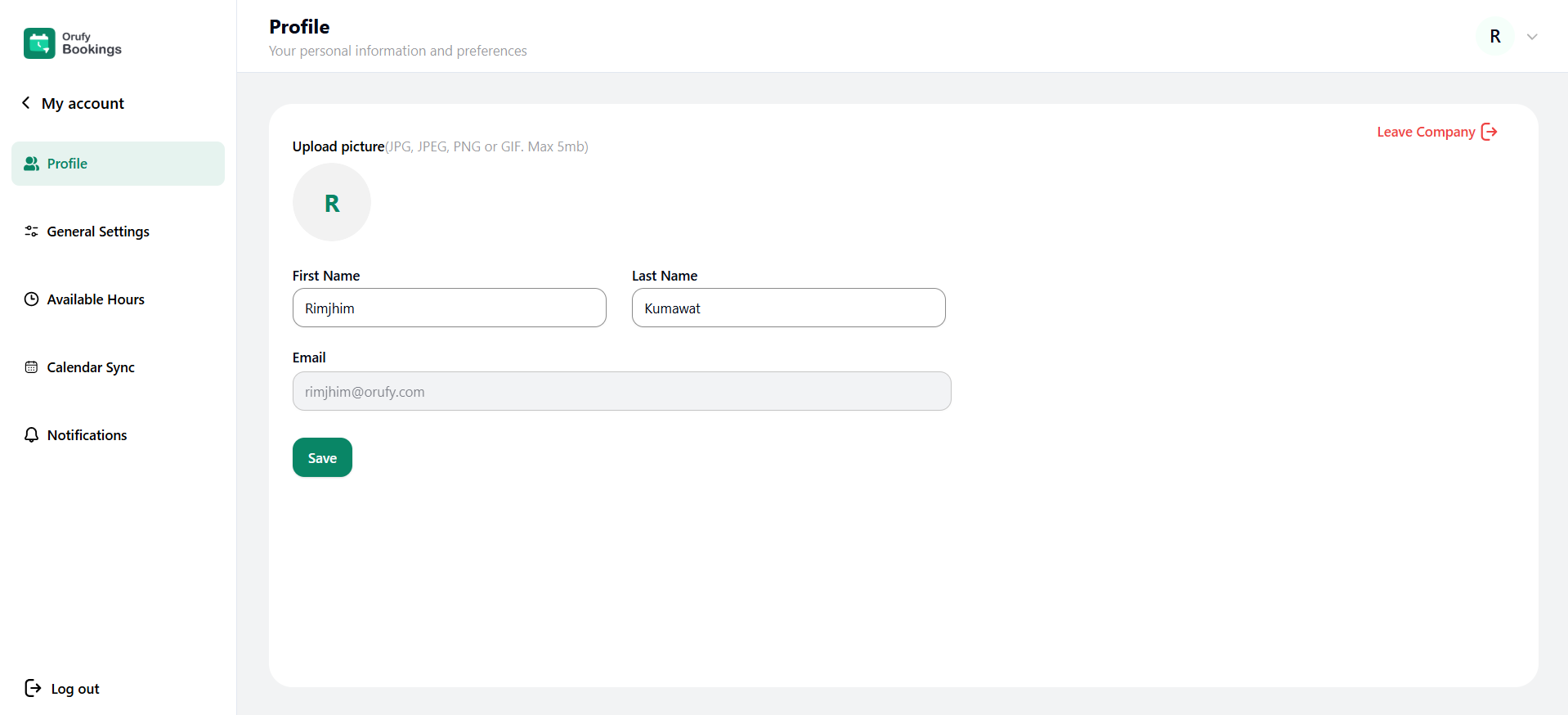
You can manage the personal information and preferences in this section.
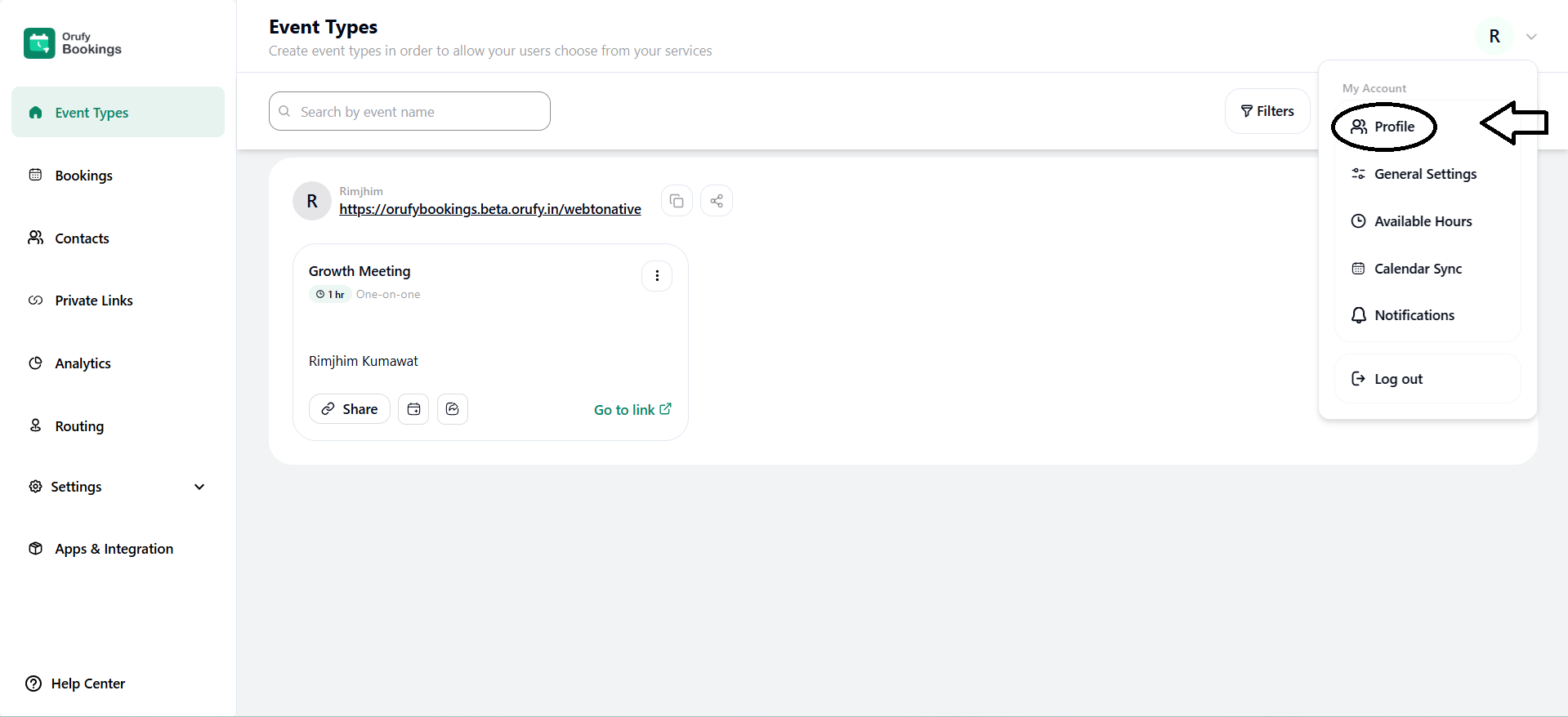
1. Upload Picture
-
You can upload the profile picture that will be visible on your profile.
-
You have to click on the icon and select the file from your system to be uploaded.
-
The picture should be in JPG, JPEG, PNG, or GIF file format.
-
The size of the picture should be a maximum of 5 MB. You can edit the profile picture.
2. First Name and Last Name
When creating an account, that first and last name is shown. You can edit the first and last name.
3. Email
The email address displayed is the associated account’s email address. This field cannot be edited.