
The Notification section allows you to manage when and how you want to receive notifications for booking events. You can customize the notification settings as per your requirements.
1. Event Types
Select from the drop-down whether to receive notifications for all events or only events assigned to you. This will be applied to all the notifications.
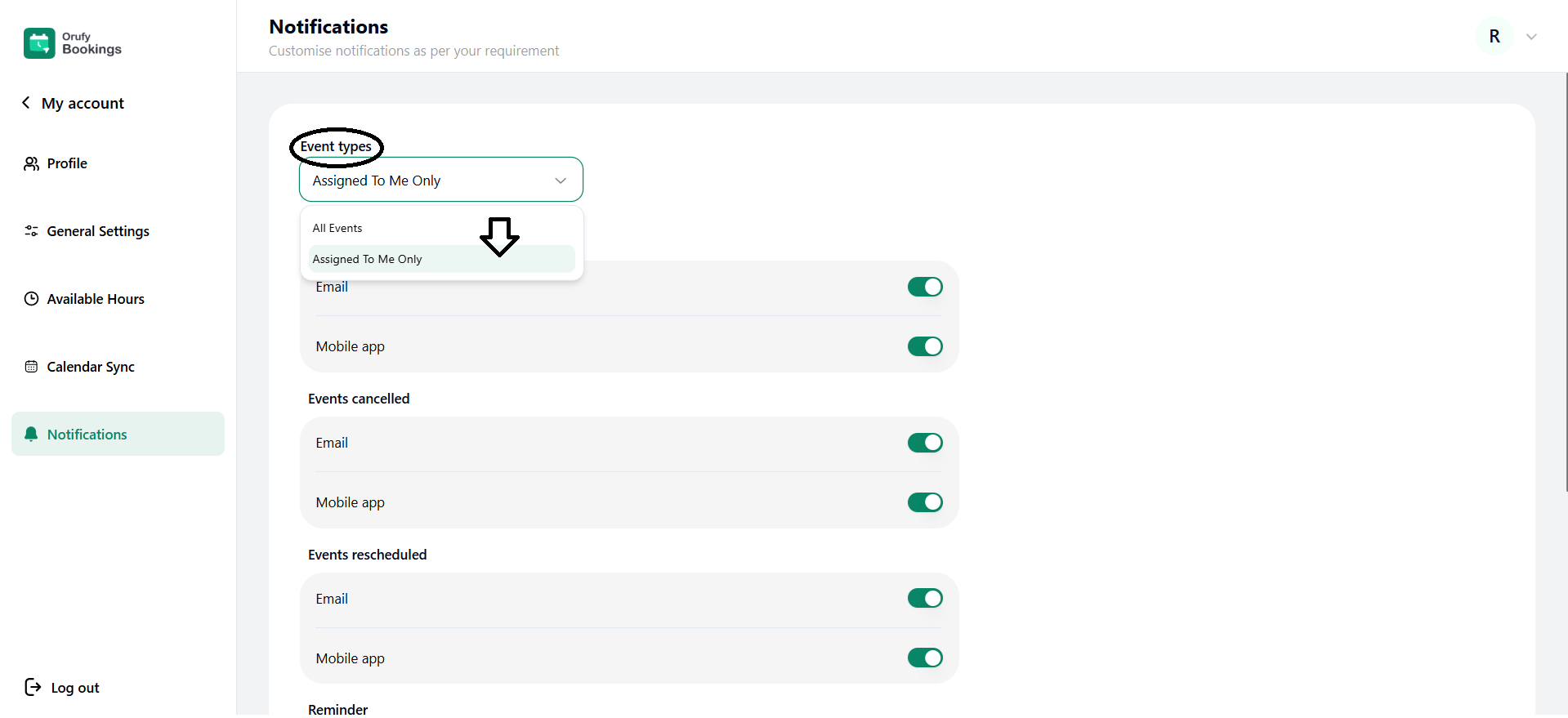
-
All Events: You will receive notifications of every event.
-
Assigned To Me Only: You will receive notifications only for the events that are assigned to you.
2. Events booked
Get the notification when a new event is booked, either by email or the mobile app.
3. Events cancelled
You receive notifications and alerts when an existing event is cancelled, either by email or the mobile app.
4. Events rescheduled
You can receive notifications when an existing event is rescheduled either by email or the mobile app.
5. Reminder
You can receive the reminders to be sent before the event starts.
Set reminder before
You can set when to send an event reminder before starting the event. You can add reminders using + Add another reminder.
Now, click on Save to make your notification preferences reflect.


