
Chat GPT
It allows your chatbot to generate ChatGPT-generated responses in real time.
- Query origin
It signals the bot which question or response to respond to the customer.
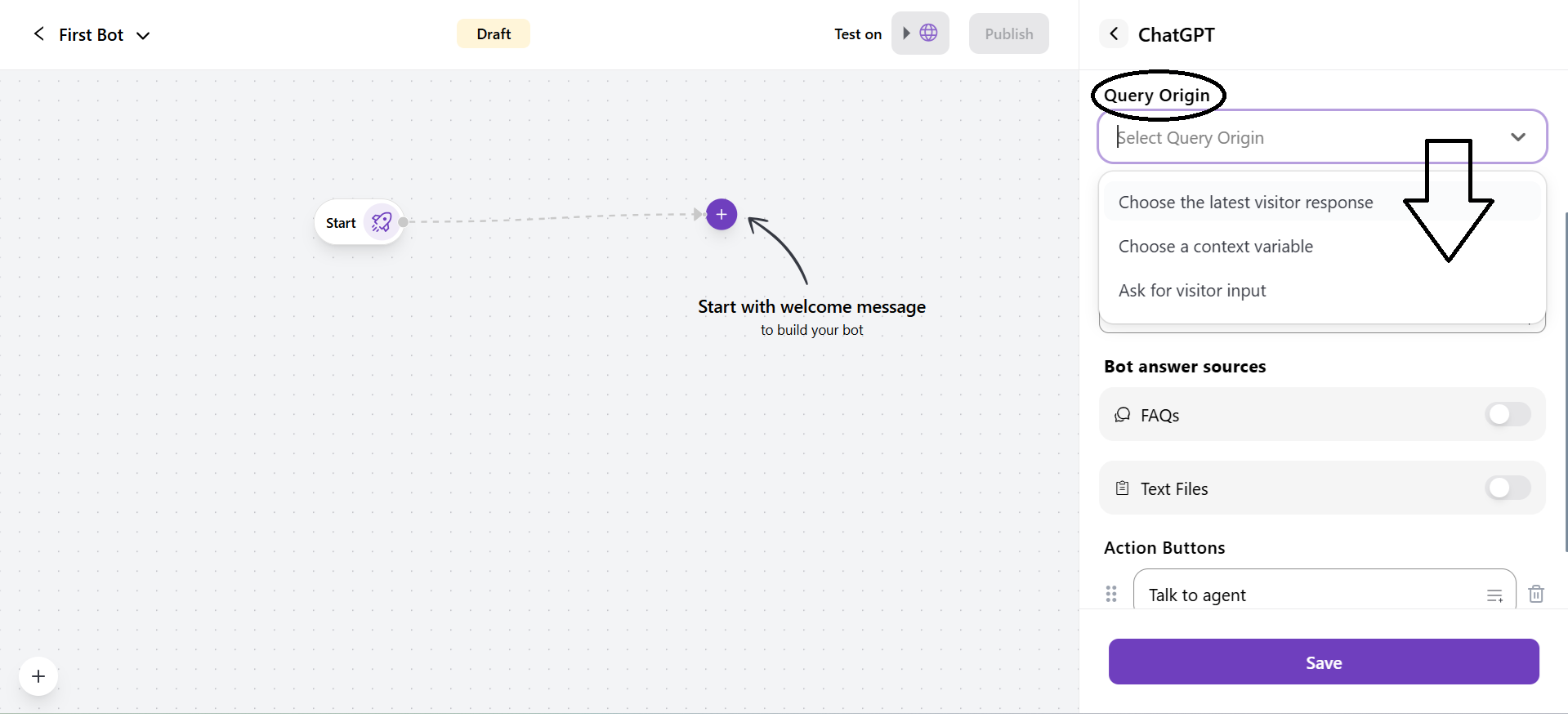
1. Choose the latest visitor response: Use the latest customer response as an input from the customer as the query for ChatGPT.
2. Choose a context variable: You can use a saved variable as the query. The list of variables will appear only when you select this as a Query origin.
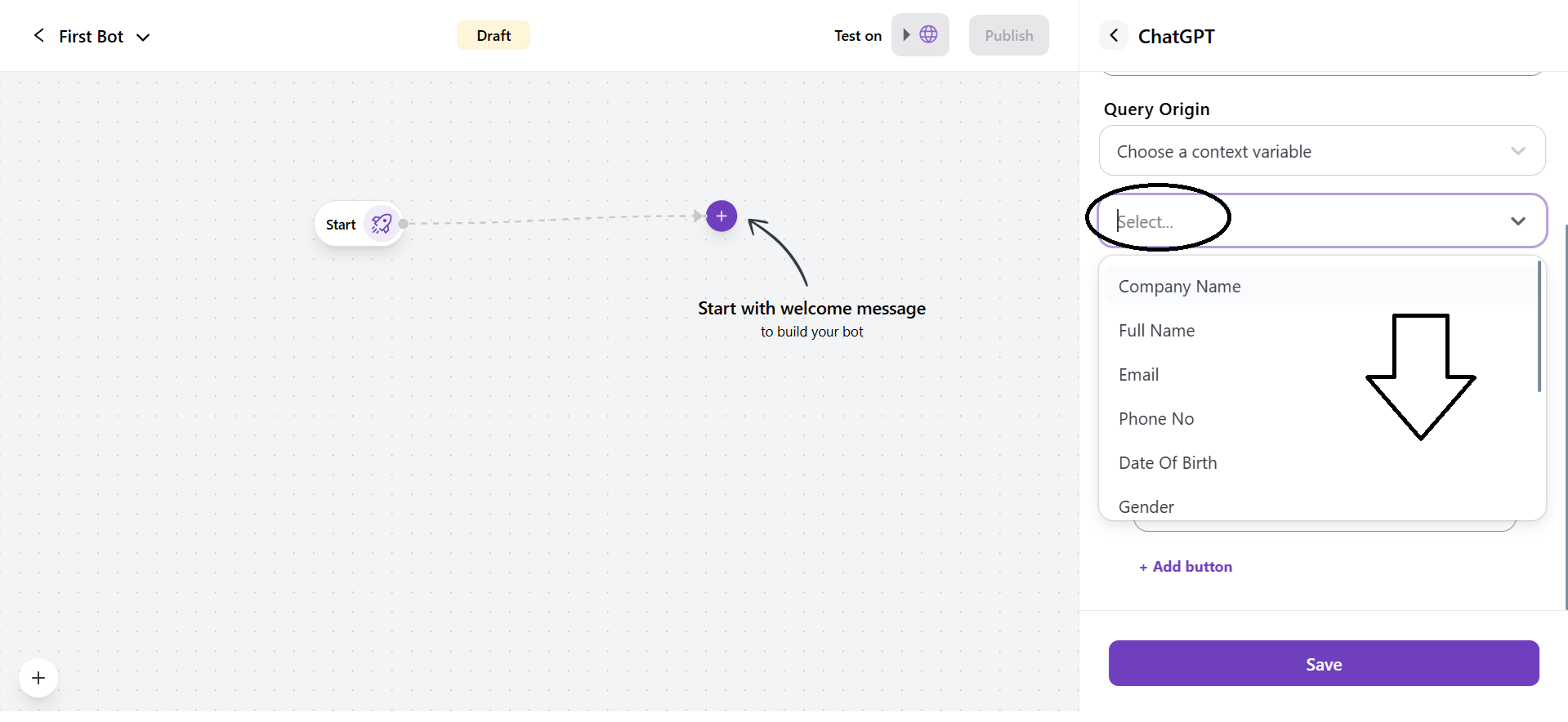
You can select the variables from the drop-down list.
3. Ask for visitor input: Asks the customer to input a new question or message before asking ChatGPT.
- Bot Answer Sources
It is used by ChatGPT to frame answers in real time.
1. FAQs
- If you toggle this on, the AI will use the FAQs for relevant answers before using ChatGPT’s knowledge.
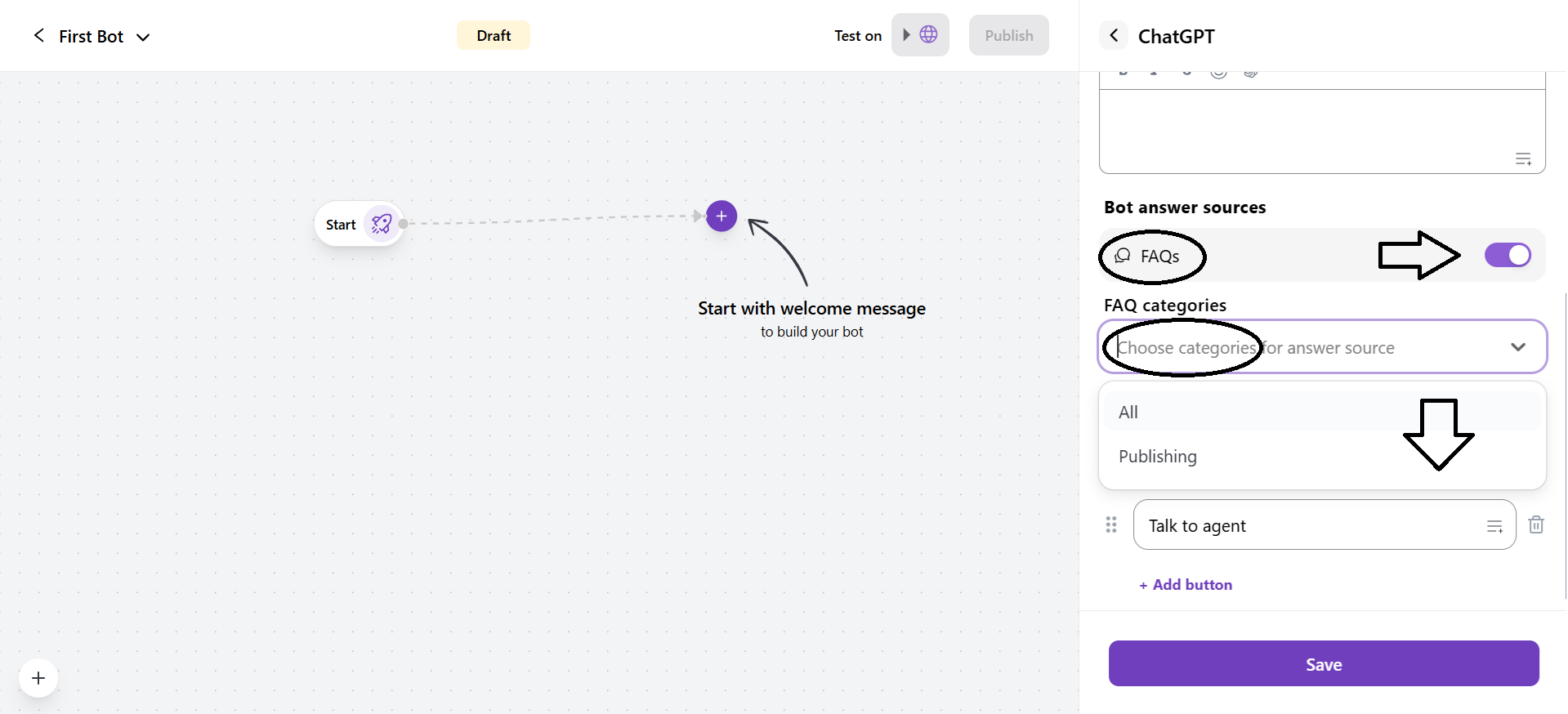
- You can select the FAQ categories from the dropdown for the ChatGPT answer sources.
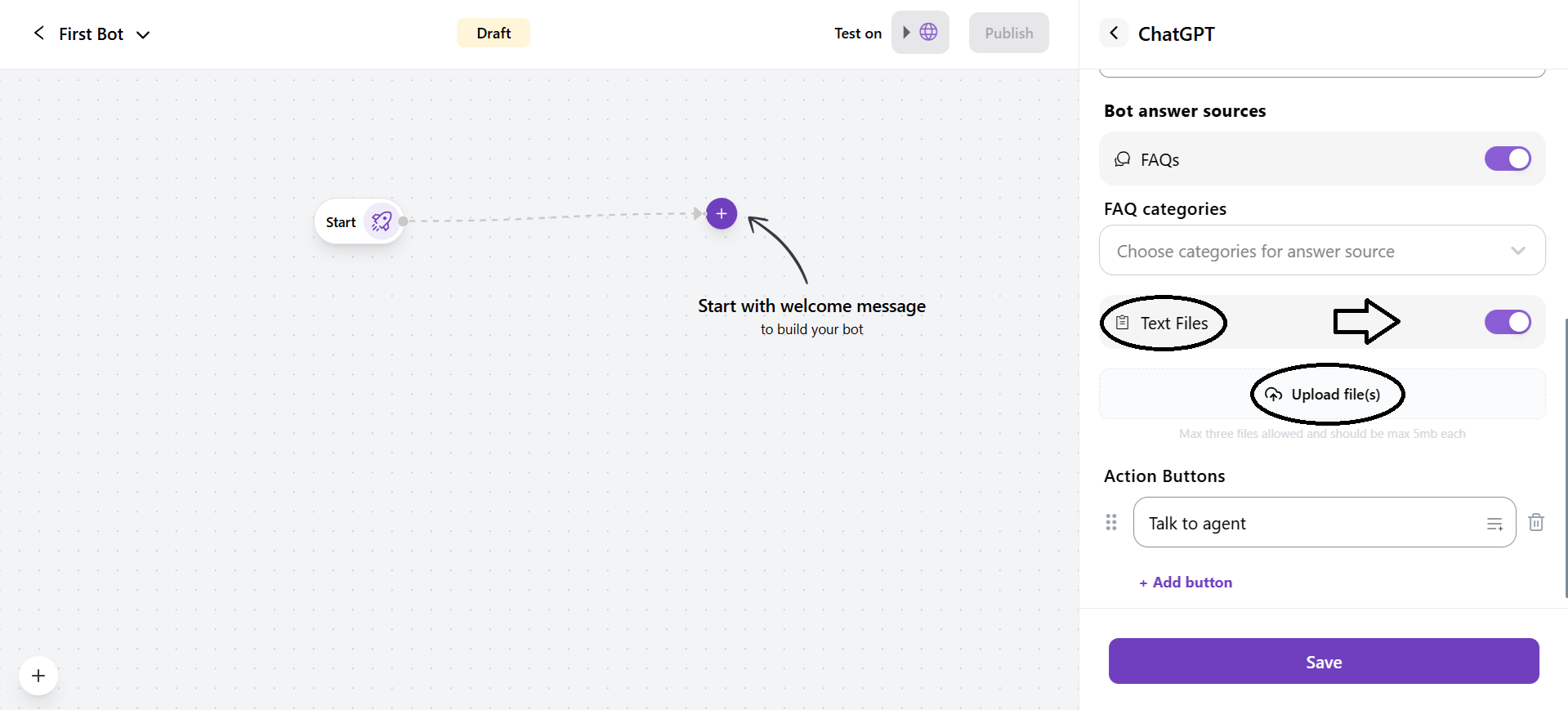
2. Text Files
- If you toggle this on, you have to upload text files that ChatGPT can use for reference.
-
You can upload up to three text files with a maximum size of 5 MB each.
-
Action Buttons:
It allows to creation of interactive buttons that perform a specific action when the customer clicks on them.

- You can add more action buttons through + Add Button.
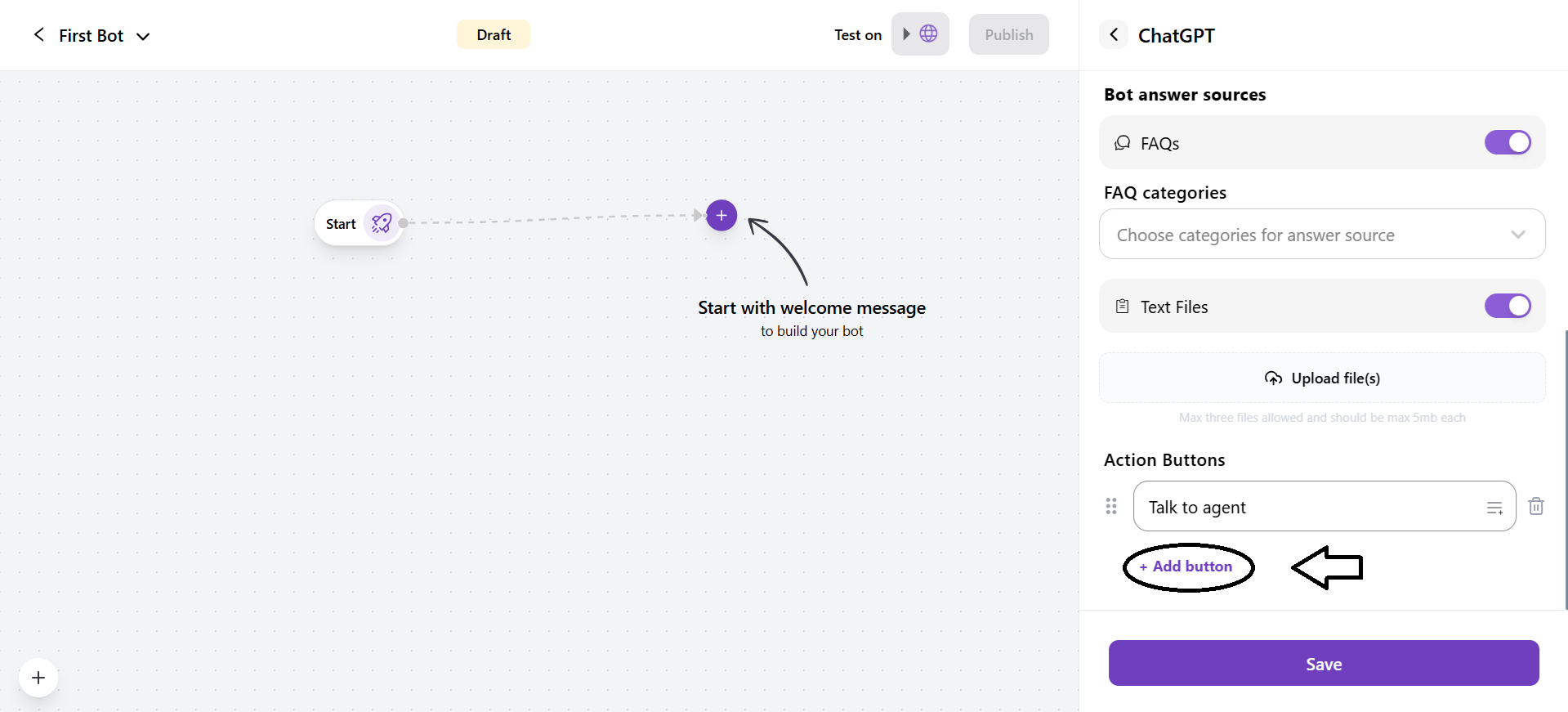
- By default, it adds a button called Fallback, in case the ChatGPT does not work the way you want.


