
WhatsApp Campaign
The WhatsApp Campaign allows you to send automated template messages for updates, promotions, and reminders. You can view, manage, create, duplicate or delete campaigns.
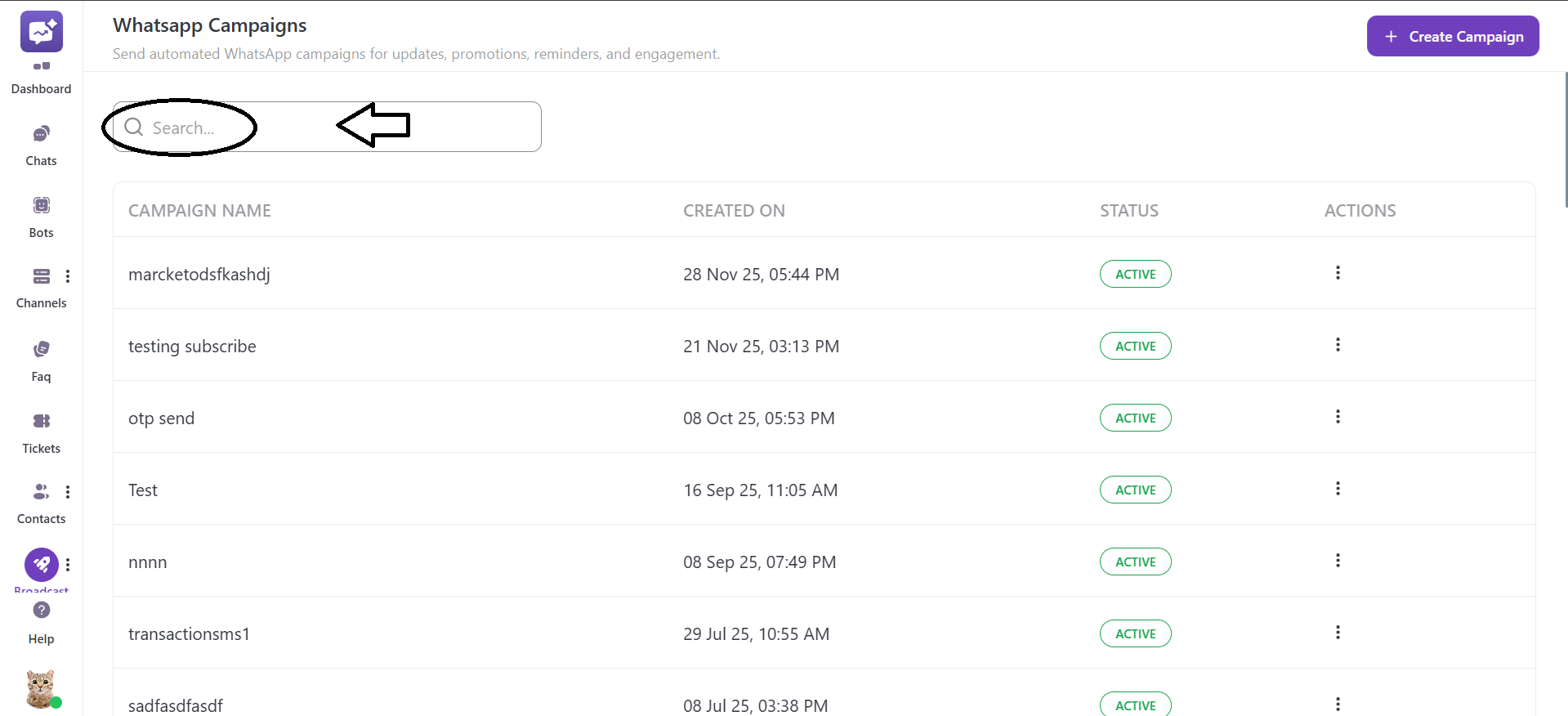
You can search the name of the campaign from the Search bar.
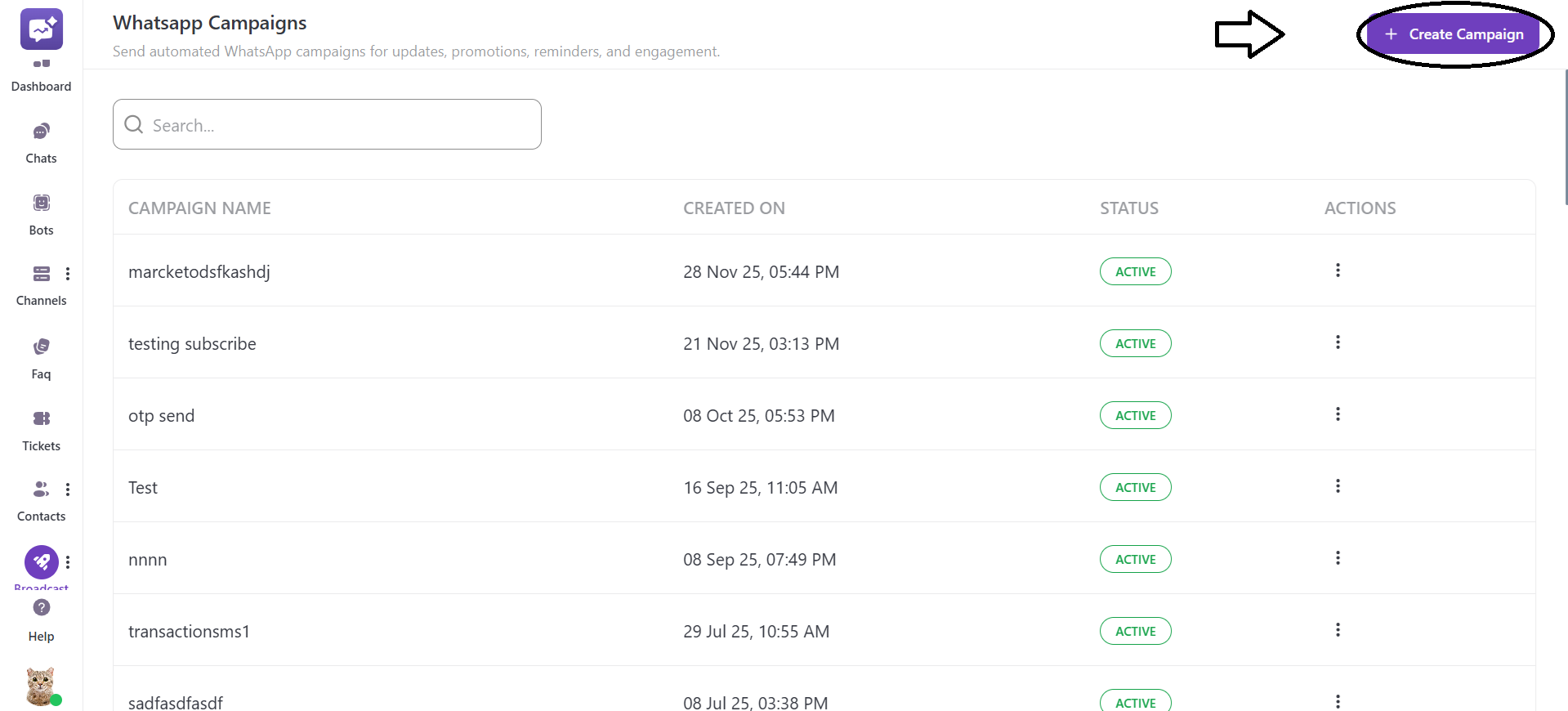
Create Campaign
- Click on + Create Campaign.
-
Campaign Name: Enter the name of your campaign.
-
Choose Project: Select the project for which you want to create a campaign. Only WhatsApp templates associated with the selected project will appear.
-
Choose Template: Select the WhatsApp message template that is approved from your pre-approved WhatsApp template messages. Once the template is selected, a preview of the message will be displayed, including variables. It helps verify the template content before saving it.
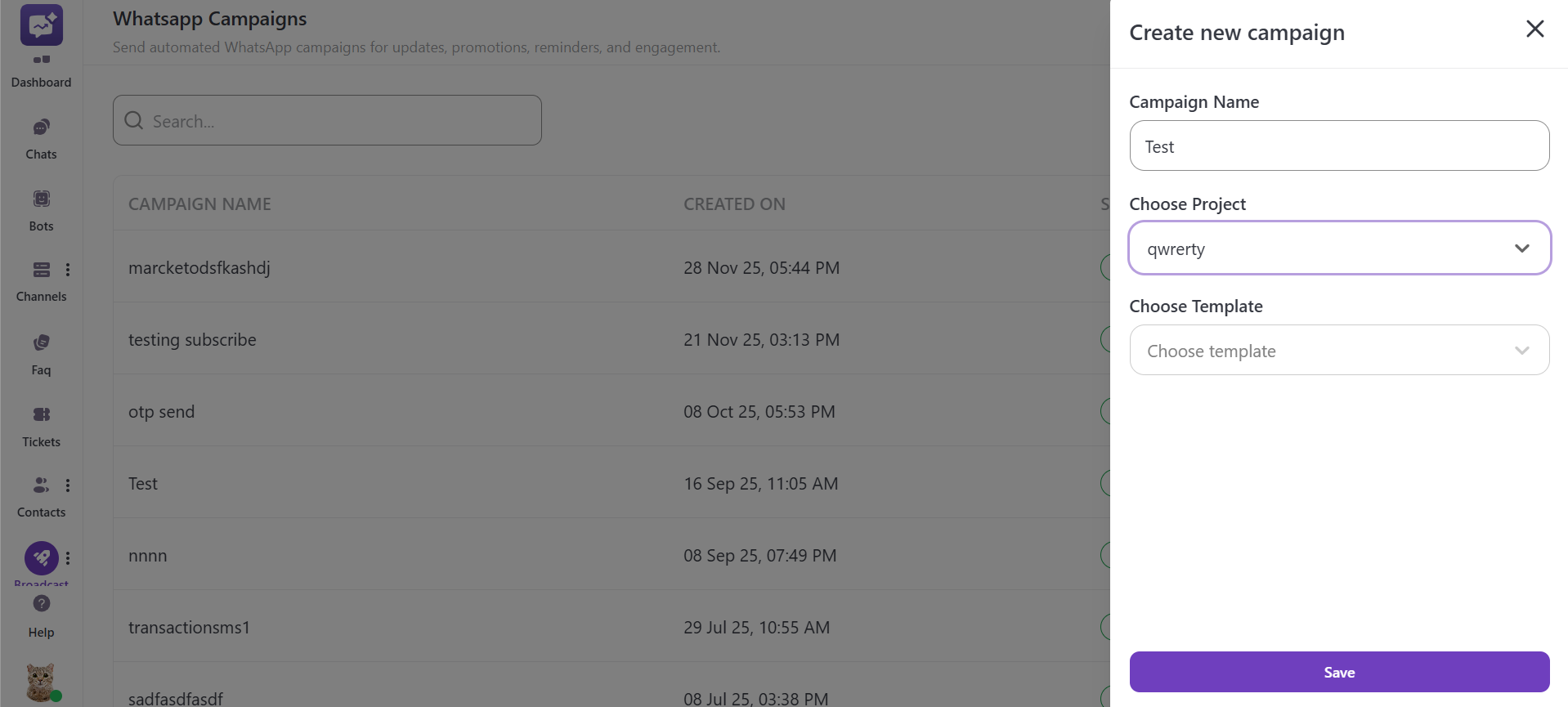
- Save Campaign: Click on Save to create the campaign. The new campaign created will immediately appear in the campaign list with an Active status.
Campaign Dashboard
Campaign List
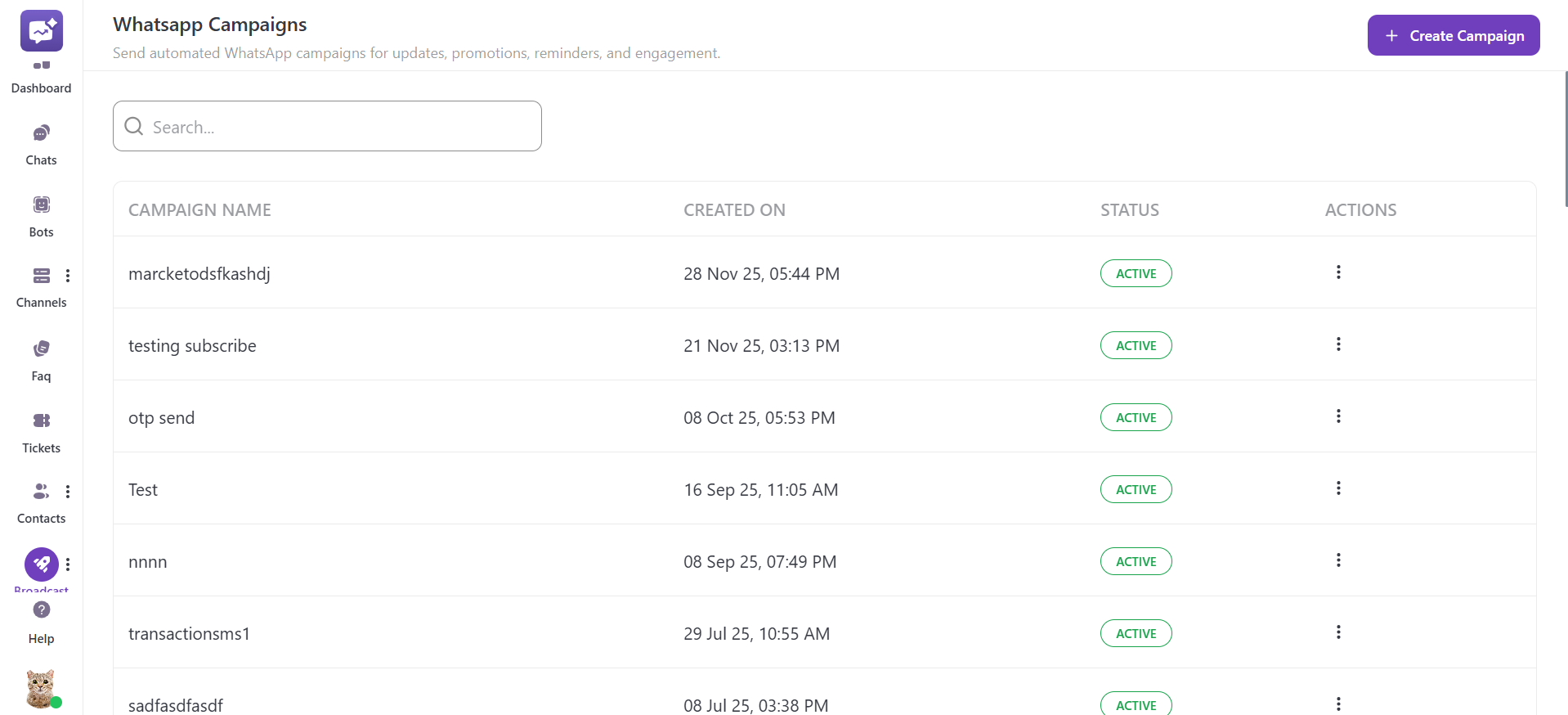
The Campaign dashboard provides a comprehensive view of all the WhatsApp campaigns created within your account. All the campaigns are displayed in a table view, making it easier to view details, monitor status, and perform actions.
-
Campaign Name: The name of your campaign at the time of creation. It helps you easily identify the purpose of your campaign.
-
Created On: The date and time when the campaign is created. This helps track campaigns while managing multiple campaigns at the same time.
-
Status: It shows whether the campaign is currently running or inactive.
-
Actions: You can access more options for your specific campaign. It includes edit, duplicate and delete functionality for a campaign.
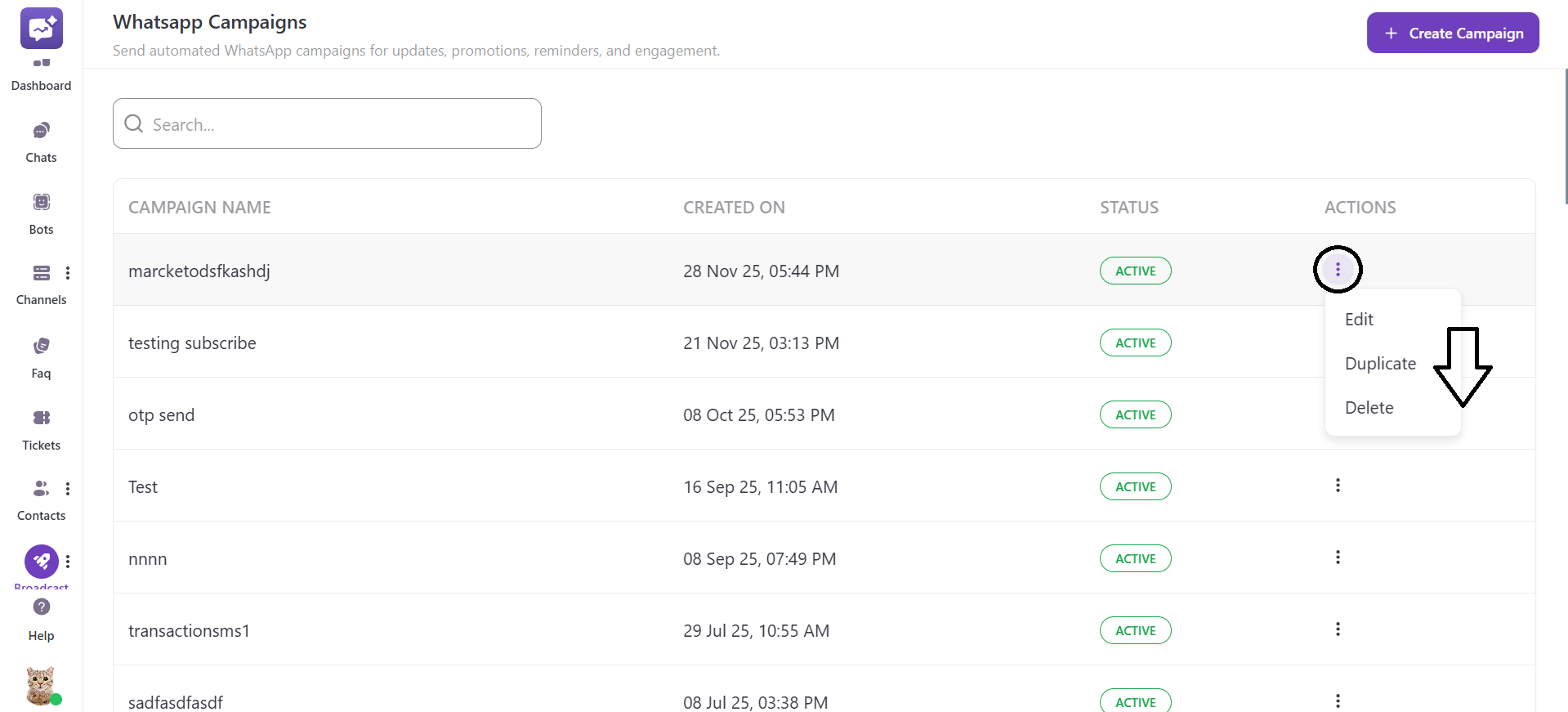
1. Edit: You can change the campaign’s existing settings, such as the name of the campaign, project selection, and template selection.
2. Duplicate: Create a duplicate or exact copy of the selected campaign. It saves time, making it easier to use the campaign instead of creating a new one.
3. Delete: You can delete or remove the campaign from your account. Keep in mind that once the campaign is deleted, it cannot be restored.


